
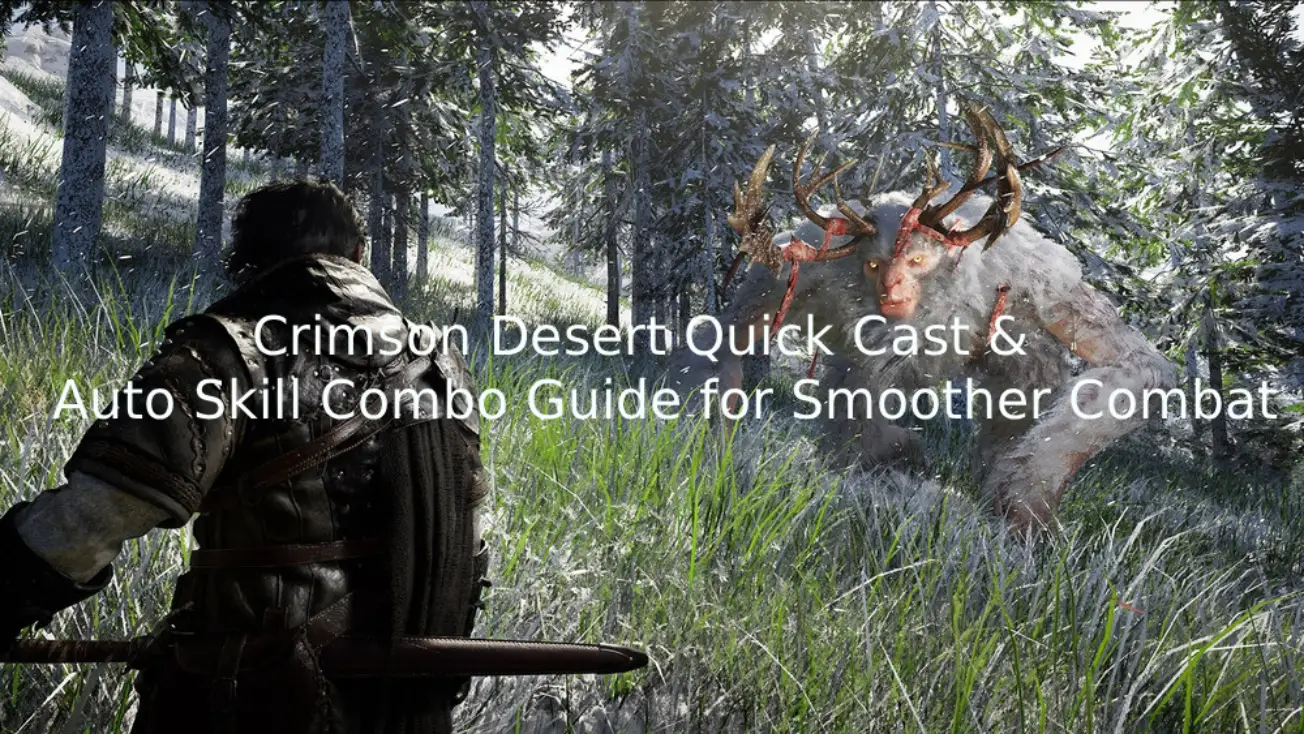
Crimson Desert throws you into a brutal, fast-paced world where combat looks incredible—but actually pulling it off is another story. Between chained skills, directional inputs, and tight timing windows, fights can quickly feel more like a fighting game than an RPG. If you’ve ever dropped a combo or fumbled a skill at the worst possible moment, you’re definitely not alone. The good news is you don’t have to struggle through it. With the right setup—like enabling Quick Cast, adjusting your combat settings, and using tools like Auto Skill Combo—you can make your skills feel instant and your combos far more consistent. Here’s how to fix your combat and actually enjoy it.

- ✅ Reduce Lag and High Ping.
✅ Boost FPS at the Same Time.
✅ Support 2000+ Popular Online Games.
✅ Change Server without Latency.
✅ Boost Game Loading Speed.
Part 1: Why Combat Feels So Hard in Crimson Desert
Part 2: What are Quick Cast & Auto Skill Combo Tools?
Part 3: How to Improve Combo Execution in Crimson Desert
Part 4: Best Combat Settings in Crimson Desert for Faster Skill Execution
Part 1: Why Combat Feels So Hard in Crimson Desert
If you’ve spent any time in Crimson Desert, you’ve probably felt it—combat looks great, but actually pulling off clean combos isn’t as easy as it seems.
The issue isn’t just difficulty—it’s how the input system feels during real combat. Many advanced skills appear to rely on directional-style inputs combined with key presses, which can make combat feel closer to a fighting game than a typical RPG—especially for new players.
That’s when it gets frustrating. You’re trying to chain skills, but inputs don’t land the way you expect, and your whole rhythm falls apart.
You’ll probably run into things like:
- Combos that feel overly complicated for no real reason
- Inputs not registering the way you expect
- Dropped combos that kill your damage mid-fight
- Combat feeling slower or clunkier than it should
The system itself isn’t bad—it’s just demanding. Without the right setup, you end up spending more time fighting the controls than actually fighting enemies. That’s exactly why features like Quick Cast and better combat settings make such a big difference.
Part 2: What are Quick Cast & Auto Skill Combo Tools?
Quick Cast lets you activate skills instantly, without extra confirmation. You press the key, and the skill fires right away. It sounds simple, but in fast fights, this makes a big difference.
You’ll notice the difference almost immediately:
- Skills trigger faster with no extra delay
- Fewer input mistakes during combos
- Overall combat feels smoother and more responsive
Since many combos involve multi-step inputs, longer chains can be easy to mess up—especially in fast-paced fights.
That’s where Auto Skill Combo tools come in. They let you pre-set a full combo and execute it with a single key, so you don’t have to manually input every step.
That means:
- One key press executes a full combo
- No more dropped inputs mid-chain
- More consistent damage in longer fights
It doesn’t play the game for you—it just removes the input frustration so your combos actually come out the way you expect.
Part 3: How to Improve Combo Execution in Crimson Desert
Crimson Desert has plenty of built-in combos, but they’re not exactly beginner-friendly. With some combos feeling similar to directional input systems seen in fighting games like Street Fighter, it’s easy to make mistakes if you’re not used to that style of input. LagoFast’s One-Click Combo Tool helps by letting you pre-configure one-click casting setups, so you can execute full combos with a single key instead of manually inputting every step. This makes skill transitions smoother and overall combat much more consistent.
In practice, this means:
- Cleaner transitions between skills
- Fewer input mistakes during fast-paced fights
- More consistent combo execution
- Less effort spent on complicated inputs
Beyond combos, LagoFast also helps improve your overall gameplay experience. It can reduce ping, fix packet loss, stabilize your connection, and optimize routing, making your gameplay smoother and more reliable. It also comes with useful features like a Fix Lag tool and an interactive map, giving you extra support while playing.
Note: The One-Click Combo Tool needs to be used after launching the game. You can record your in-game actions based on your needs to simplify complex inputs. It supports recording keyboard and mouse actions, allows quick skill execution via hotkeys, and can loop combos automatically.
How to Use LagoFast One-Click Combo Tool
Step 1: Click the Free Trial button to download and install LagoFast.
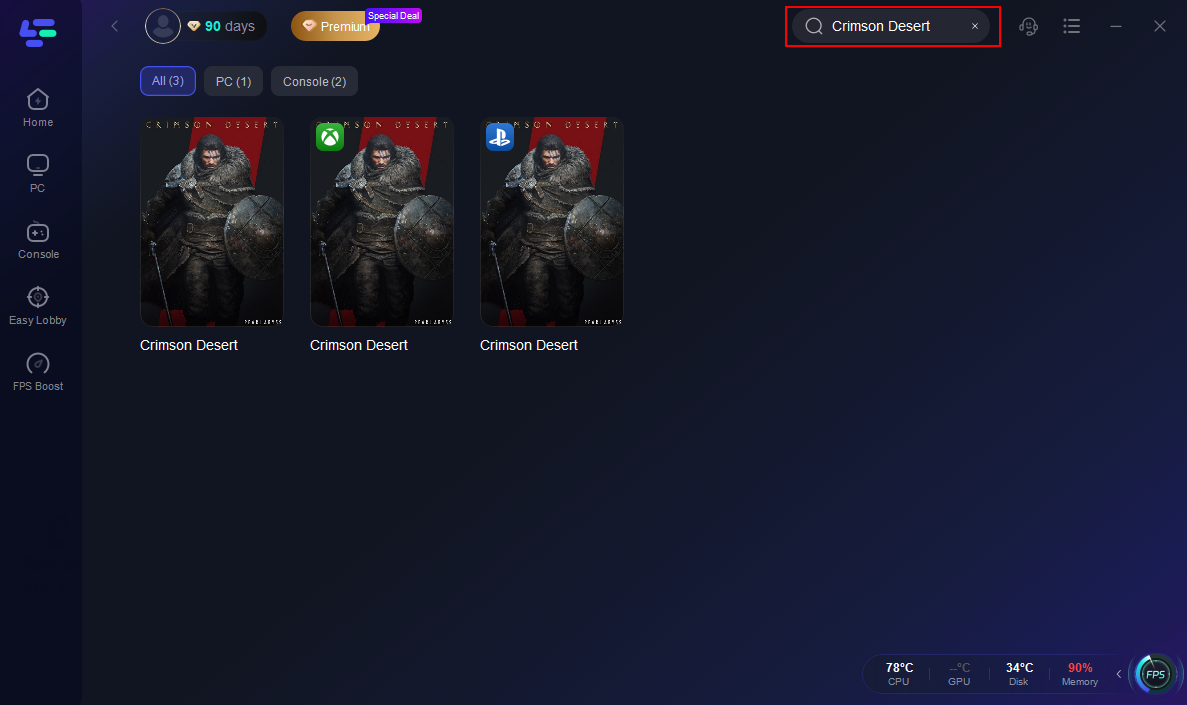
Step 2: After installation, search "Crimson Desert" in the search bar and select the game.
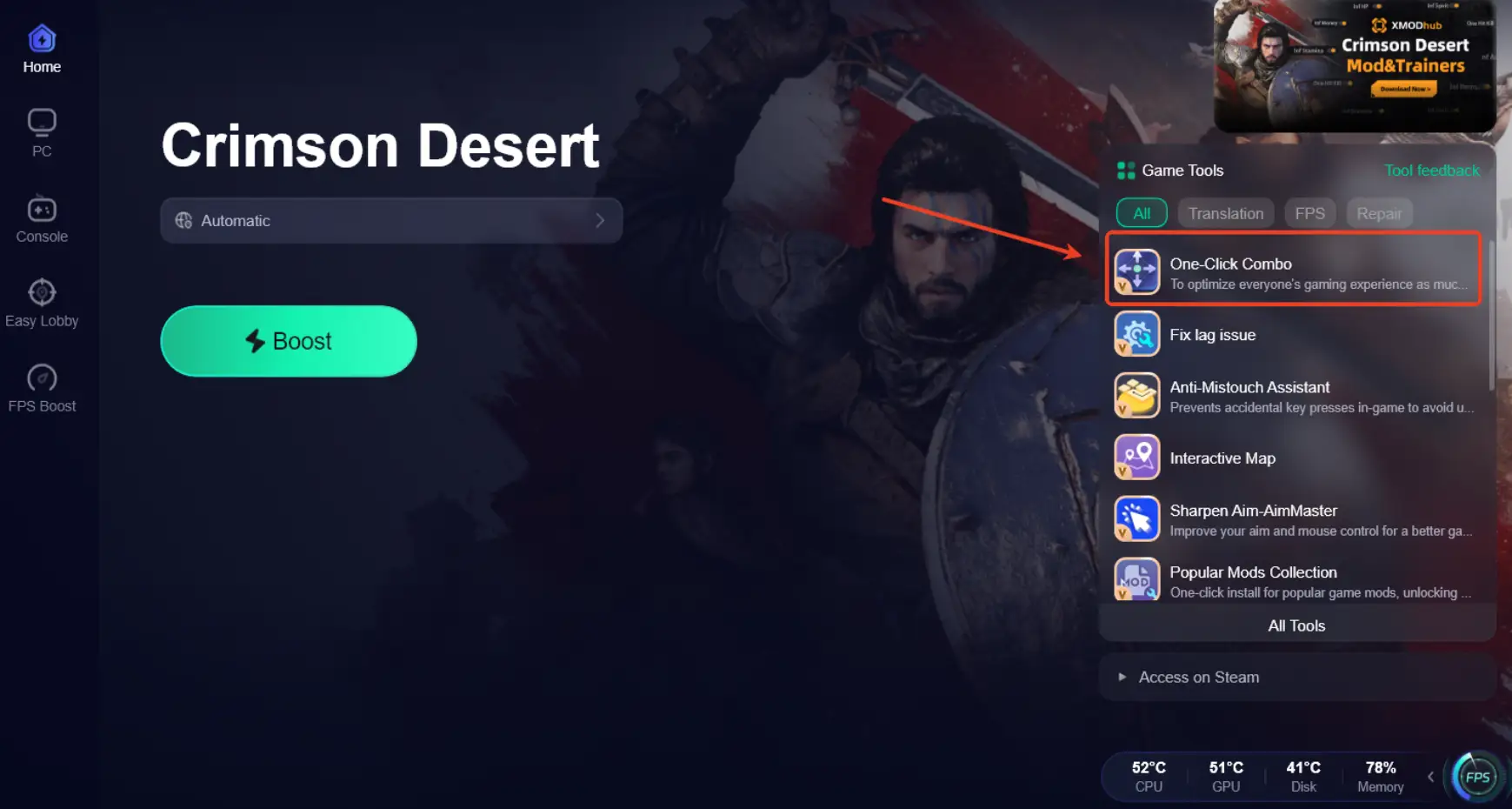
Step 3: Click the One-Click Combo Tool in the right panel
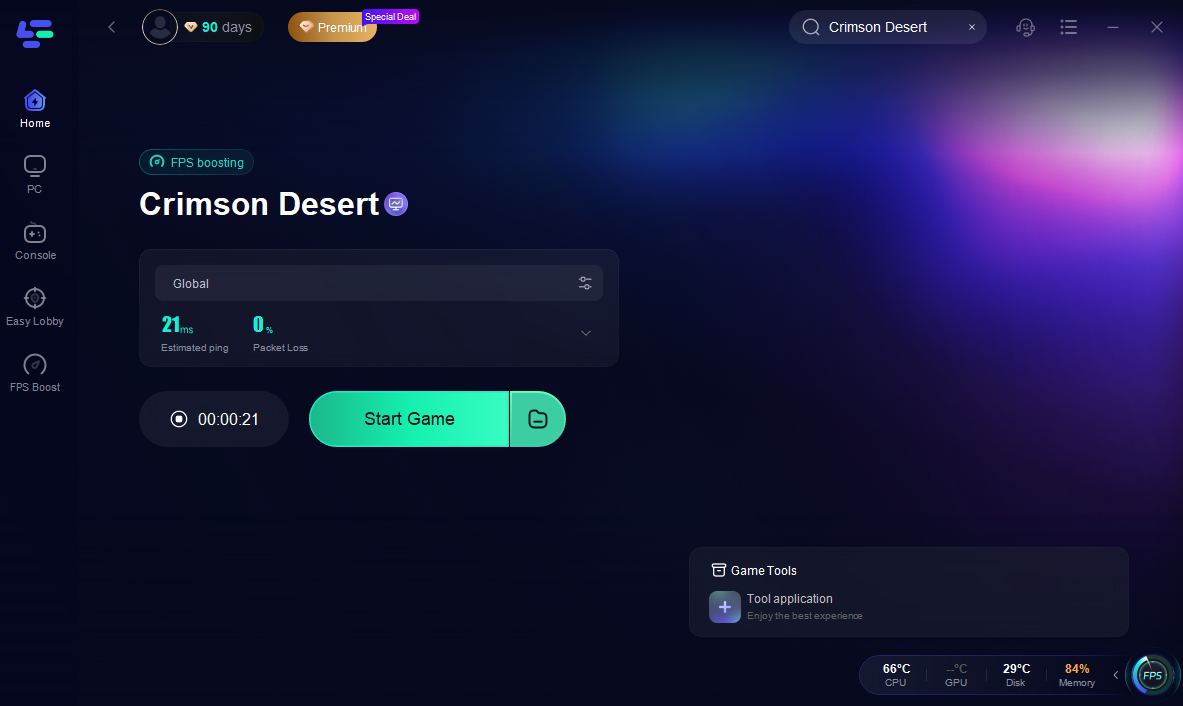
Step 4: Choose your preferred server node and click "Smart Boost" to start optimizing.

Step 5: Launch your game and enjoy smooth, optimized gameplay with lower ping and packet loss.
Part 4: Best Combat Settings in Crimson Desert for Faster Skill Execution
Quick Cast helps a lot, but the right combat settings are just as important for making everything feel smooth and responsive.
Input Optimization
This is where most of the “clunky” feeling comes from. If your inputs aren’t registering cleanly, even simple combos can fall apart.
- Turn off unnecessary input buffering if the option is available
- Reduce any skill delay settings to make actions feel more immediate
Camera & Targeting
Good camera control makes it much easier to stay on target, especially in fast fights where enemies move a lot.
- Enable soft lock or auto-target to keep focus on enemies
- Adjust camera sensitivity so you can react and track faster
Key Binding
Sometimes the issue isn’t the system—it’s your layout. If your keys are awkward, your inputs will be too.
- Map frequently used skills to easy-to-reach keys
- Avoid complicated multi-button combinations where possible
Conclusion
Crimson Desert combat isn’t broken—it just demands more precision than most games. Once you enable Quick Cast, optimize your settings, and simplify combo execution, everything starts to feel more natural. Instead of fighting the controls, your skills come out when you expect them to, combos flow smoothly, and combat finally clicks the way it should.

Boost Your Game with LagoFast for Epic Speed
Play harder, faster. LagoFast game booster eliminates stutter and lags on PC, mobile, or Mac—win every match!
Quickly Reduce Game Lag and Ping!
Boost FPS for Smoother Gameplay!