

Windrose co-op works well at first, but once connection issues or host limitations show up, it can start to feel inconsistent. That’s usually when players begin looking into dedicated server hosting as a more stable option. In this guide, we’ll break down how Windrose hosting works, what actually matters when choosing a provider, and which options are worth considering depending on your setup.

- ✅ Reduce Lag and High Ping.
✅ Boost FPS at the Same Time.
✅ Support 2000+ Popular Online Games.
✅ Change Server without Latency.
✅ Boost Game Loading Speed.
Part 1: Can You Create a Windrose Dedicated Server?
Part 2: What are Windrose Server Hosting Providers & Factors to Consider
Part 3: Best Windrose Server Hosting Providers—Recommendation
Part 4: How to Improve Windrose Server Stability with LagoFast
Part 1: Can You Create a Windrose Dedicated Server?
Yes—you can set up a Windrose dedicated server in two ways: by hosting it on your own PC or by using a hosting provider.
Self-hosting is the more direct option. It works fine if your PC and internet connection are strong enough, but it comes with some trade-offs. Your machine needs to stay online while you play, and you’re also responsible for setup, maintenance, and any network issues that appear.
That’s why many players often end up switching to dedicated server hosting for a more stable and consistent experience.
How to Set Up a Windrose Dedicated Server (Quick Steps)
If you want to try self-hosting, the basic setup usually looks like this:
- Install the Windrose Dedicated Server tool (via Steam or official files)
- Launch the server and wait for initialization
- Adjust basic settings like server name or access
- Allow the server through your firewall/router if needed
- Share the invite code or connection info with friends
Part 2: What are Windrose Server Hosting Providers & Factors to Consider
A Windrose server hosting provider is a service that runs your game server on their hardware instead of yours. This can be a game-specific hosting service or a general VPS. Hosting performance can still vary depending on region, server load, and game updates, even with the same provider.
Key Factors That Affect Performance
Instead of focusing on marketing claims, there are a few practical things that actually matter when choosing a provider:
- Performance (CPU & Memory): Windrose servers can become resource-heavy over time, especially in larger worlds or longer sessions
- Server location: Closer regions usually mean lower ping and fewer connection spikes
- Setup experience: Some providers are plug-and-play, while others require manual configuration
- Scalability: Important if your group grows or you plan to expand your server later
- Support reliability: Fast support can make a big difference when something goes wrong
- Pricing: Entry-level plans are usually enough for small groups, while higher-tier VPS or premium hosting is better for long-term or larger servers
- Security & stability: Good hosting helps protect world data, reduce unauthorized access, and improve uptime consistency
Part 3: Best Windrose Server Hosting Providers—Recommendation
There isn’t an official Windrose-specific hosting list yet, so most players rely on well-known game server providers or VPS platforms. In practice, differences between providers usually come down to setup experience, stability consistency, and pricing rather than one clearly best option.
Below is a more realistic breakdown based on common player usage and typical hosting behavior.
XGamingServer
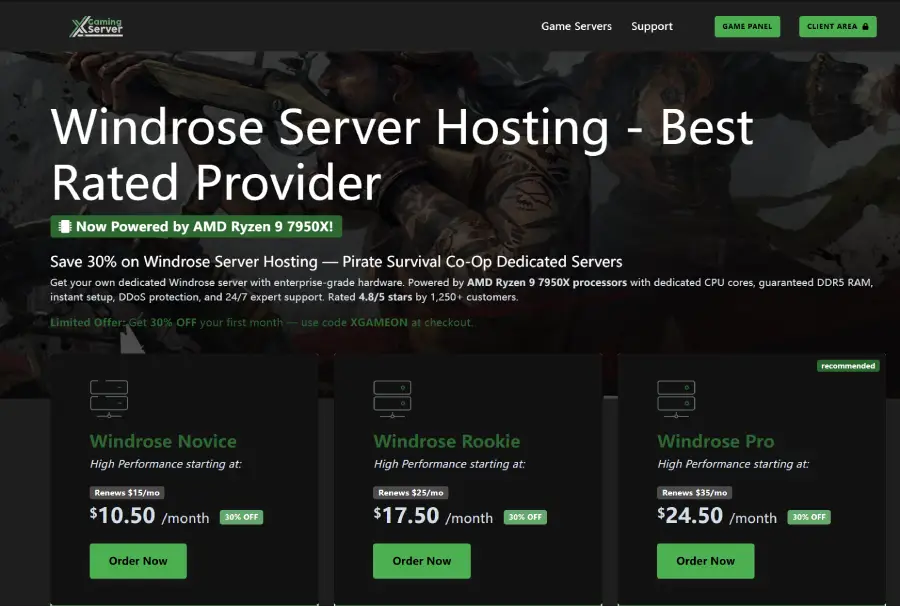
A popular choice for players who want a quick and simple setup without dealing with technical configuration.
Pros:
- Easy to get started, even for first-time users
- Relatively low entry cost for small groups
Cons:
- Limited advanced configuration options
- Performance may vary depending on server load and region
Best suited for casual groups that just want a working server with minimal setup effort.
Survival Servers
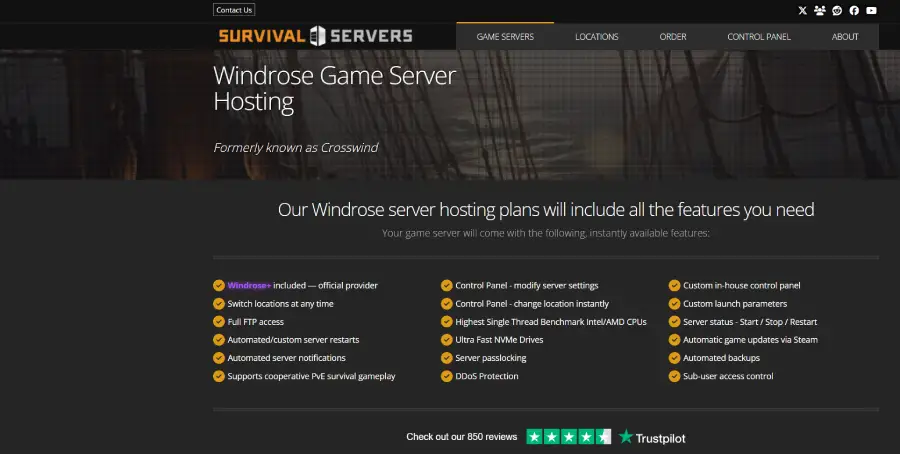
A more flexible option for players who want deeper control over server behavior and configuration.
Pros:
- More customization options compared to entry-level hosting
- Can handle survival-style or progression-heavy gameplay setups
Cons:
- Interface may feel outdated for some users
- Setup and tuning may require more time compared to plug-and-play services
Better suited for players who want to adjust and fine-tune their server environment.
GGHost
A budget-focused option commonly used by small friend groups or short sessions.
Pros:
- Affordable pricing for entry-level hosting
- Simple setup process with minimal configuration
Cons:
- Limited scalability for larger or long-term servers
- Fewer advanced features compared to mid-tier providers
Works well for short sessions or smaller private groups.
Host Havoc
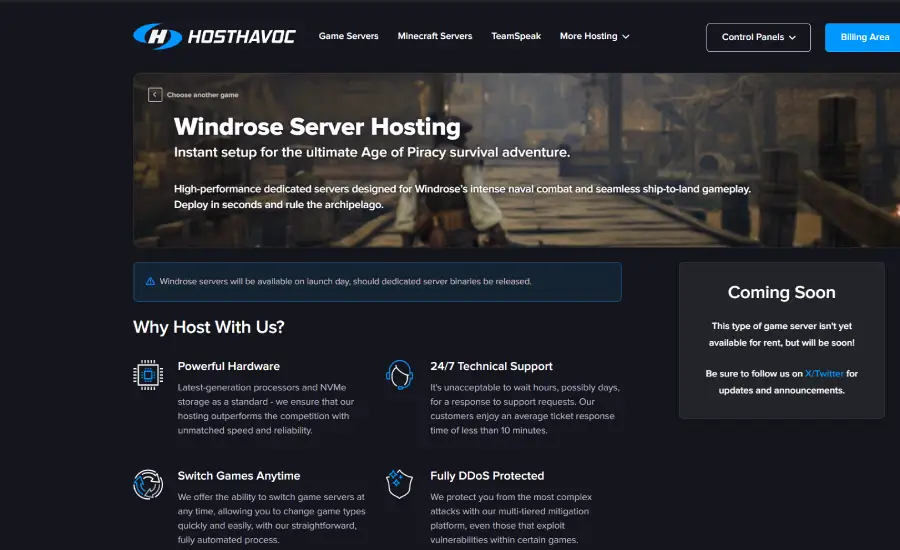
Known for stable infrastructure and consistent performance across many multiplayer games.
Pros:
- Generally stable uptime and consistent server performance
- Suitable for longer play sessions and larger groups
Cons:
- Higher pricing compared to budget providers
- Less attractive for players who only need short-term hosting
A safer option for players who prioritize stability over cost.
GPORTAL
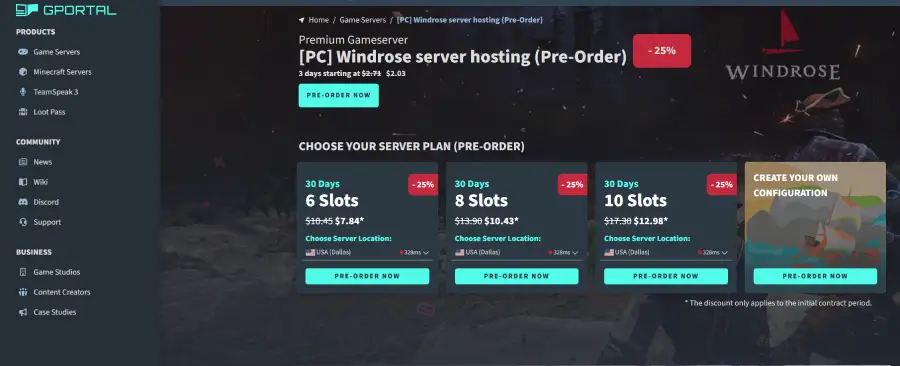
A widely used hosting provider with strong global coverage and easy server management.
Pros:
- User-friendly interface and easy server management
- Broad server locations for different regions
Cons:
- Pricing can increase quickly depending on configuration
- Performance consistency may vary depending on region and game load
A convenient option, but performance experience may differ depending on setup conditions.
Part 4: How to Improve Windrose Server Stability with LagoFast
Even with a properly set up Windrose server, issues like ping spikes, packet loss, or unstable routing can still happen depending on your network. In some cases, the issue may not come from the server itself but from the connection path between players.
LagoFast is a game-focused network optimization tool designed to improve connection quality and in-game performance. It helps reduce common network issues and makes gameplay more stable.
Key features include:
- Reduce ping and optimize routing for smoother gameplay
- Fix packet loss and improve connection stability
- Stabilize overall network performance to reduce lag spikes
- Game translation tool for better in-game understanding
With these functions, LagoFast can help improve the overall Windrose multiplayer experience, especially in cross-region or unstable network situations.
How to Use LagoFast Boost Windrose
Step 1: Click the Free Trial button to download and install LagoFast.
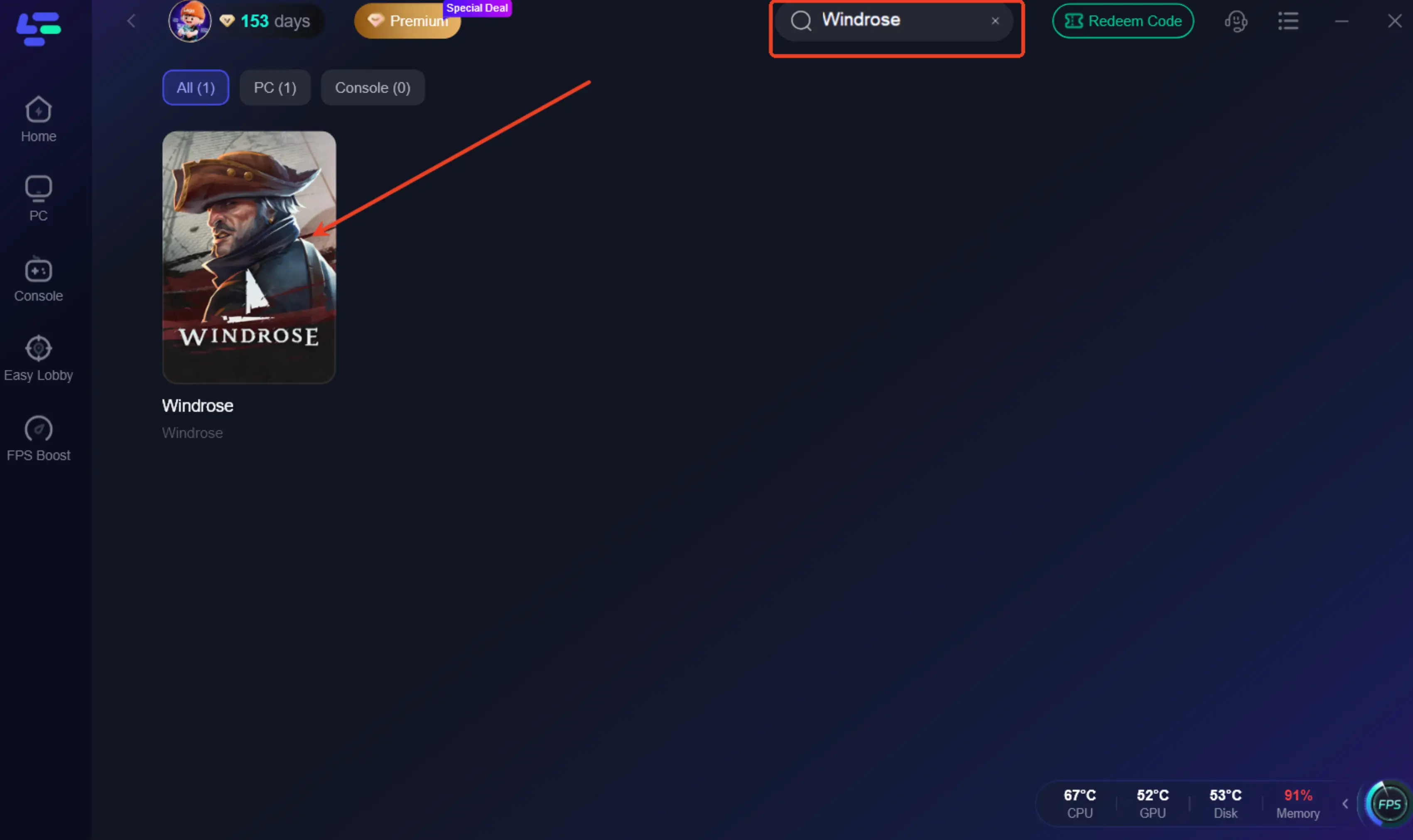
Step 2: After installation, search for "Windrose" in the search bar and select the game.
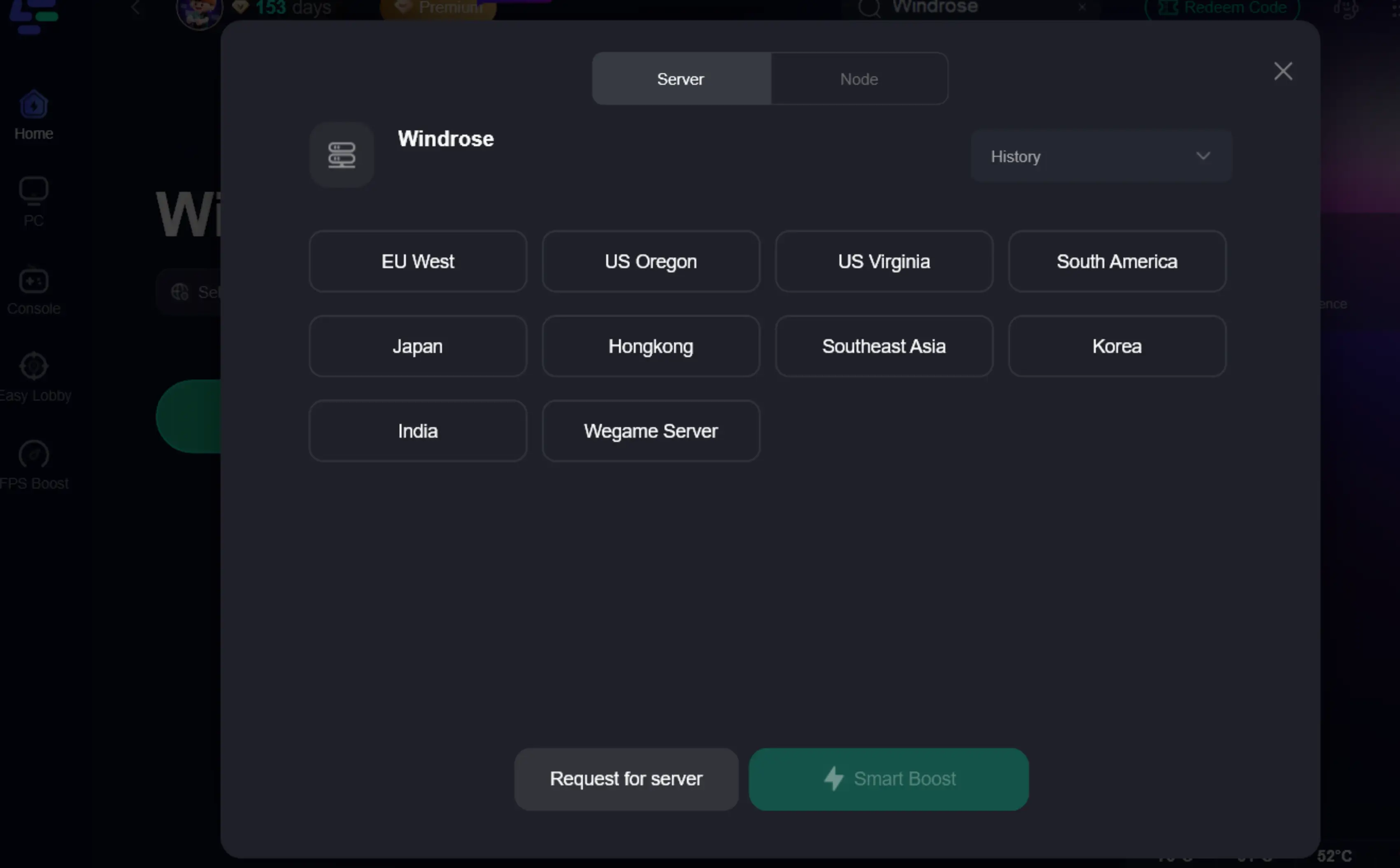
Step 3: Choose your preferred server node and click "Smart Boost" to start optimizing.
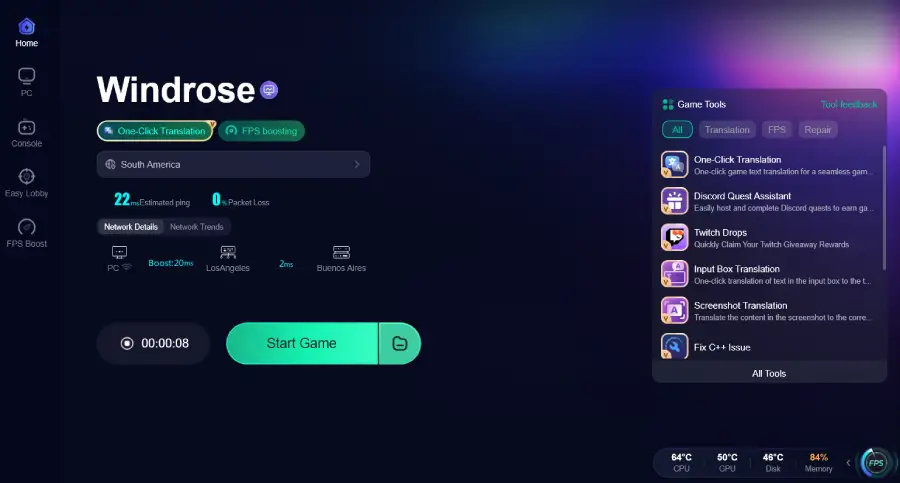
Step 4: Launch your game and enjoy smooth, optimized gameplay with lower ping and no stutter.
Part 5: Windrose FAQs
1. What should I consider before choosing a Windrose server hosting provider?
Focus on performance, server location, pricing, and ease of setup. The best option depends on whether you prioritize simplicity, control, or long-term stability.
2. How much does Windrose server hosting cost?
Most basic plans typically start around $5/month, while higher-performance servers can go up to $25/month or more depending on specs and provider.
3. Is self-hosting better than using a provider?
Self-hosting offers full control but depends on your PC and internet stability. Hosting providers are generally easier to manage and more stable.
4. Do I need technical knowledge to use a hosting provider?
Not much. Most platforms use beginner-friendly control panels, though VPS hosting may require basic setup knowledge.
5. Why does my Windrose server still lag on hosting?
Lag is often caused by network routing, player distance, or server load, not only hardware performance.
Conclusion
In most cases, the difference between a smooth and unstable Windrose experience comes down to how the server is hosted and how well it fits your group’s needs. Self-hosting can work for small setups, while providers are usually better for stability and longer sessions. Once you choose the right option, gameplay becomes more consistent and easier to manage. If network issues persist, tools like LagoFast may help improve connection stability in some cases, especially in cross-region play.

Boost Your Game with LagoFast for Epic Speed
Play harder, faster. LagoFast game booster eliminates stutter and lags on PC, mobile, or Mac—win every match!
Quickly Reduce Game Lag and Ping!
Boost FPS for Smoother Gameplay!