
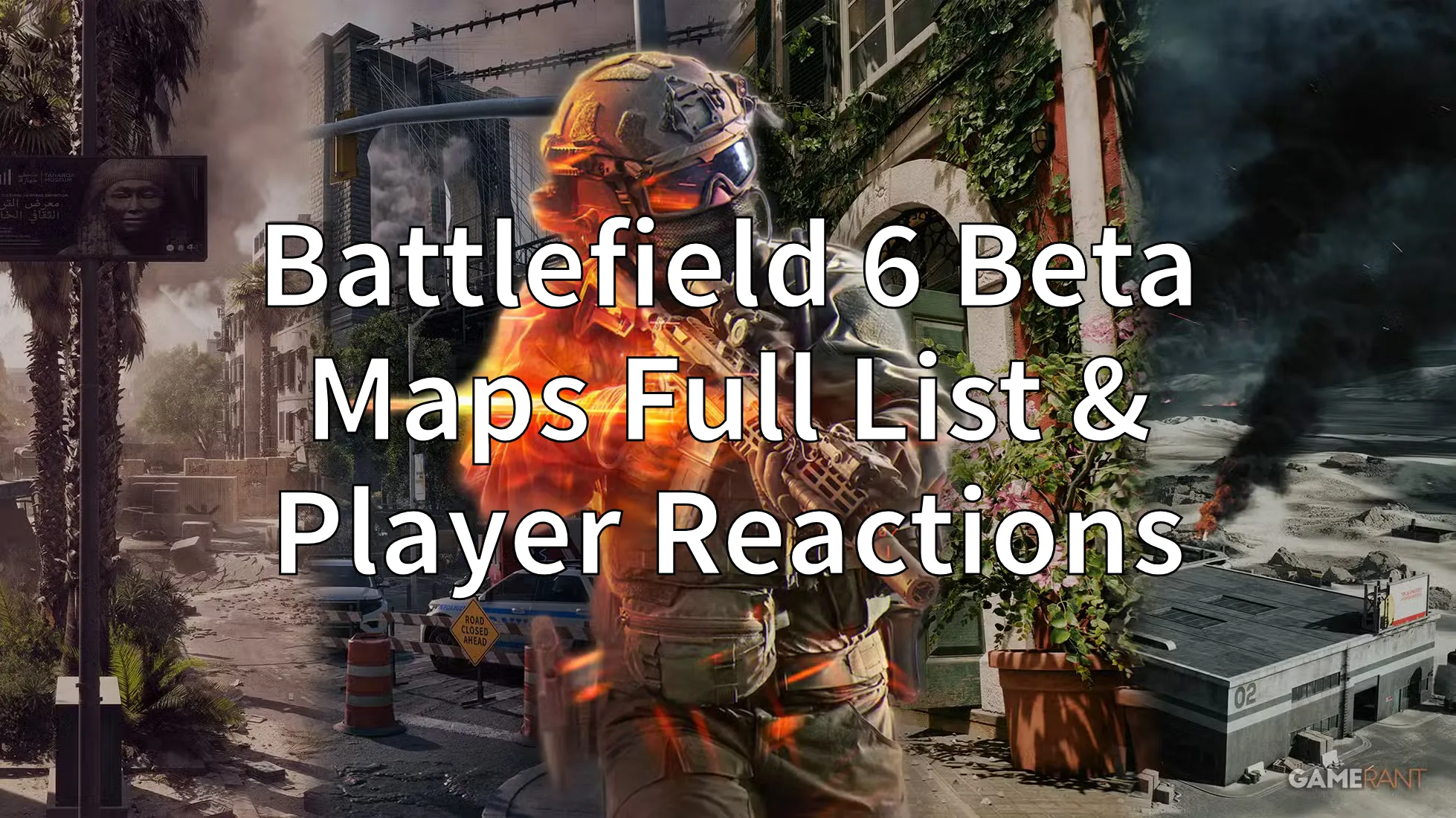
The Battlefield 6 open beta has brought large crowds eager to try new maps and modes. Week 1 featured three maps and multiple modes, while Weekend 2 expands the selection with a new map and more gameplay options. This article outlines the full Battlefield 6 Beta maps list, the Weekend 2 schedule, player reactions, and graphics optimization tips.
Part 1: What Maps are in the Battlefield 6 Beta Now?
Part 2: Battlefield 6 Beta Maps Weekend 2 Schedule and New Map Details
Part 3: Battlefield 6 Beta Maps Too Small? Fans React
Part 4: How to Get Best Graphics Settings in Battlefield 6 Beta?
Part 1: What Maps are in the Battlefield 6 Beta Now?
Before we dive into schedules and player feedback, it’s important to know which maps players can explore in the Battlefield 6 Beta.
Liberation Peak
A balanced map with open fields, chokepoints, and both air and ground vehicles, offering varied combat styles.

Siege of Cairo
A close-quarters urban map featuring chaotic infantry battles and armored vehicles weaving through narrow streets.

Iberian Offensive
A medium-sized, open map that favors high mobility and flanking tactics.

With the maps clear, let’s explore the detailed Weekend 2 schedule and new content players can expect.
Part 2: Battlefield 6 Beta Maps Weekend 2 Schedule and New Map Details
The first weekend of the Battlefield 6 Beta featured:
- Maps: Siege of Cairo, Liberation Peak, Iberian Offensive
- Modes: Conquest, Closed-Weapon Conquest, Breakthrough, Rush, King of the Hill
For Weekend 2, running from August 14 to August 17, players will access:
- Maps: All Week 1 maps plus Empire State
- Modes: All Week 1 modes plus Raid and Squad Deathmatch, as well as Closed-Weapon Conquest and Breakthrough
This expanded lineup adds more variety and challenges for players eager to experience everything the beta offers.

Upcoming Map: Empire State
Added in Weekend 2, this infantry-only map is set on Brooklyn rooftops and alleyways, emphasizing vertical urban warfare.
 Now that the schedule and maps are clear, let’s see how players are reacting to the map sizes.
Part 3: Battlefield 6 Beta Maps Too Small? Fans React
Map size remains a hot topic. Some players appreciate the smaller, infantry-focused arenas that keep action constant. However, many longtime fans feel these maps are too small for 64-player battles, making matches feel crowded and reducing strategic depth.
Understanding this feedback highlights the need for smooth gameplay, especially during fast-paced firefights.
Part 4: How to Get Best Graphics Settings in Battlefield 6 Beta?
With varied Battlefield 6 Beta maps, good graphics settings are key for smooth and immersive gameplay. Proper settings help you spot enemies and react faster in every environment.
Battlefield 6 supports DLSS, FSR, and XeSS to balance visuals and performance. LagoFast’s Best Graphics Settings Tool auto-adjusts settings for optimal play, keeping frame rates stable even in intense fights like on Liberation Peak.
Here's how to use it:
Click the "Free Trial" button to download LagoFast.
Use the search bar to find Battlefield 6 and click on the search result.

Click the Best Graphics Settings tool in the bottom right corner. Follow the instructions, you can enjoy LagoFast auto-tuning your settings.
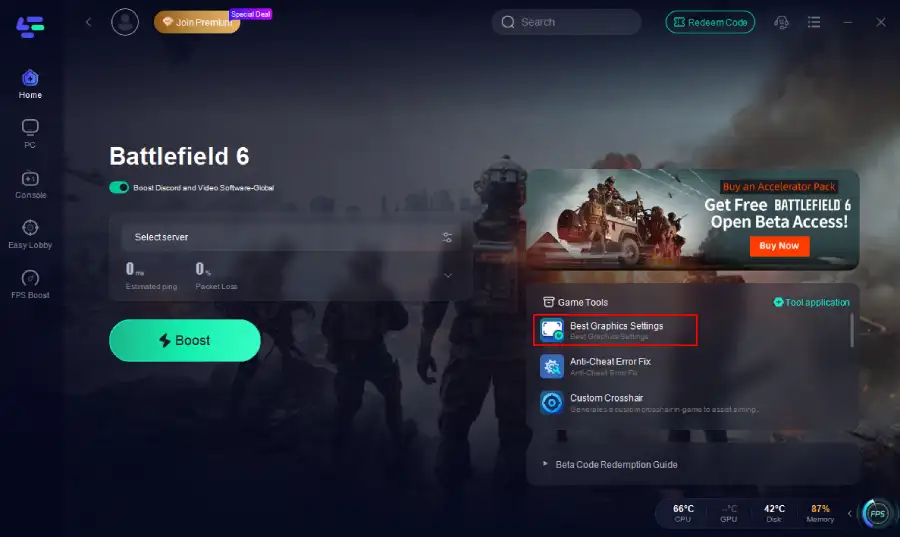
Choose the best server location based on your geographical area and desired gaming performance, then click "Smart Boost" to initiate real-time optimization.

Verify your real-time ping and packet loss rates, then click "Start Game" to dive into the intense battles of Battlefield 6!

Conclusion
From Liberation Peak’s balanced combat to Empire State’s vertical urban warfare, the Battlefield 6 Beta maps and modes offer diverse experiences. While opinions on map sizes vary, using tools like LagoFast can help you enjoy the beta with stunning visuals and smooth performance.
Boost Your Game with LagoFast for Epic Speed
Play harder, faster. LagoFast game booster eliminates stutter and lags on PC, mobile, or Mac—win every match!
Quickly Reduce Game Lag and Ping!
Boost FPS for Smoother Gameplay!