1. How to Boost Star Resonance for Zero Lag
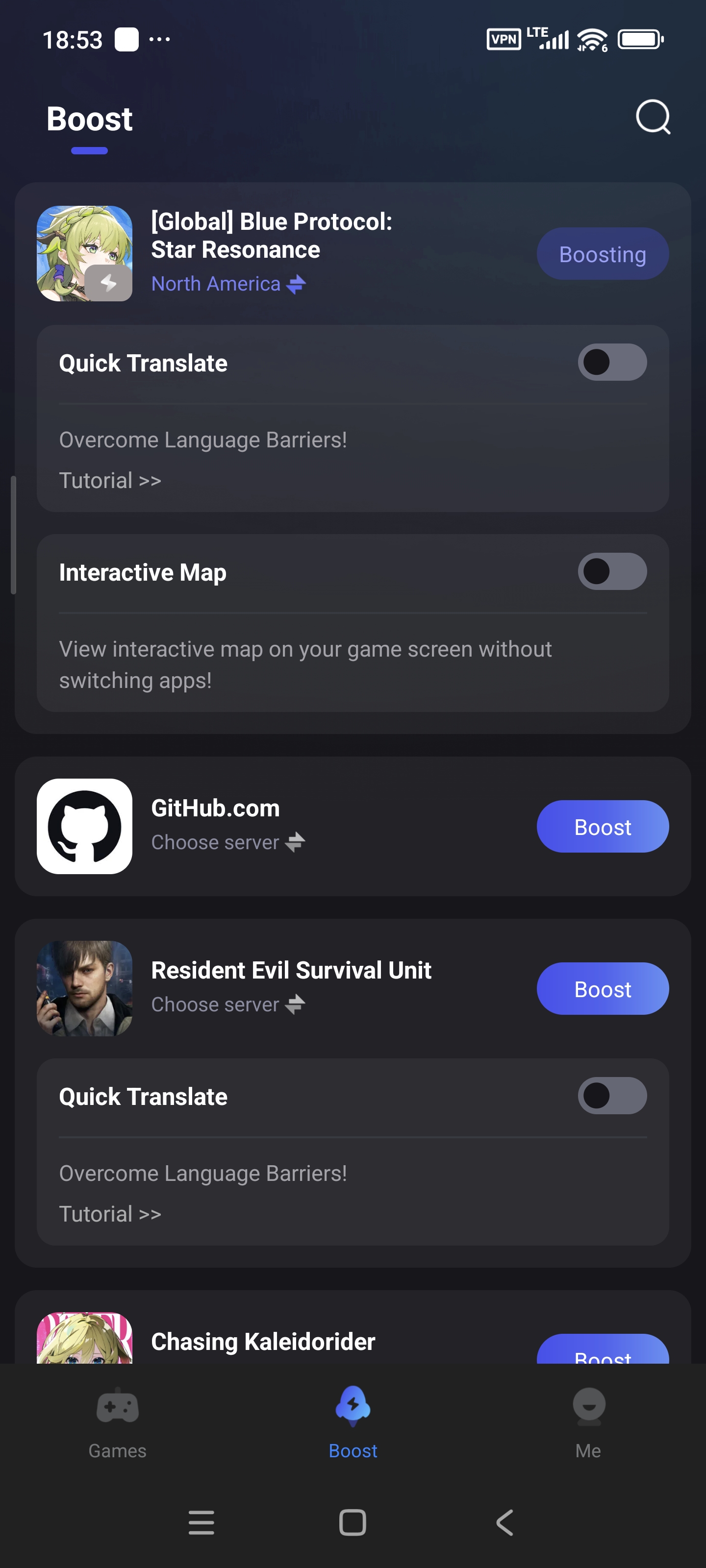
a. Locate the Game in LagoFast
- Open the LagoFast app.
- Only if you have the game on your device, you can find the game in the Boost tab.
- Select it and boost!
b. Optimize Server & Node
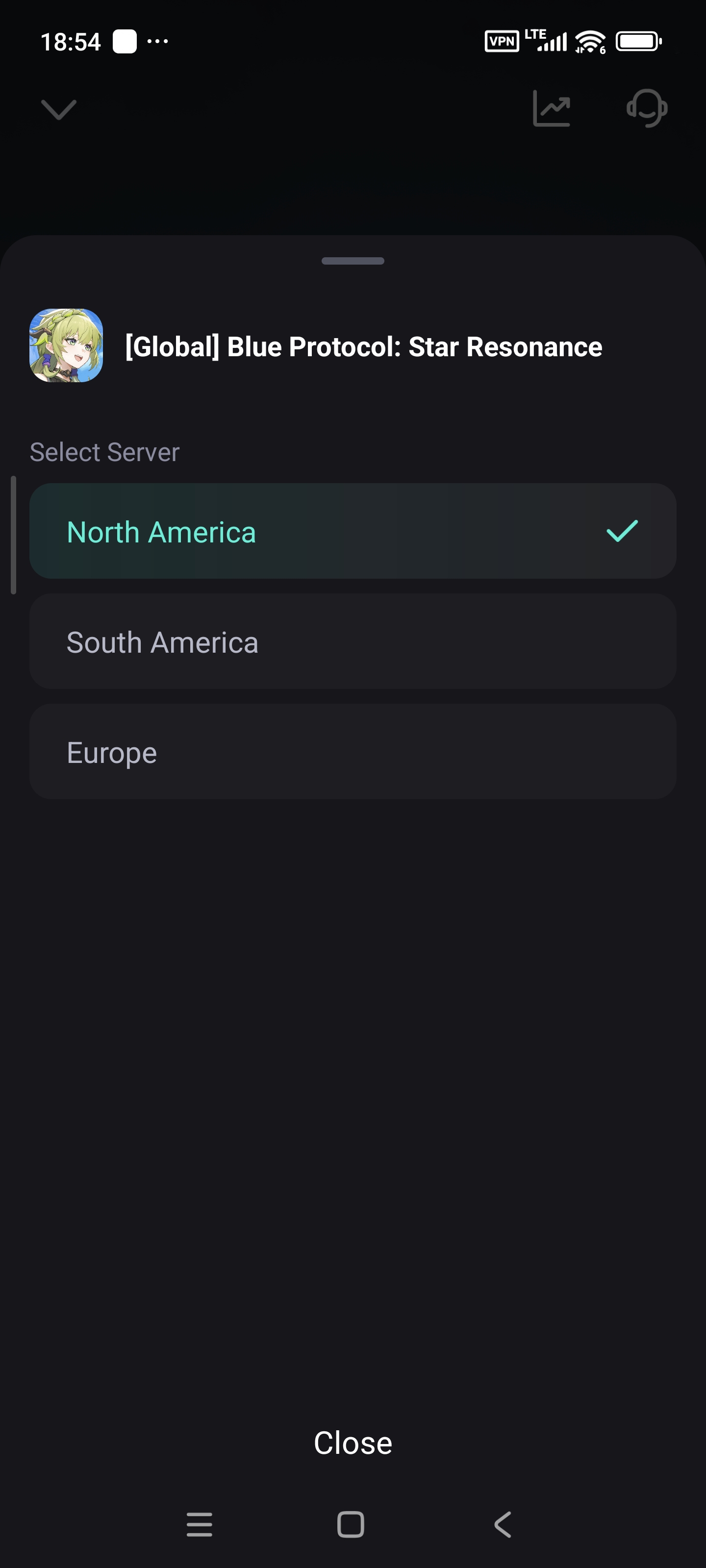
- Tap Choose Server.
- Select a server closest to your location for minimal latency.
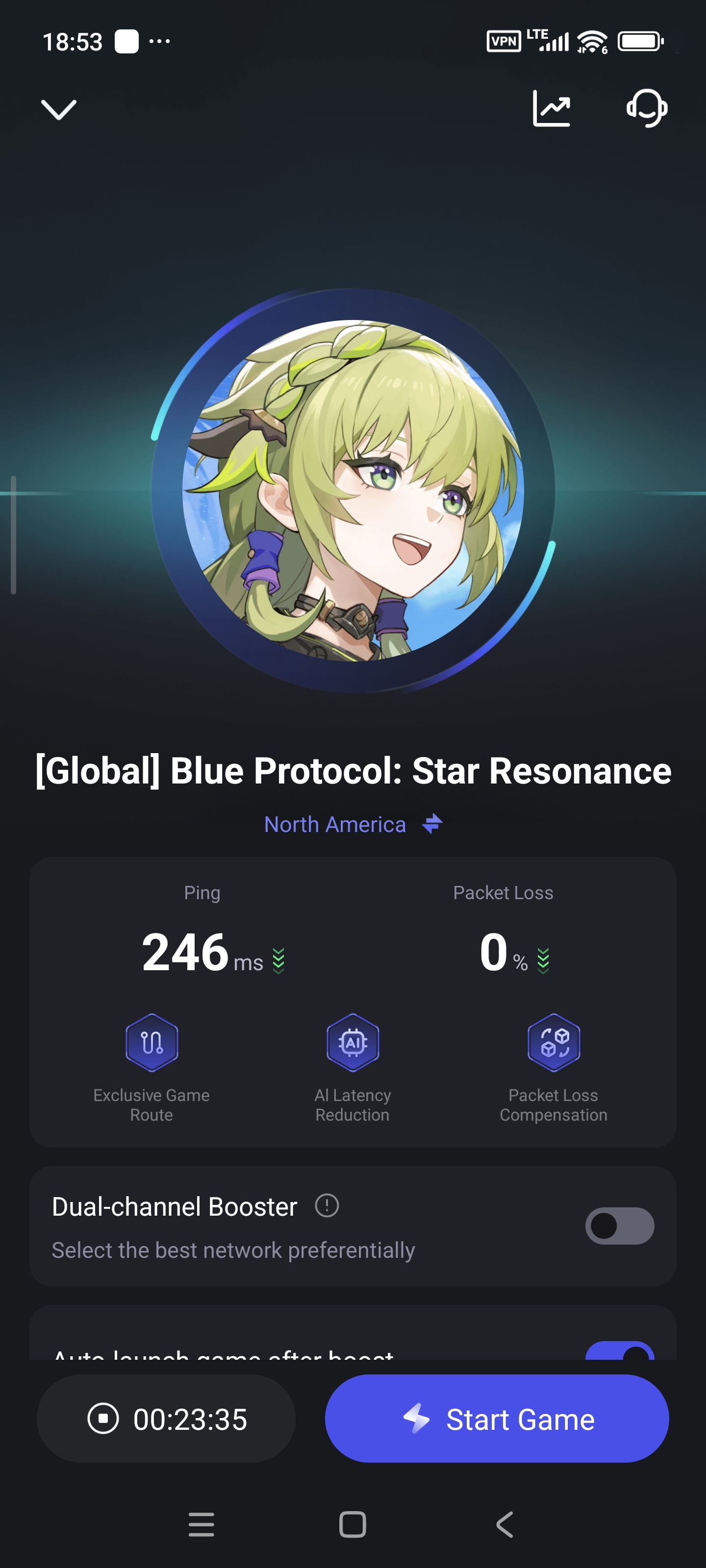
c. Start Boosting
- Tap Boost to activate the optimized connection. Launch Star Resonance and enjoy a smooth, lag-free experience!
3. How to Use the Interactive Map
a. Enable the Interactive Map
- In the LagoFast app, navigate to the Boost tab. Find Star Resonance and toggle the Enable button next to Interactive Map.
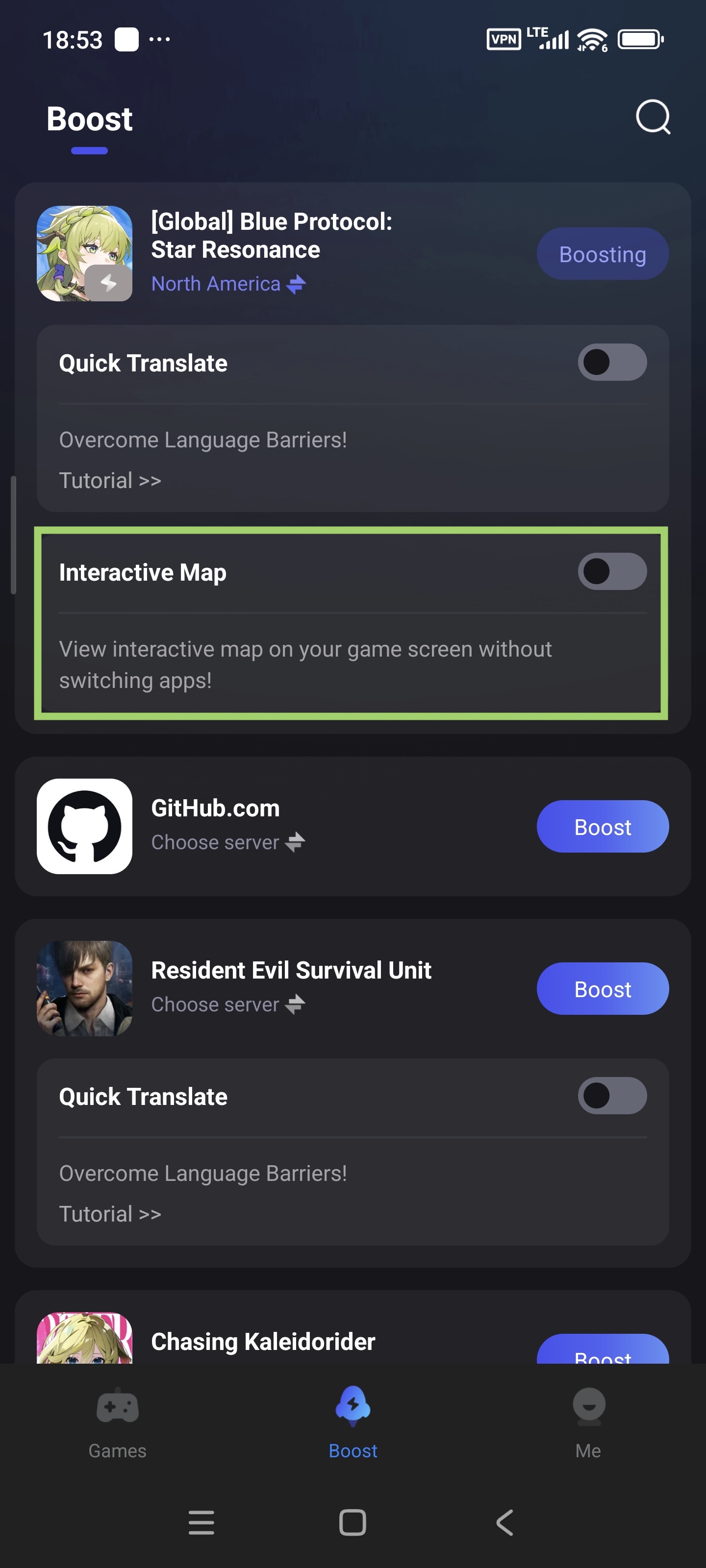
- First-time users: Grant LagoFast screen overlay permissions when prompted.
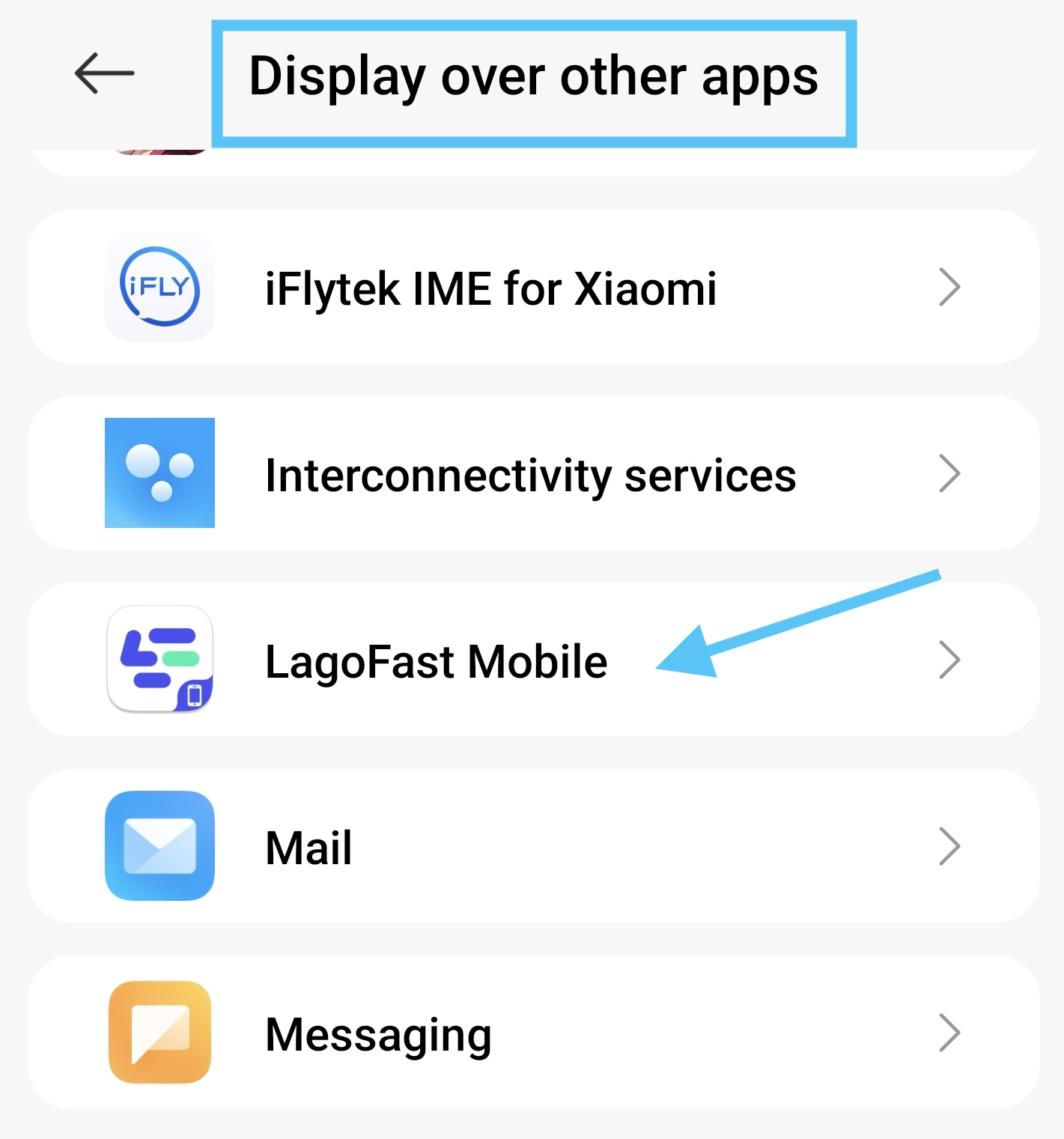
b. Access the Map In-Game
- Tap the Map icon to open the interactive map while you are playing the game. No need to switch apps!
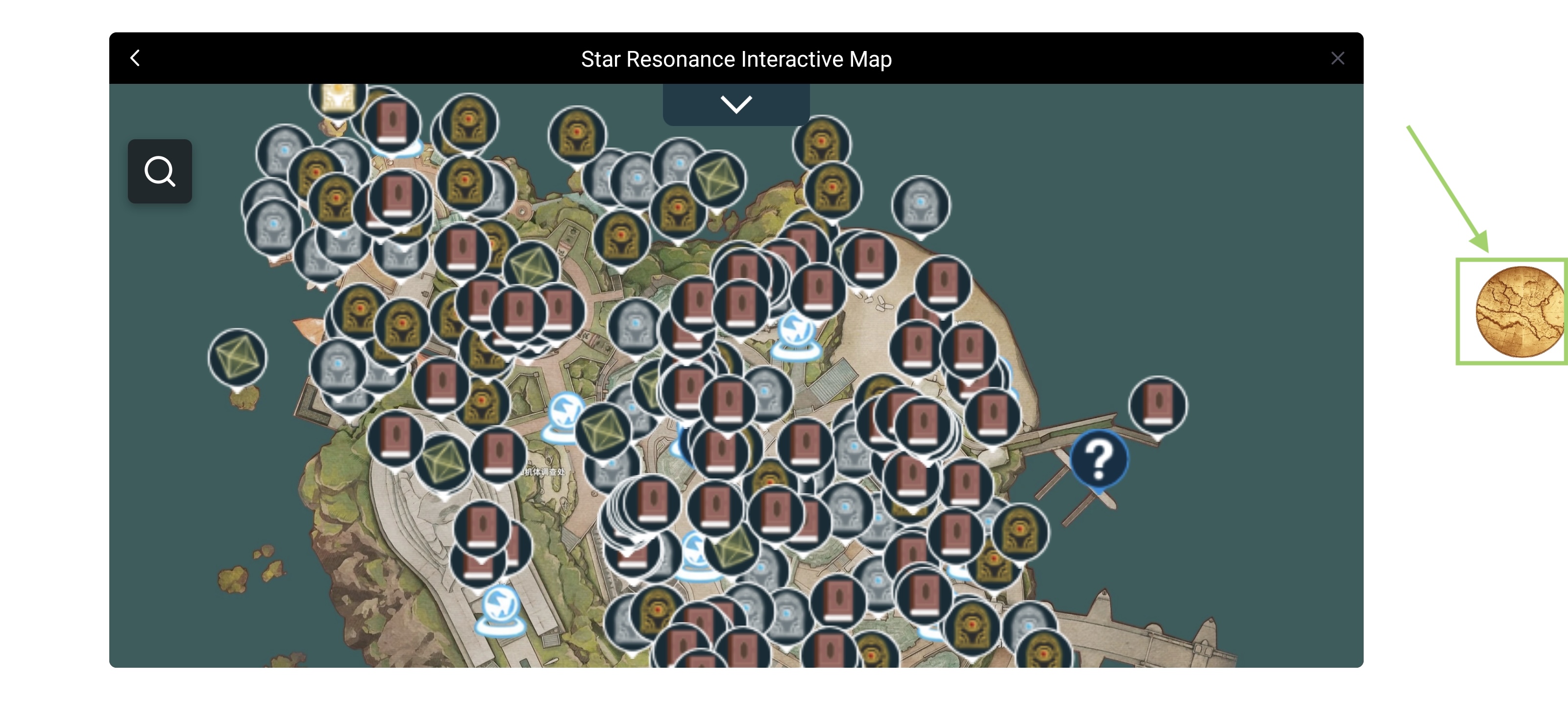
- Use it to locate loot, bosses, and hidden quests in real time—even mid-battle! Tap the "x" to close the map overlay.
4. How to Use the In-Game Translation Tool
a. Activate Real-Time Translation
- Go to Boost tab, find Star Resonance and tap the enable button to activate the translation tool.
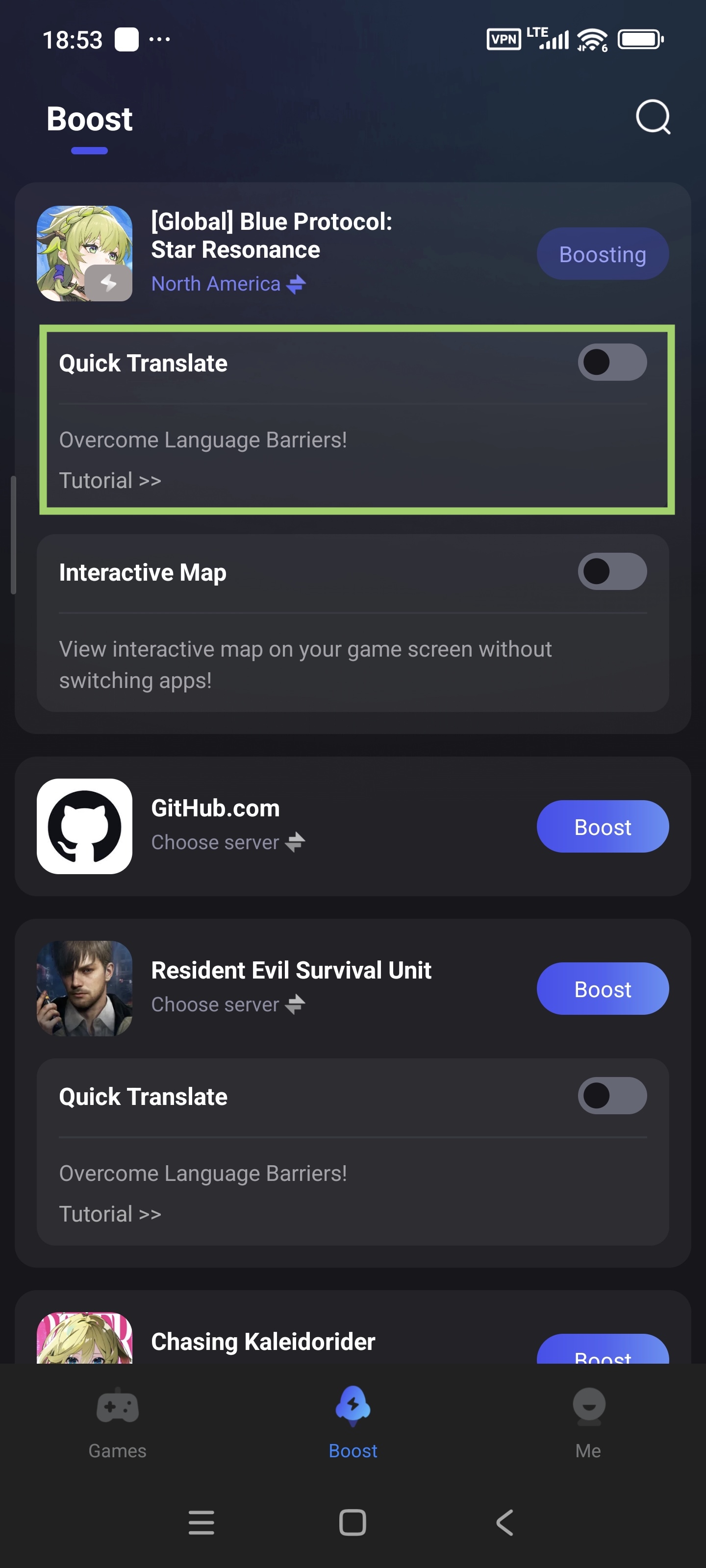
b. Customize Translation Language
- Select your preferred language (e.g., English, Spanish) for the translated version in LagoFast app. The tool will translate the language in-game to the language you used on LagoFast.
- You can adjust the language of LagoFast in LagoFast > Me > Settings > Language.
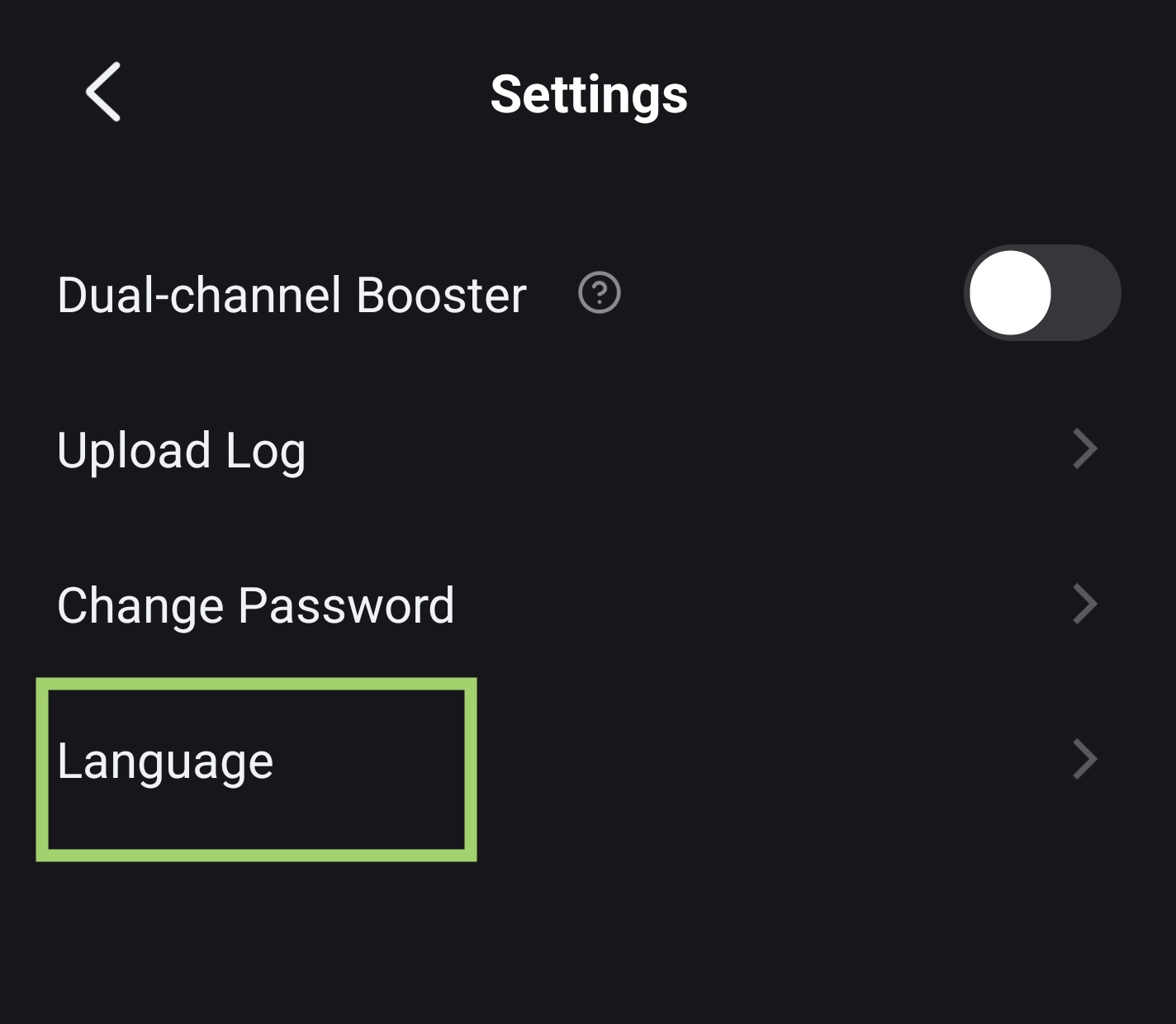
c. Translate in Game
- Tap the translation tool icon in-game when you need to translate the language. It will grab the text and show the translation version on your screen
Enjoy the game!

