How to Change Location on Your Roblox Account
09/11/2025
1. Open Your Roblox Account Settings
- Log in to your Roblox account.
- Click the gear icon in the top-right corner.
- Select Settings from the dropdown menu.
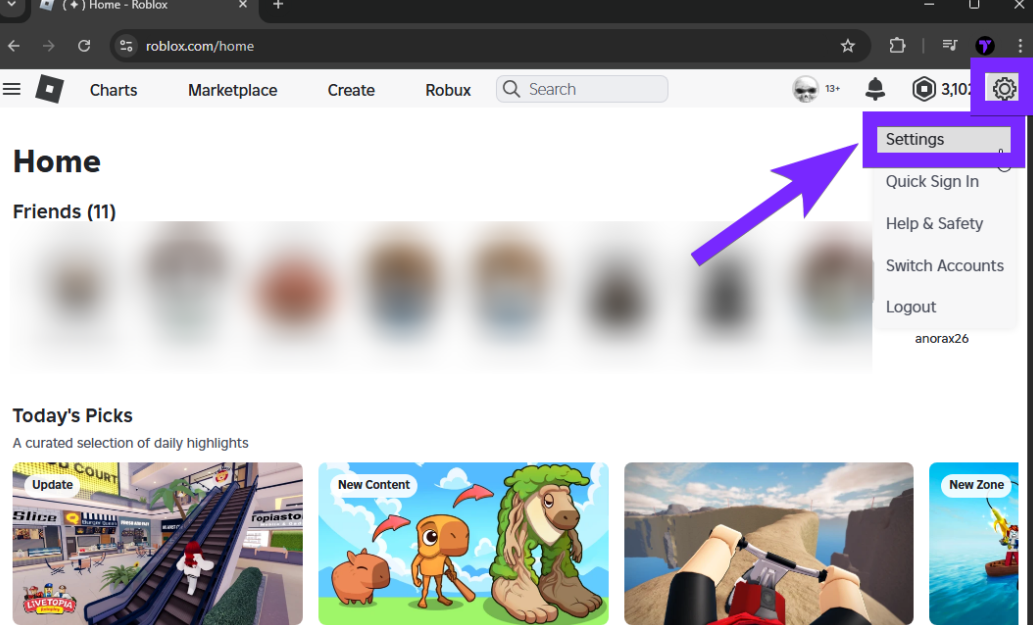
2. Check the Current Location Setting
Scroll down until you see the Location field.
If there’s a dropdown menu, select your actual country.
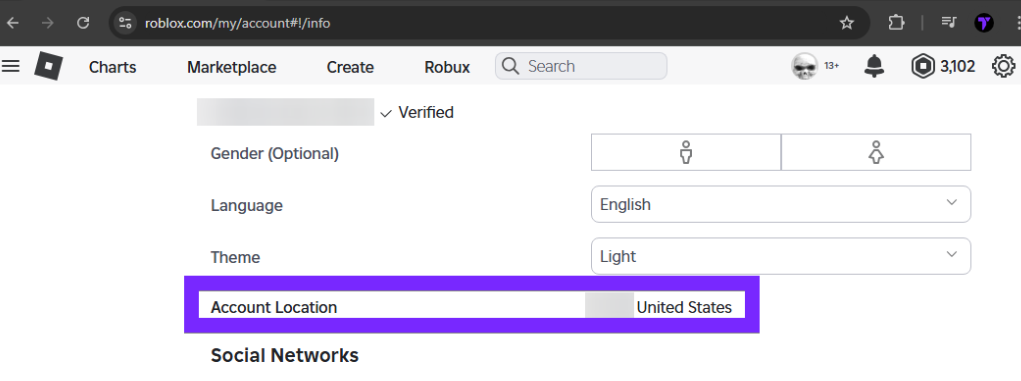
⚠️ If you can’t edit this field, move on to the next step.
3. Contact Roblox Support
If the location field is locked or incorrect, you’ll need help from Roblox Support:
- Go to the Roblox Help Center
- Submit a ticket explaining your issue and request a location change.
4. Alternative: Create a New Account with LagoFast
If you’re still unable to change your location after contacting support, you can create a new Roblox account:
Open LagoFast and choose the location you want.
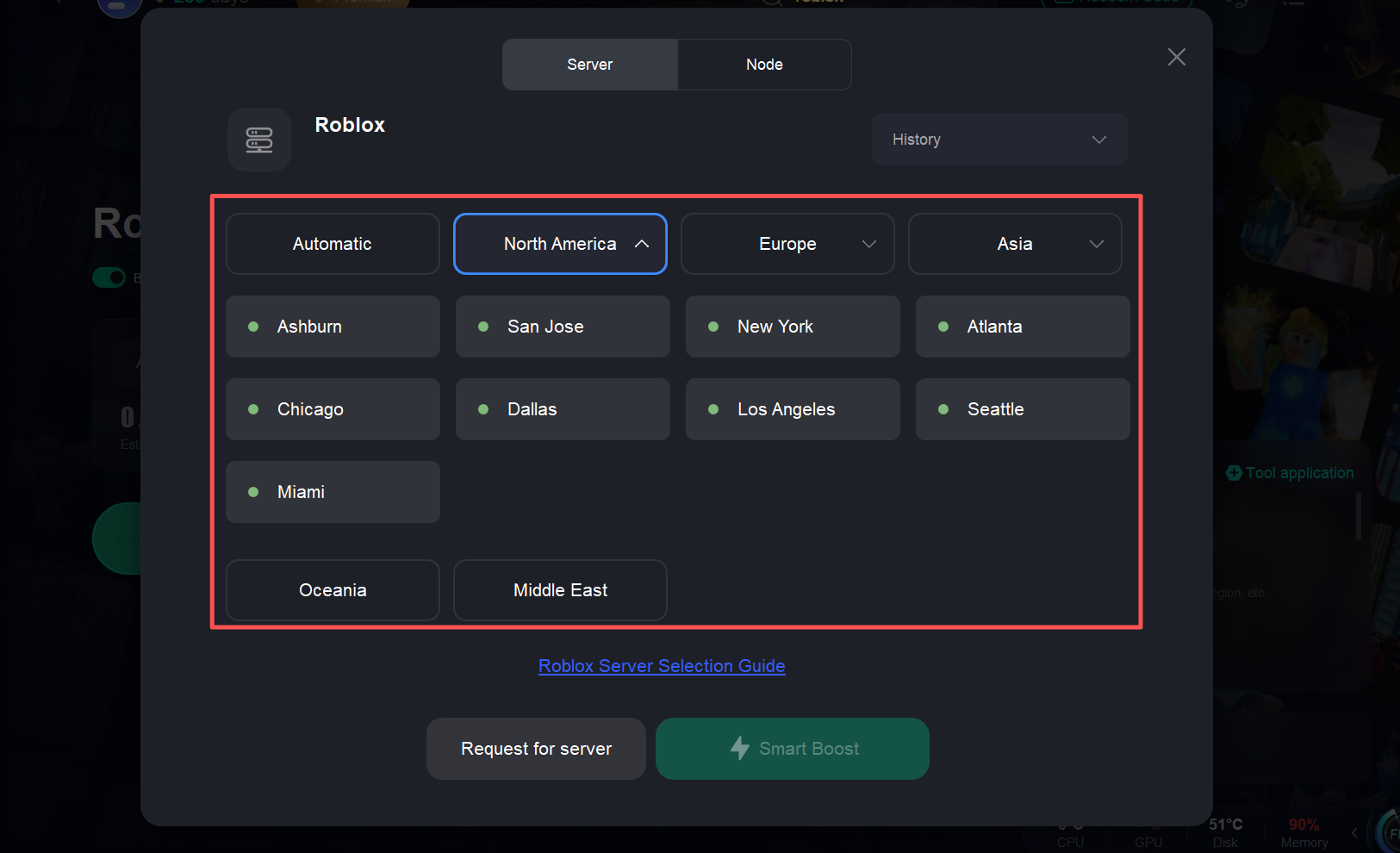
Start boost with LagoFast.
Register a new Roblox account while boosted to the selected location.
This ensures your new account matches the region you prefer.
這有幫助嗎?

Yes

No
找不到您想要的答案嗎?
聯絡我們