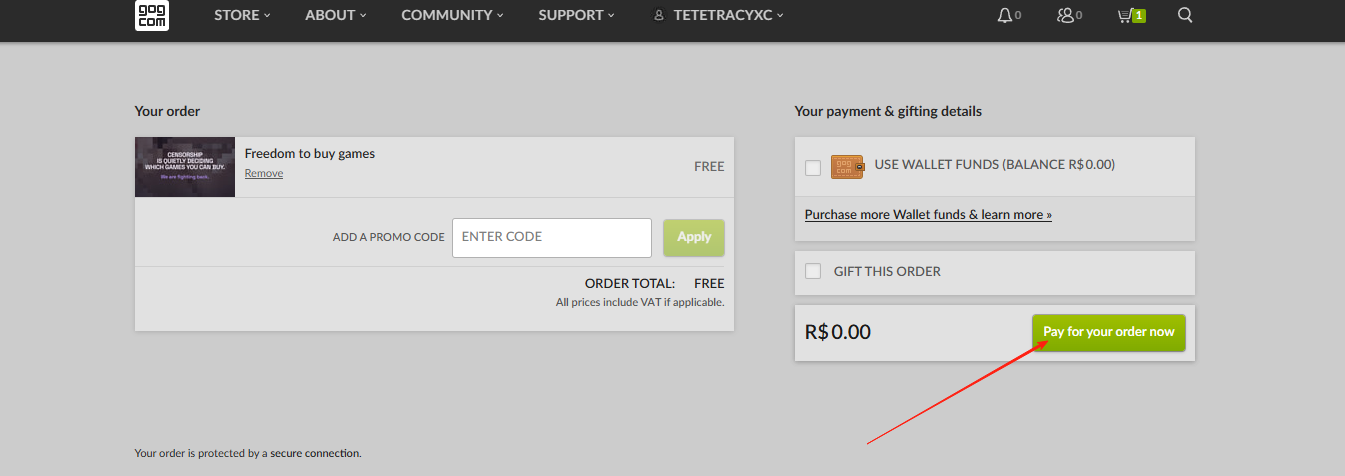
GOG is currently offering a special “Free 13 Games” promotion, but if you’re accessing from abroad you may encounter region-locking or slow download speeds. This tutorial shows how to leverage LagoFast Game Booster to select the correct server, apply a one-click boost, and smoothly claim your 13 free games on GOG.
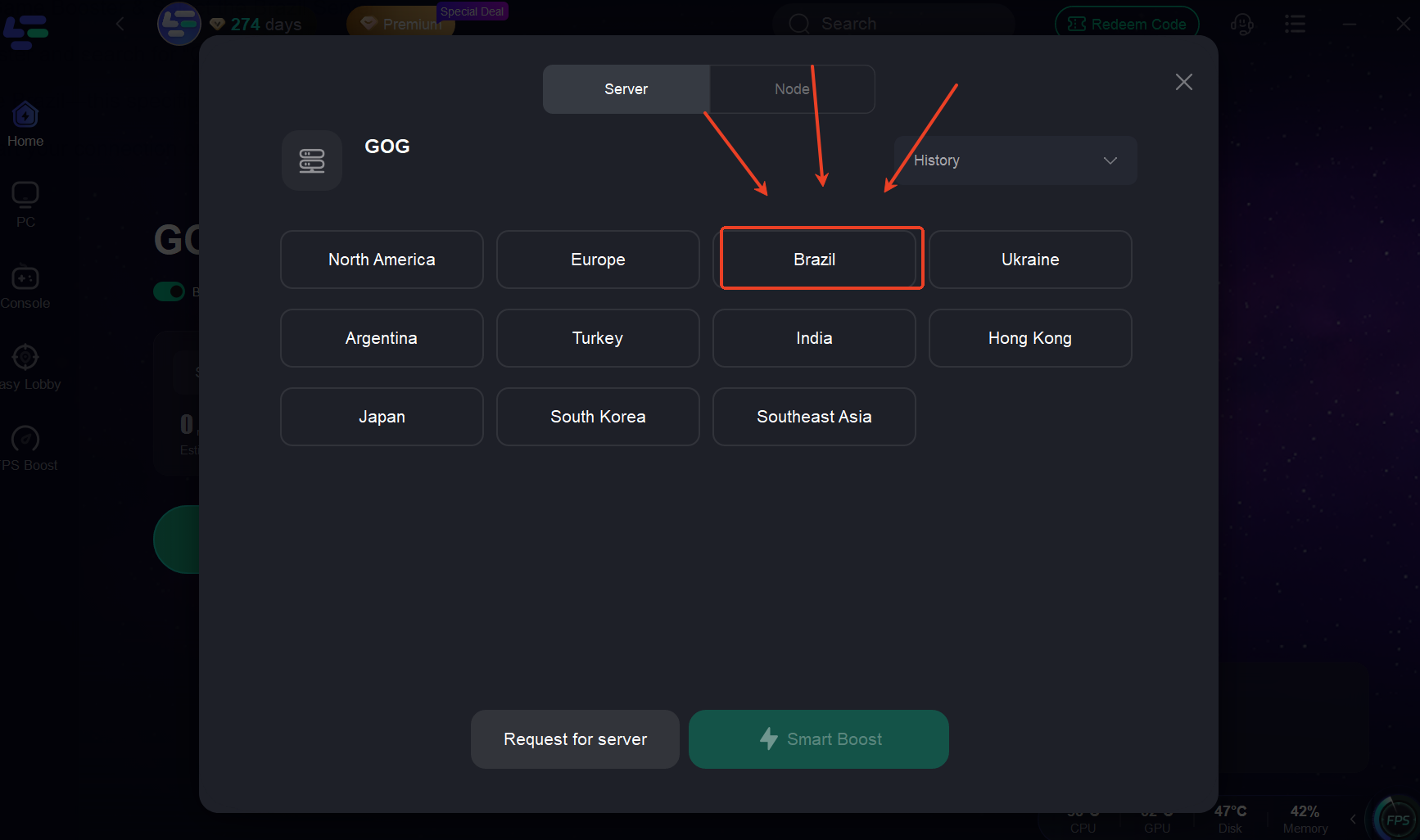
Step 1: Launch LagoFast Game Booster & Select the Brazil Server
Open LagoFast Game Booster and search for “GOG”
From the server list, choose Brazil—this specific region avoids common geo-error messages.
Click One-Click Boost to start your connection optimization.
Step 2: Navigate to GOG's Claim Page
Click here to visit GOG's free game Claim Page
Ignore any garbled characters—you can still proceed normally.
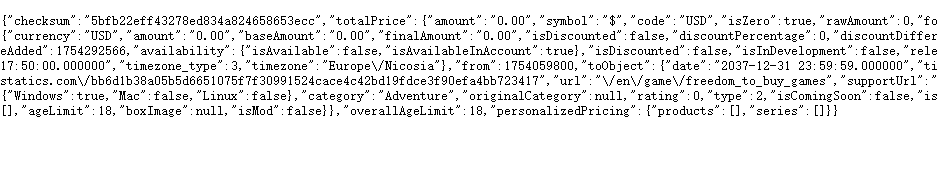
Step 3: Replace the garbled URL
Replace the garbled URL with http://www.gog.com/card/add/1486951595
When you see the shopping cart display changes from 0 to 1, it means the addition is successful!
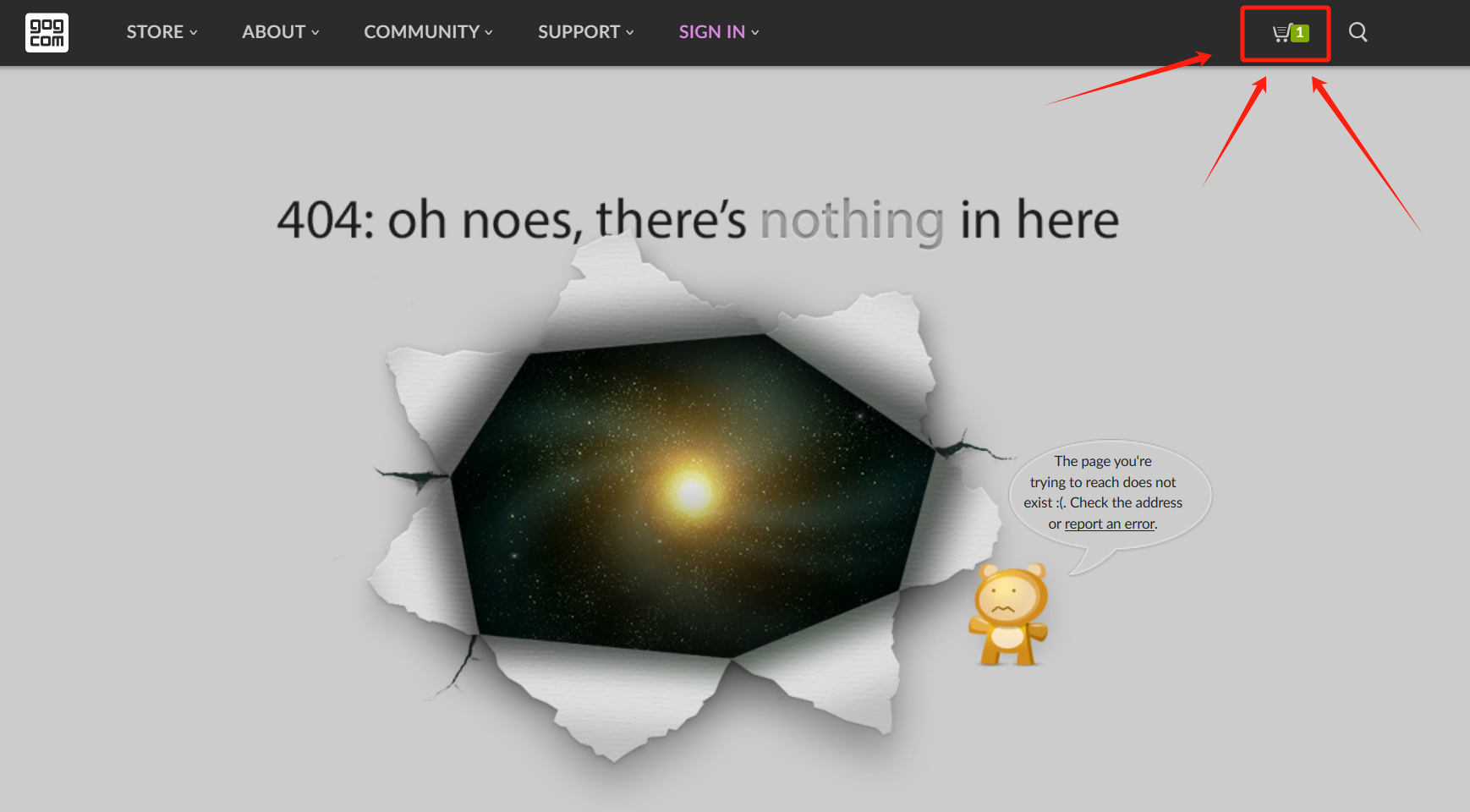
Step 4: Go to Your Cart & Sign In
Click the cart icon. Log in to your GOG account—or click Register if you don’t have one yet.
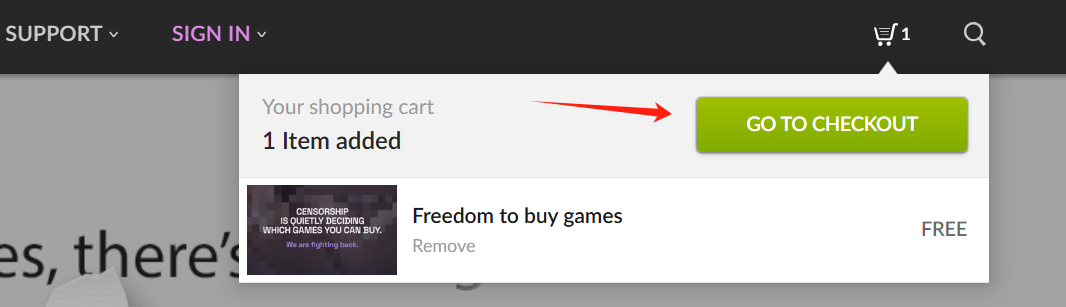
Step 5: Checkout to Add to Library