Odin: Valhalla Rising Download Guide
04/28/2025
Getting ready to dive into the world of Odin: Valhalla Rising? Here’s a simple and reliable guide to help you download and install the game without any issues:
Step 1: Accelerate Odin: Valhalla Rising with LagoFast
Open the LagoFast client.
Search for Odin: Valhalla Rising and start game boosting before proceeding.
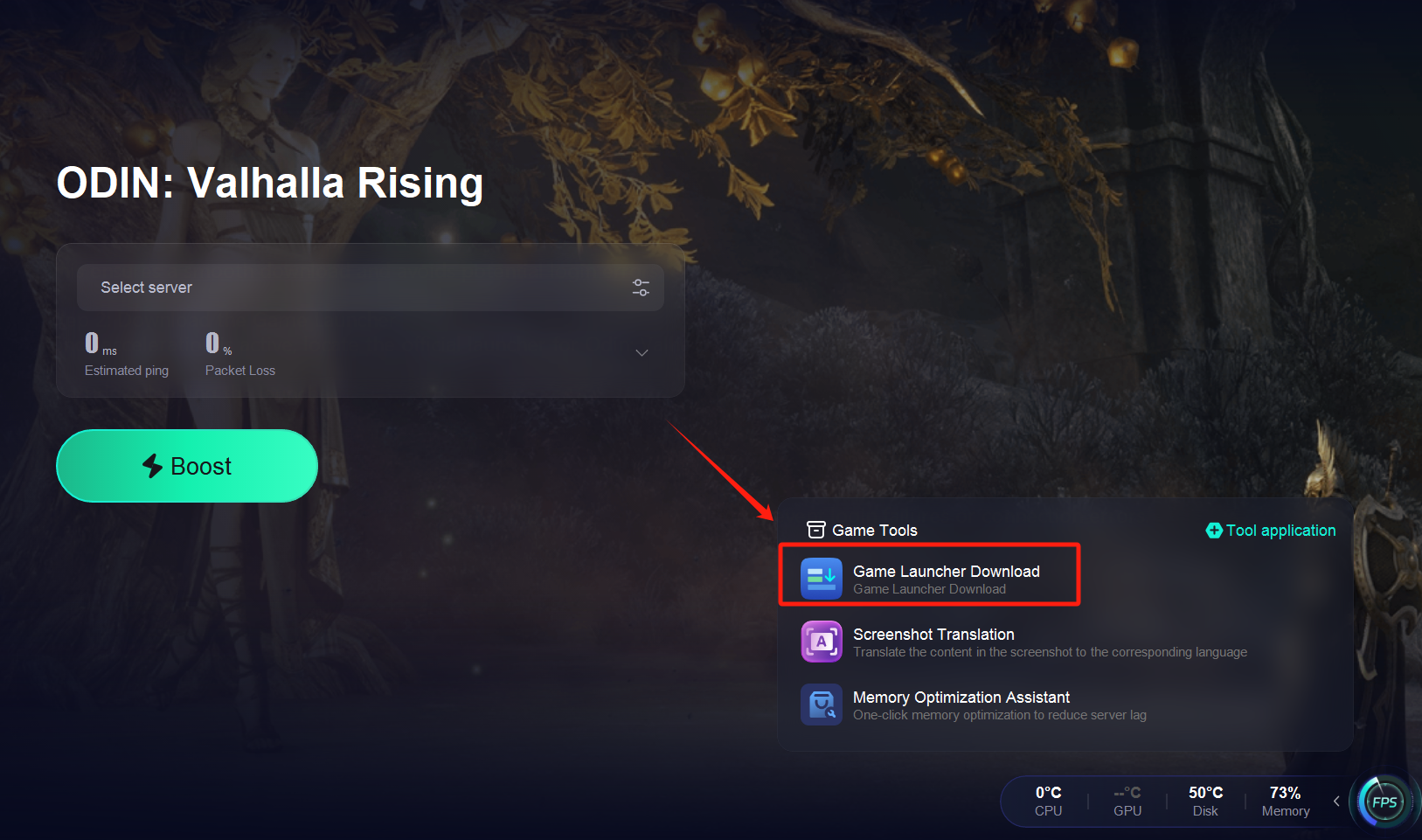
Step 2: Download the Game Launcher
Once acceleration is active, locate the official launcher for Odin: Valhalla Rising.
Start downloading the launcher.
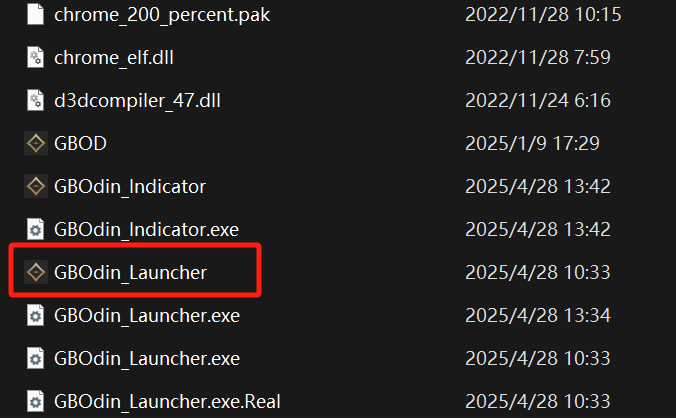
Step 3: Log In with Your Google Account
After installing the launcher, sign in using your Google account.
Important: Make sure you remain connected to LagoFast during this step to prevent login failures or connection errors.

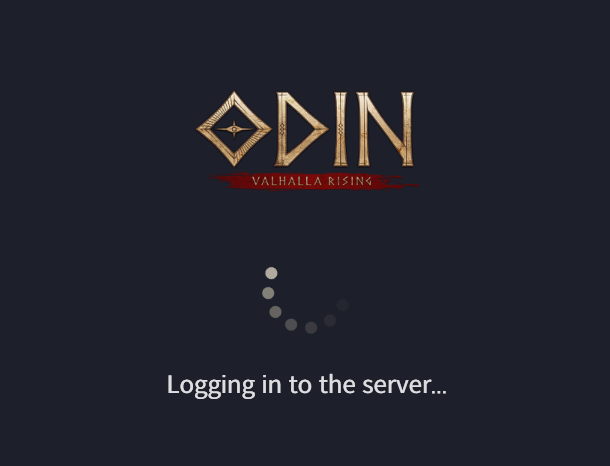
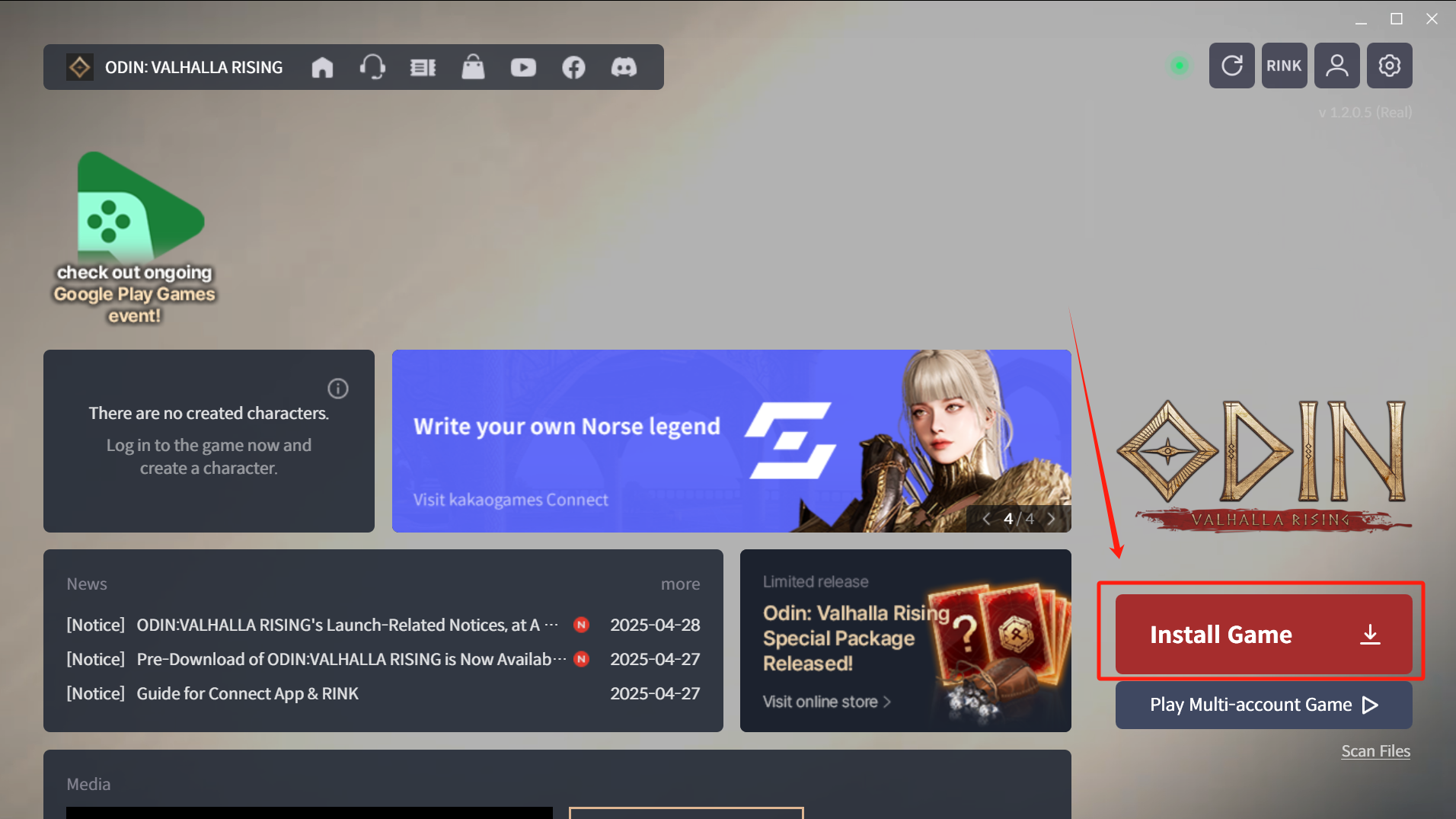
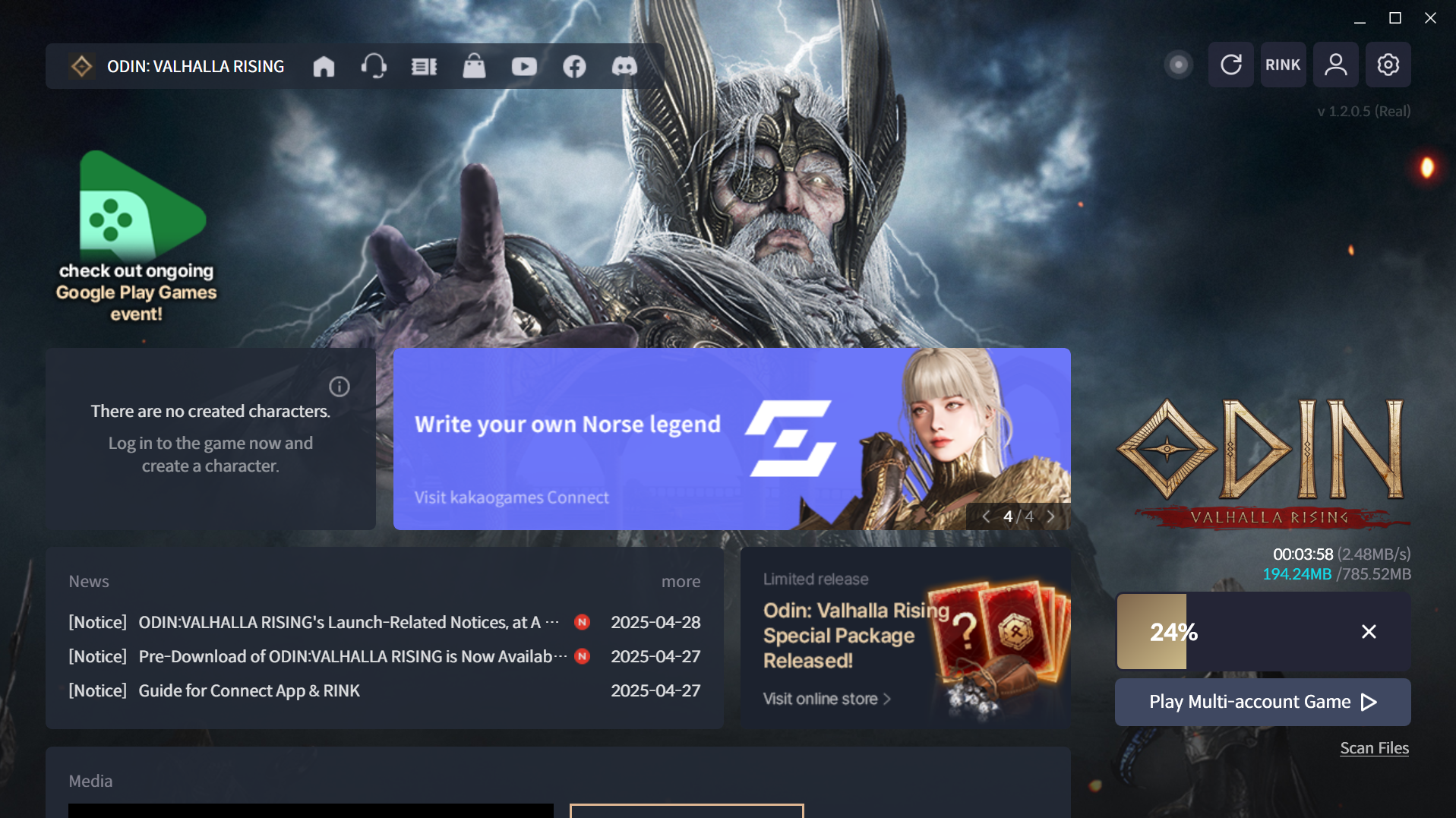
Step 4: Download and Install the Game
After a successful login, proceed to download and install the full game.
這有幫助嗎?

Yes

No
找不到您想要的答案嗎?
聯絡我們