LagoFast Turbo Recovery Guide
01/10/2025
1. Download and Extract the Recovery Tools
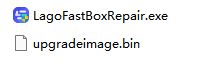
Click here to download the necessary recovery tools. And then extract the files on your computer.
2. Connect the Turbo Device to Your Computer
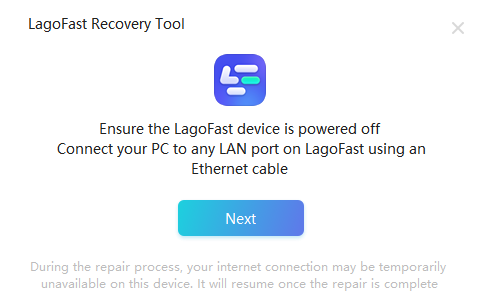
1) Power off the LagoFast Turbo device.
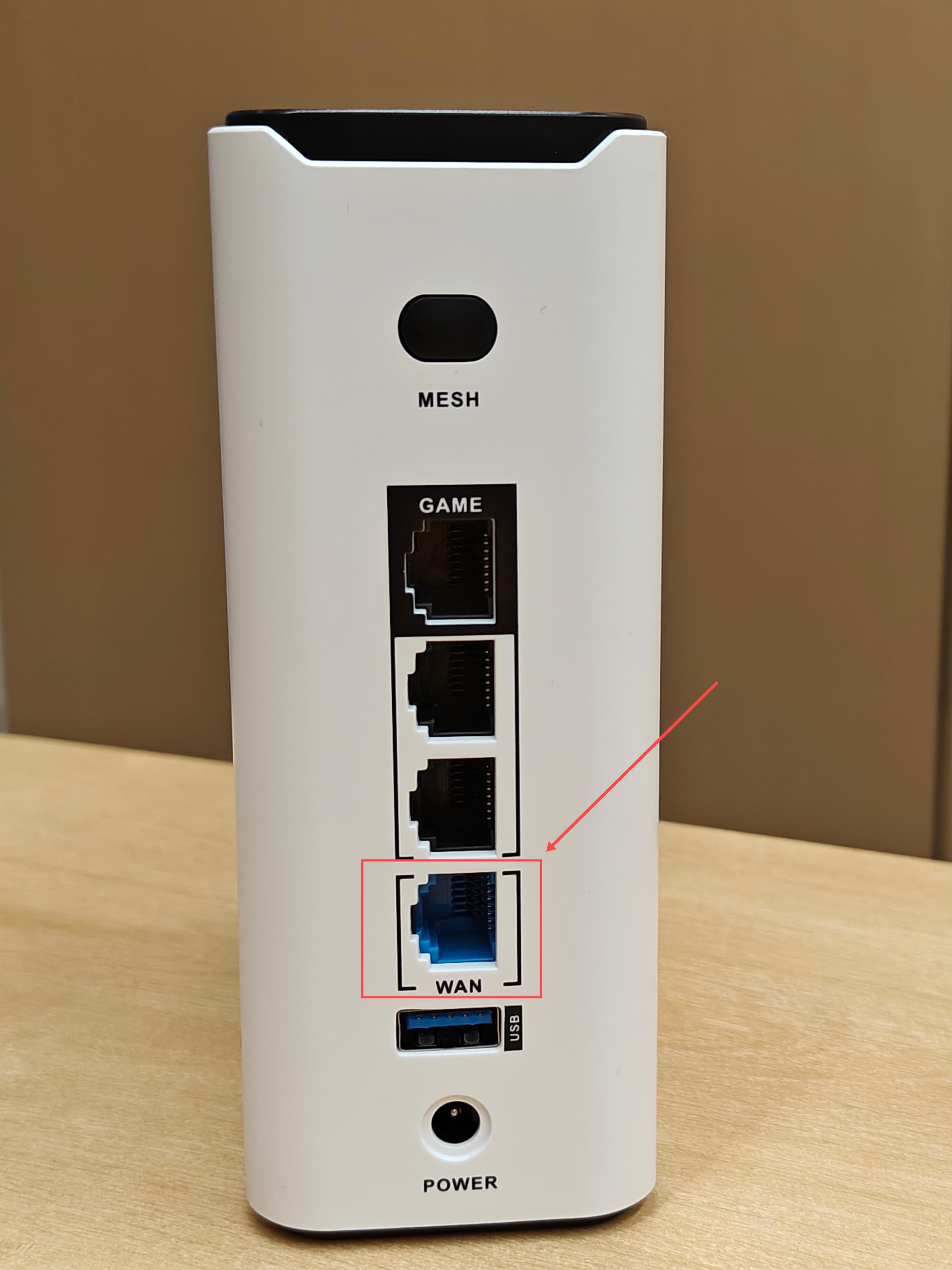
2) Use an Ethernet cable to connect the Turbo to your computer.
3. Select the Appropriate Network Adapter
Open the recovery tool and select the network adapter that is connected to the device.
If multiple network adapters are displayed, manually select the correct one.
4. Start the Recovery Process
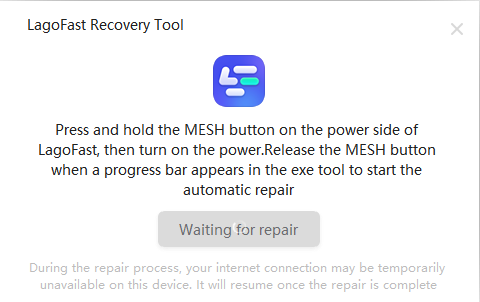
1) Press and hold the Mesh button on the LagoFast Turbo device.
2) While holding the button, plug in the power cable.
3) Release the Mesh button when the recovery tool displays the repairing message.
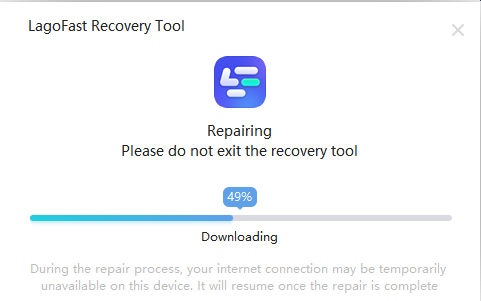
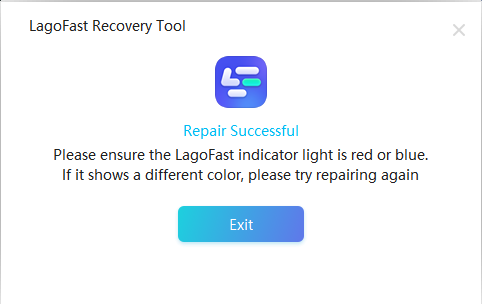
5. Verify Recovery Success
Once the process is complete, the indicator light on the device will turn Red or Blue, indicating successful repair.
這有幫助嗎?

Yes

No
找不到您想要的答案嗎?
聯絡我們