模組配置選單(MCM)
作者:Aragas最後更新:2025-11-28 02:15:504.2M1.1MB

預依賴項


模組介紹
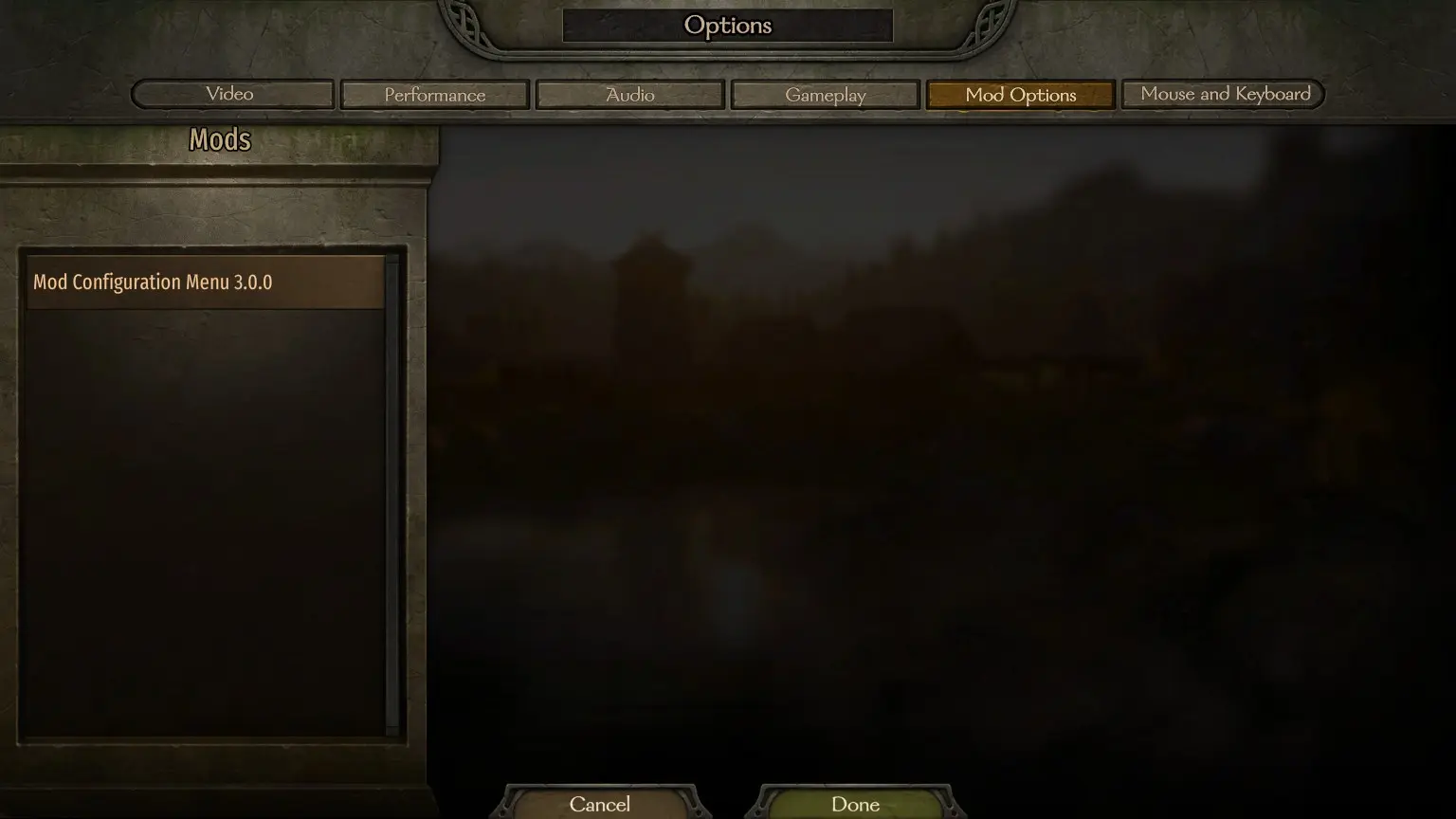
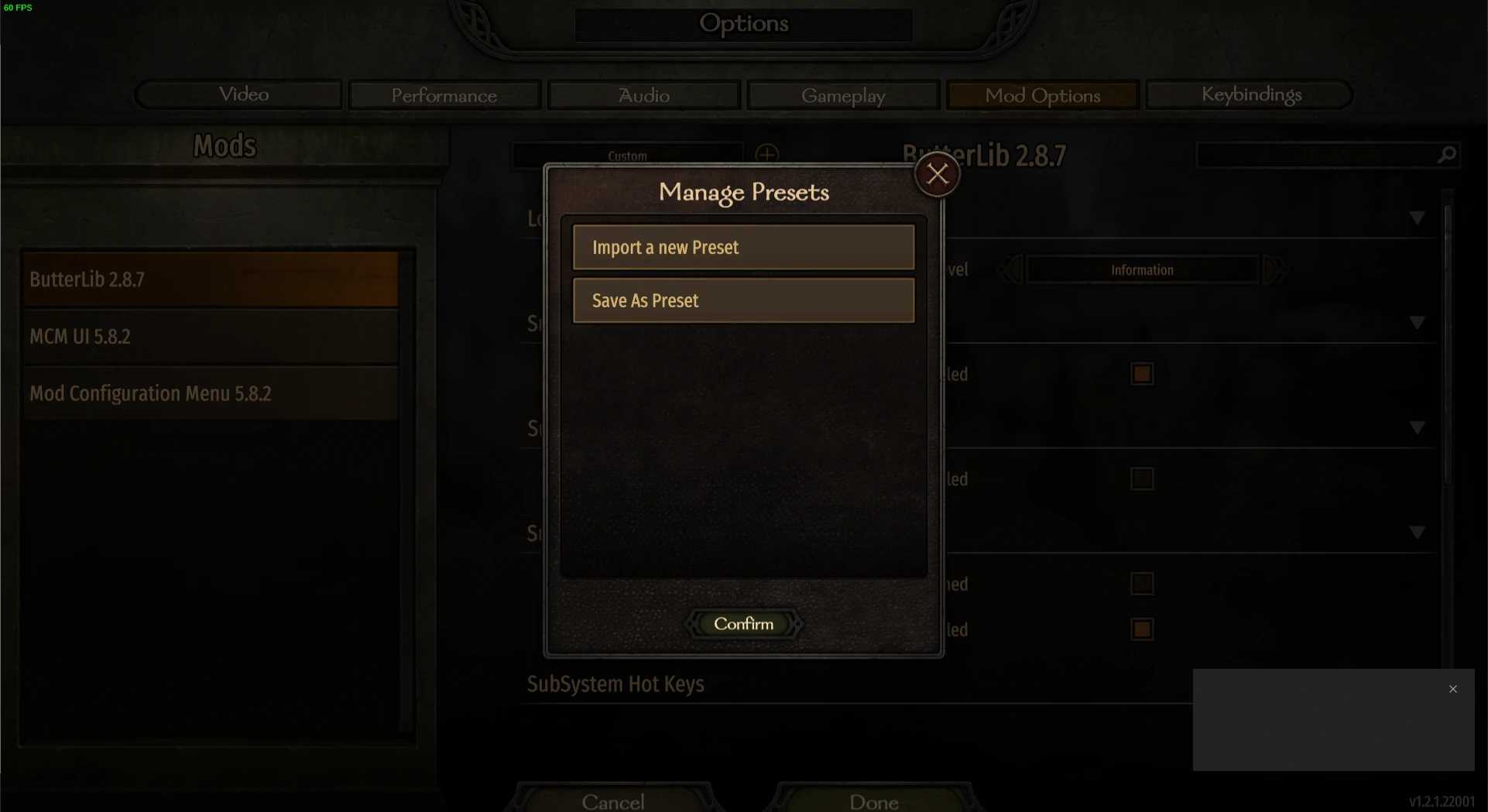
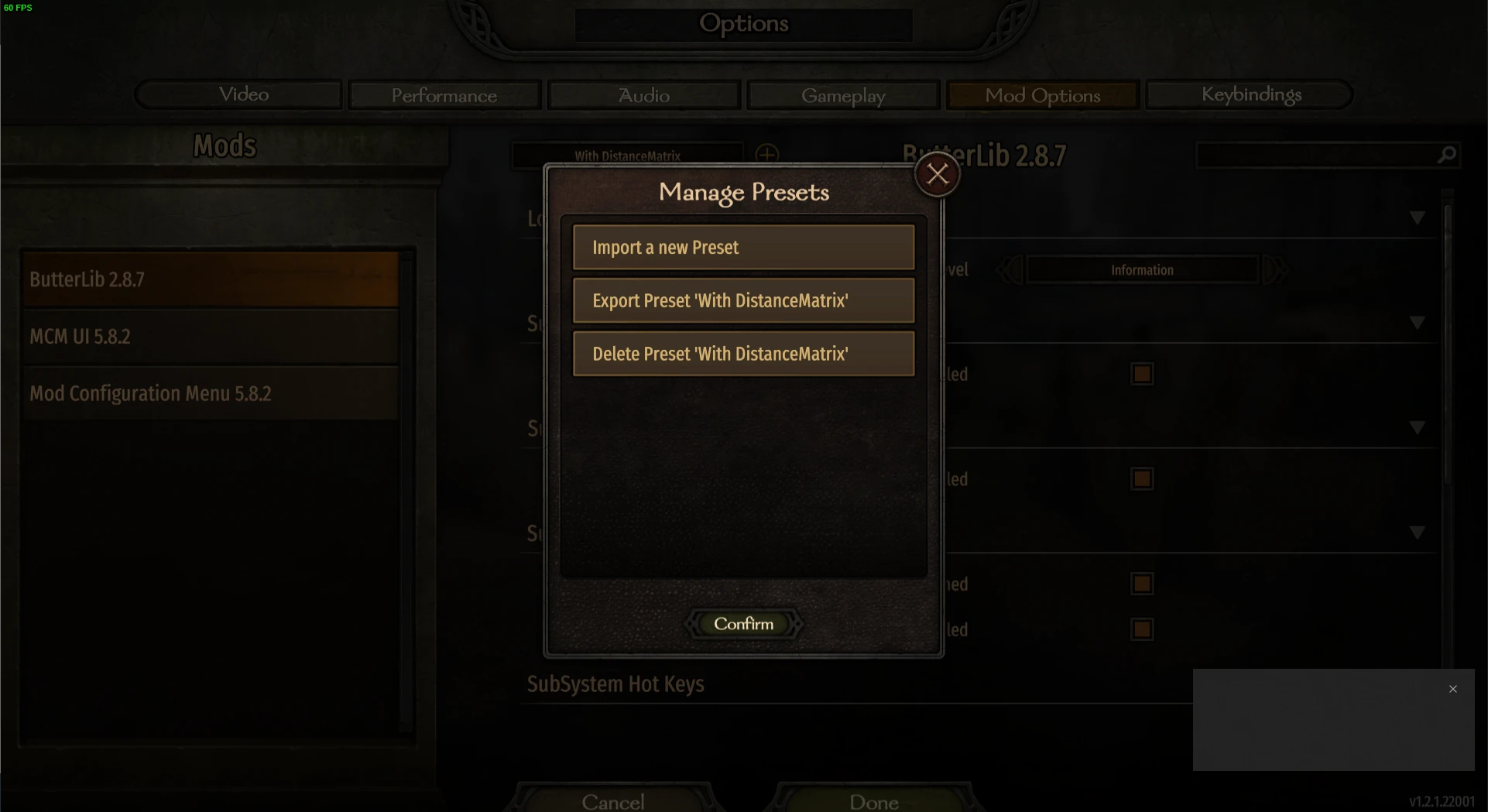
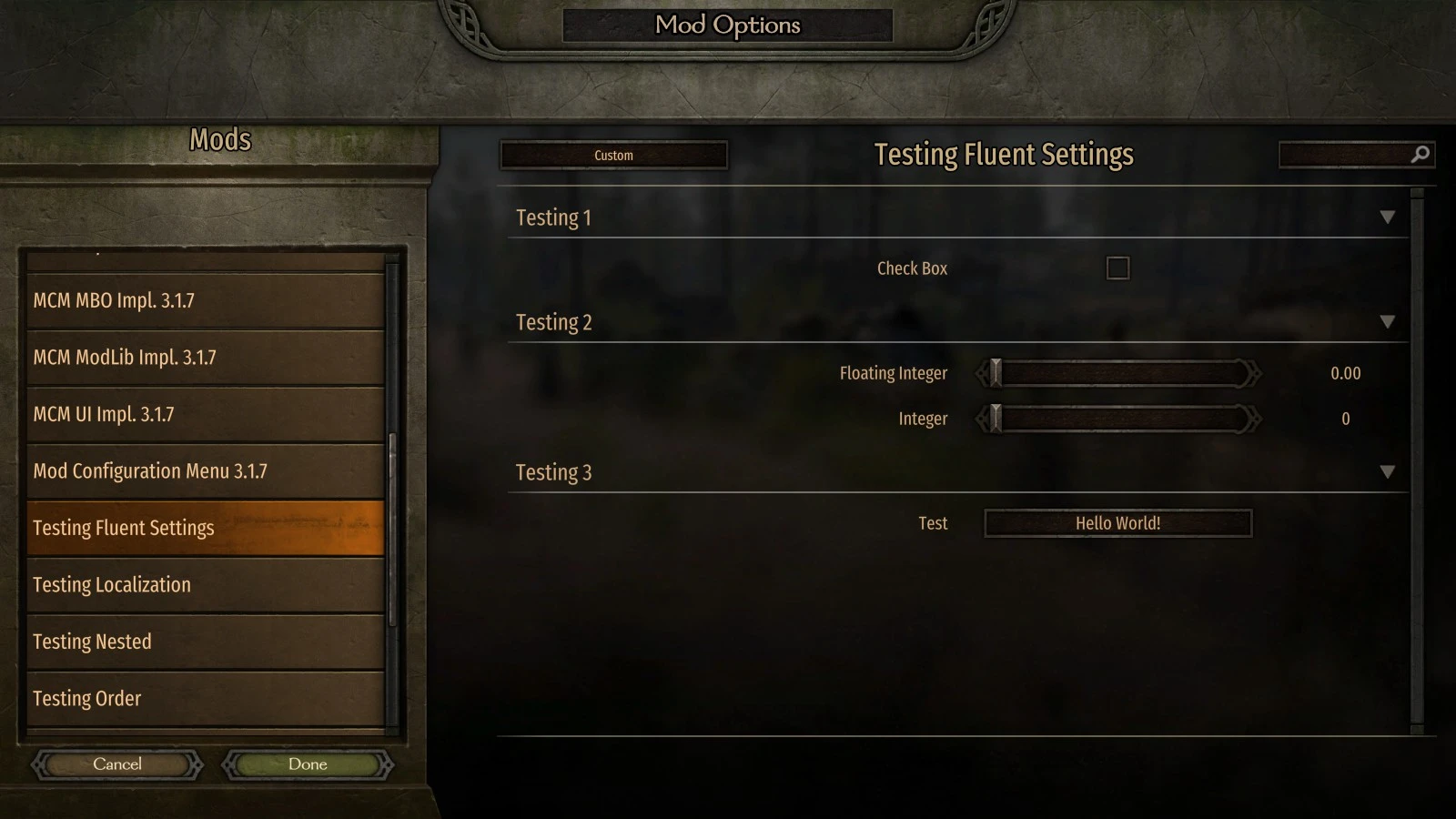
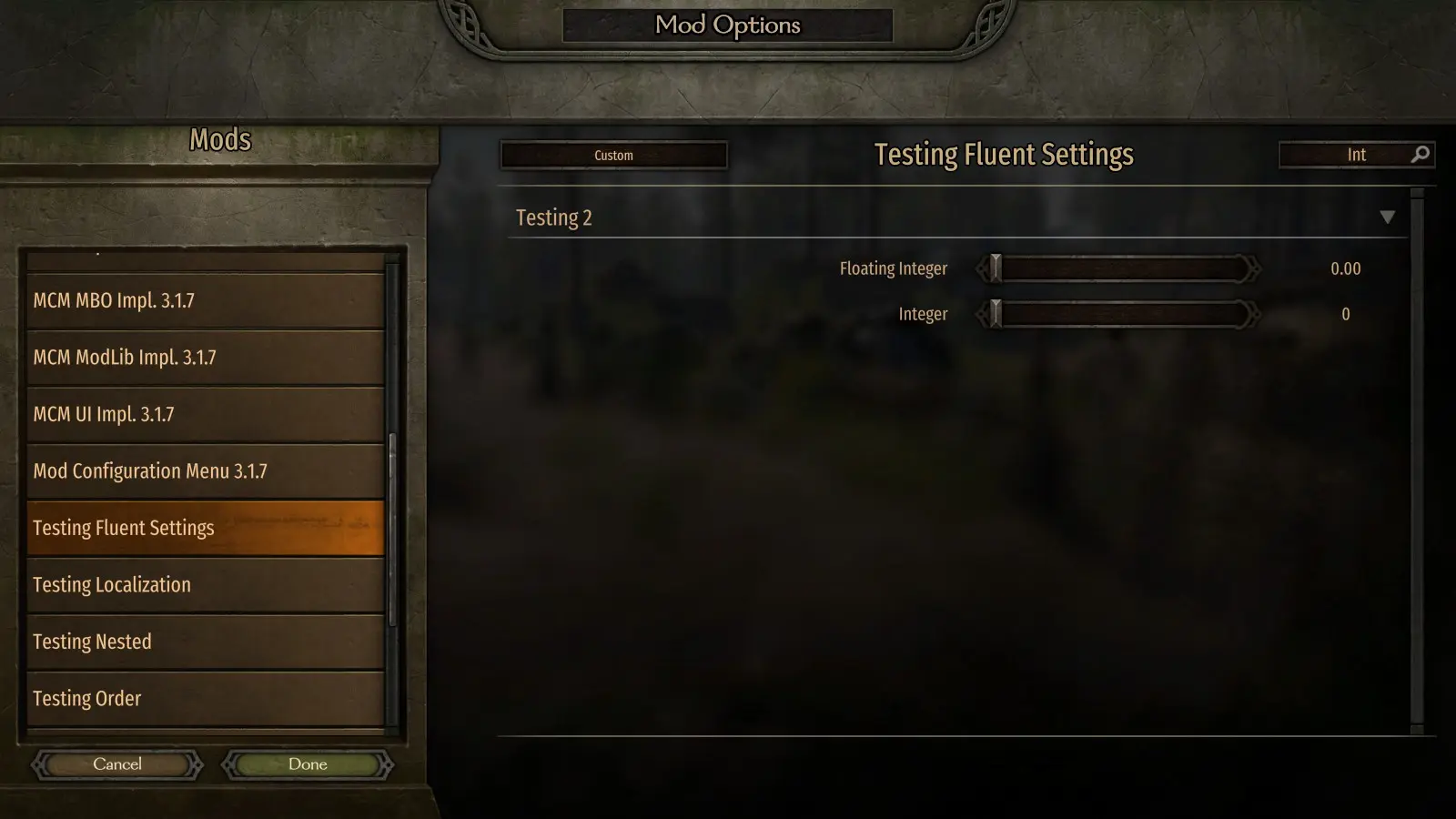
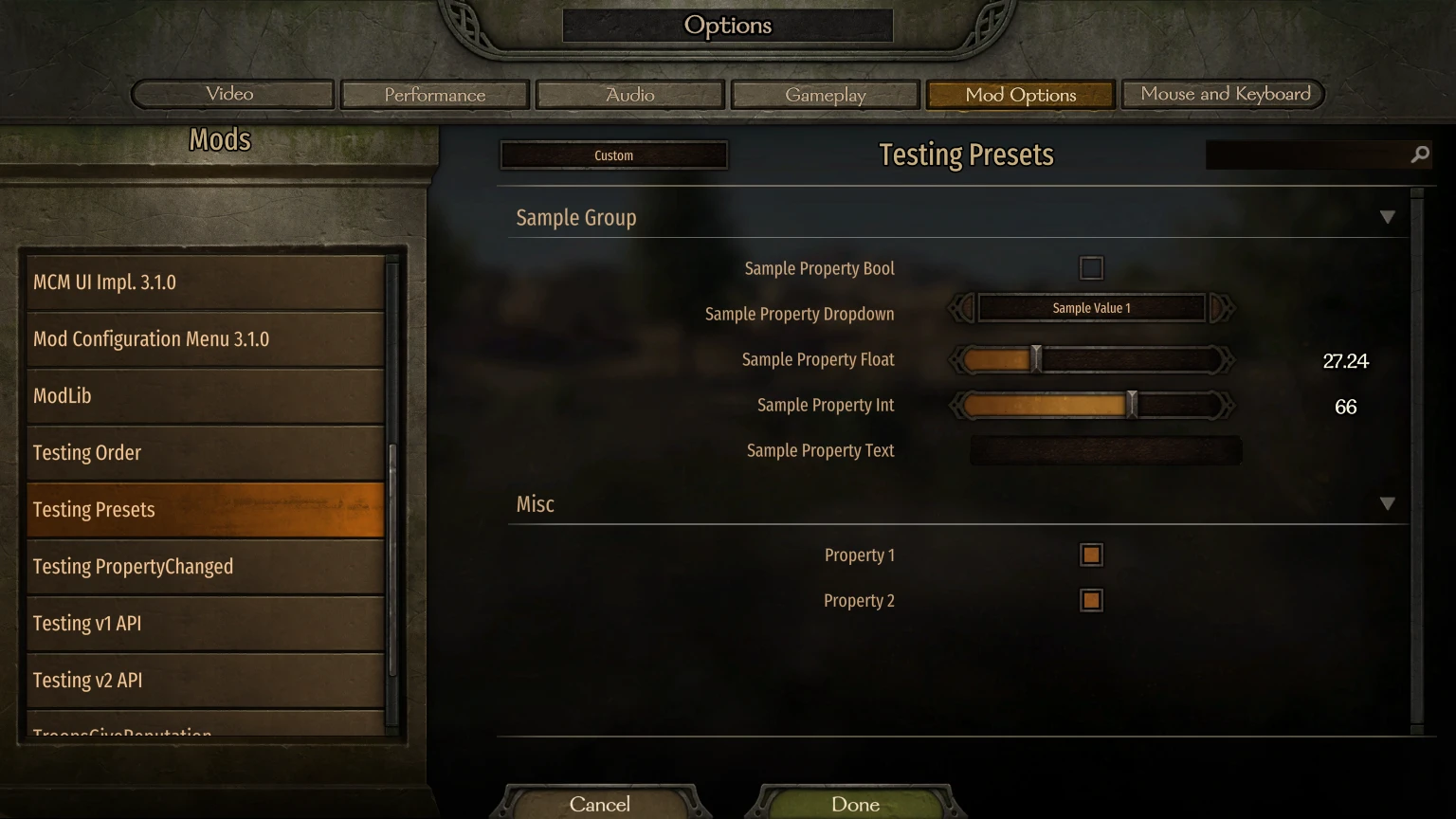
MCM 是一個 Mod 選項畫面庫,旨在讓模組製作者使用其 API 來定義選項。<div class="container mod_description_container condensed"><div align="center"><br/><div class="img-wrapper"><img src="https://raw.githubusercontent.com/Aragas/Bannerlord.MBOptionScreen/refs/heads/dev/resources/mcm-transparent.png"/></div><br/><a href="https://crowdin.com/project/mod-configuration-menu" rel="nofollow"><div class="img-wrapper"><img src="https://badges.crowdin.net/mod-configuration-menu/localized.svg"/></div><br/><a href="https://www.nuget.org/packages/Bannerlord.MCM" rel="nofollow"><div class="img-wrapper"><img src="https://img.shields.io/nuget/v/Bannerlord.MCM.svg?label=NuGet%20Bannerlord.MCM&colorB=blue"/></div><br/><a href="https://steamcommunity.com/sharedfiles/filedetails/?id=2859238197" rel="nofollow"><div class="img-wrapper"><img src="https://img.shields.io/badge/Steam-Mod%20Configuration%20Menu-blue.svg"/></div><a href="https://steamcommunity.com/sharedfiles/filedetails/?id=2859238197" rel="nofollow"><div class="img-wrapper"><img src="https://img.shields.io/steam/downloads/2859238197?label=Downloads&color=blue"/></div><a href="https://steamcommunity.com/sharedfiles/filedetails/?id=2859238197" rel="nofollow"><div class="img-wrapper"><img src="https://img.shields.io/steam/views/2859238197?label=Views&color=blue"/></div><a href="https://steamcommunity.com/sharedfiles/filedetails/?id=2859238197" rel="nofollow"><div class="img-wrapper"><img src="https://img.shields.io/steam/subscriptions/2859238197?label=Subscriptions&color=blue"/></div><a href="https://steamcommunity.com/sharedfiles/filedetails/?id=2859238197" rel="nofollow"><div class="img-wrapper"><img src="https://img.shields.io/steam/favorites/2859238197?label=Favorites&color=blue"/></div></div><br/><br/>又名 MBOptionScreen 獨立版。<br/>此前, <a href="https://github.com/mipen/ModLib" rel="nofollow">ModLib</a>的一個分支被取消了分支。<br/> <a href="https://github.com/Aragas/Bannerlord.MBOptionScreen" rel="nofollow">GitHub</a>上有原始碼!<br/>感謝<a href="https://www.nexusmods.com/users/79933" rel="nofollow">Drogean</a>提供 MCM 標誌!<br/><br/> MCM 是一個 Mod 選項畫面庫,旨在讓模組製作者使用其 API 來定義選項。<br/><br/> MCM 支援三種設定類型-全域設定、戰役設定和存檔設定。全域設定可在角色和存檔之間共享,戰役設定僅在單一戰役中有效,存檔設定則儲存在存檔檔案中!<br/><br/>它提供了 5 種選項:<br/><ul class="disc"><li>布林值</li><li>整數滑桿/文字框</li><li>浮動滑桿/文字框</li><li>文字方塊</li><li>下拉式選單</li><li>按鈕<br/></li></ul><br/>這些設定可以在編譯時使用屬性 API 定義,也可以在執行時使用 Fluent Builder 進行定義。<br/><br/> MCM 使用以下 3 個框架層級庫:<br/><ul class="disc"><li> <strong>Harmony 系統</strong>在整個遊戲中使用單一 0Harmony.dll 檔案。</li><li> <strong>ButterLib</strong>是一個通用的模組庫,可以簡化模組開發。</li><li> <strong>UIExtenderEx</strong>是一個通用的 UI 操作庫。<br/></li></ul><br/>詳情請參閱<a href="https://mcm.bannerlord.aragas.org/articles/index.html" rel="nofollow">文件</a>!<br/><br/><font size="5">安裝</font><br/><font size="4">球員</font><br/>需要<strong>Bannerlord.Harmony</strong> 、 <strong>Bannerlord.UIExtenderEx</strong> 、 <strong>Bannerlord.ButterLib</strong> 。<br/><font size="4">開發者</font><br/>將此新增到您的<strong>.csproj 檔案</strong>中。請注意, <strong>IncludeAssets="compile"</strong>非常重要!<br/> <code><br/><ItemGroup><br/><span class="wbbtab"></span> <PackageReference Include="Bannerlord.MCM" Version="4.3.16" IncludeAssets="compile" /><br/> </ItemGroup><br/></code><br/><br/><font size="5">常問問題</font><br/><font size="4">我該如何安裝?</font><br/><ul class="content_list content_list_ordered"><li>在您的<strong>《騎馬與砍殺2:領主》安裝目錄中找到 Modules 資料夾。對於 Steam 用戶,該資料夾通常位於:C:\Program Files (x86)\Steam\steamapps\common\Mount & Blade II Bannerlord\Modules</strong></li><li>下載此模組的最新版本,然後將壓縮包中 Modules 資料夾解壓縮到遊戲的<strong>Modules</strong>資料夾中。</li><li>啟動《騎馬與砍殺2:霸主》啟動器,並選擇所有要載入的Mod配置選單mod。<br/></li></ul><div class="bbc_spoiler">劇透:<div class="bbc_spoiler_show">展示</div><div class="bbc_spoiler_content"><br/><strong>您的模組資料夾結構應該類似於這樣:</strong> <br/><br/><div class="img-wrapper"><img src="https://cdn.discordapp.com/attachments/753640646253740073/858635739528429568/unknown.png"/></div><br/><br/></div></div><div class="bbc_spoiler">劇透:<div class="bbc_spoiler_show">展示</div><div class="bbc_spoiler_content"><br/><strong>啟動器中的模組順序應該類似這樣:</strong> <br/><br/><div class="img-wrapper"><img src="https://cdn.discordapp.com/attachments/753640646253740073/858636433450729492/unknown.png"/></div><br/><br/></div></div><br/><font size="4">解除對 DLL 的阻止</font><br/>如果您使用 Windows 資源管理器或其他會嘗試保護提取文件的程式解壓縮了 zip 文件,則可能需要右鍵單擊每個 *.dll 文件,按一下“屬性”,然後按一下“解除封鎖”。<br/> <font size="4">Harmony安裝問題:</font><br/>請查看 Harmony 的故障排除指南,以了解更多修復方法。<br/><font size="4">使用 Vortex 時,v1.0.0-v1.0.3 版本會出現當機。</font><br/>請查看<a href="https://forum.nexusmods.com/index.php?showtopic=8605808/#entry118785353" rel="nofollow">此評論</a></div>
本工具由三方[bufftool]提供

立即下载模组
安裝 LagoFast,啟動 Mount&BladeII:Bannerlord 並暢玩你喜愛的模組。