• 產品
  • 遊戲
  • 翻译工具
  • 特點
  • 定價
  • 下載
  • 博客

Minecraft 自訂關卡

作者:Devastator7dMods最後更新:2023-10-03 00:07:512.1K40.5MB
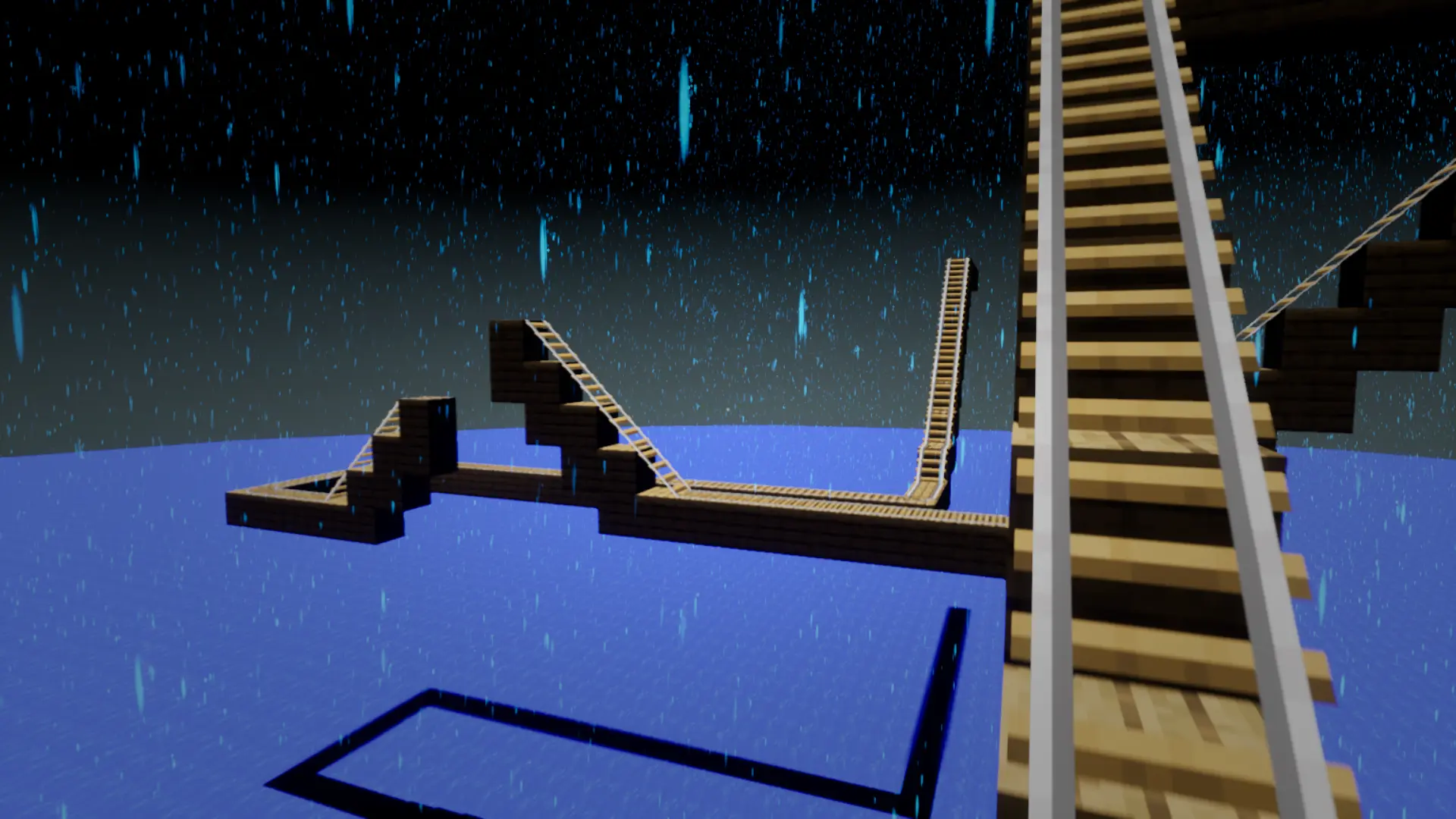
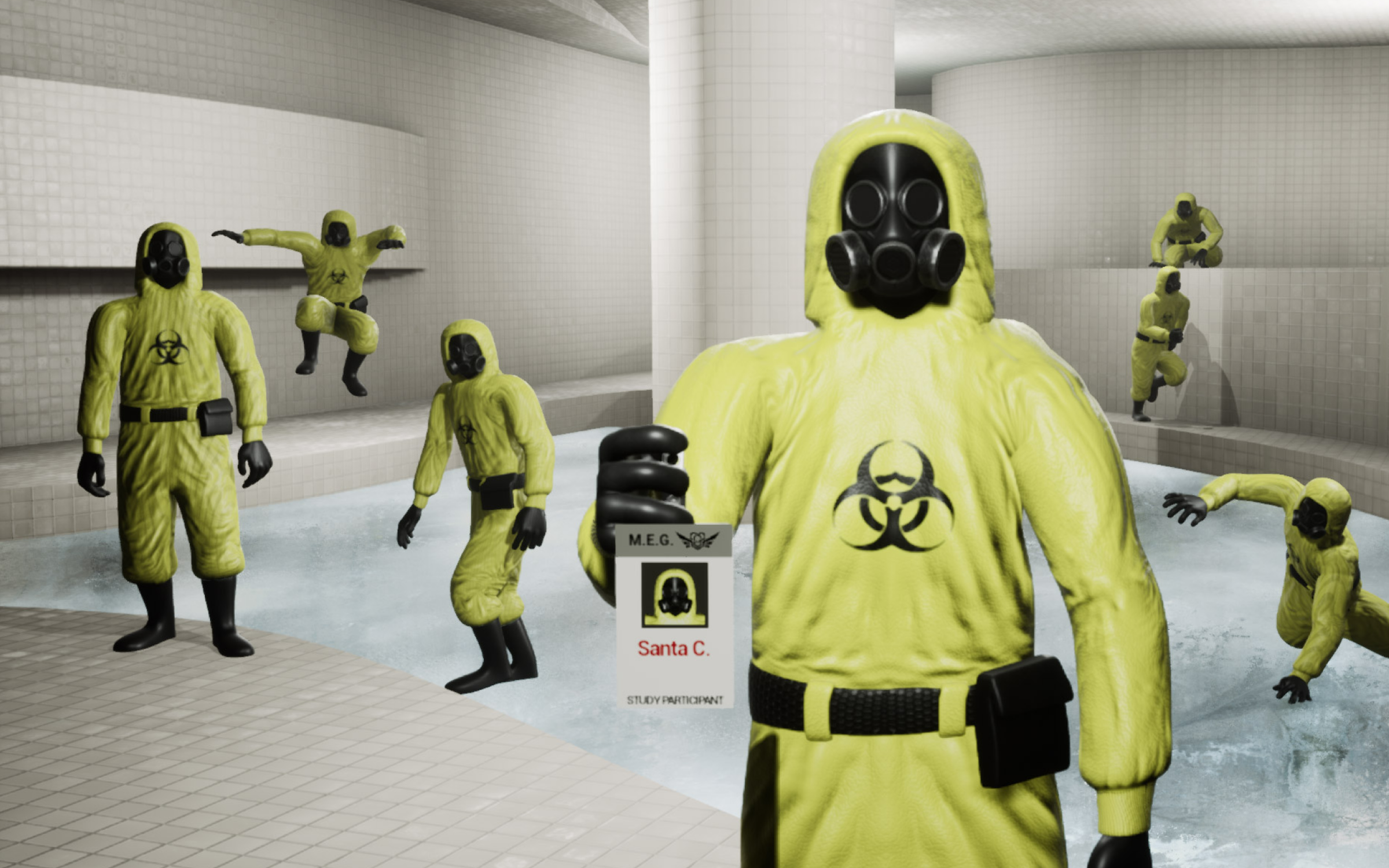
Escape the Backrooms Minecraft 自訂關卡-1-lagofast 模組大師
Escape the Backrooms Minecraft 自訂關卡-2-lagofast 模組大師
Escape the Backrooms Minecraft 自訂關卡-3-lagofast 模組大師
Escape the Backrooms Minecraft 自訂關卡-4-lagofast 模組大師
Escape the Backrooms Minecraft 自訂關卡-5-lagofast 模組大師
Escape the Backrooms Minecraft 自訂關卡-6-lagofast 模組大師
Escape the Backrooms Minecraft 自訂關卡-7-lagofast 模組大師
Escape the Backrooms Minecraft 自訂關卡-8-lagofast 模組大師
Escape the Backrooms Minecraft 自訂關卡-1-lagofast 模組大師
Escape the Backrooms Minecraft 自訂關卡-2-lagofast 模組大師
Escape the Backrooms Minecraft 自訂關卡-3-lagofast 模組大師
Escape the Backrooms Minecraft 自訂關卡-4-lagofast 模組大師
Escape the Backrooms Minecraft 自訂關卡-5-lagofast 模組大師
Escape the Backrooms Minecraft 自訂關卡-6-lagofast 模組大師
Escape the Backrooms Minecraft 自訂關卡-7-lagofast 模組大師
Escape the Backrooms Minecraft 自訂關卡-8-lagofast 模組大師

模組介紹

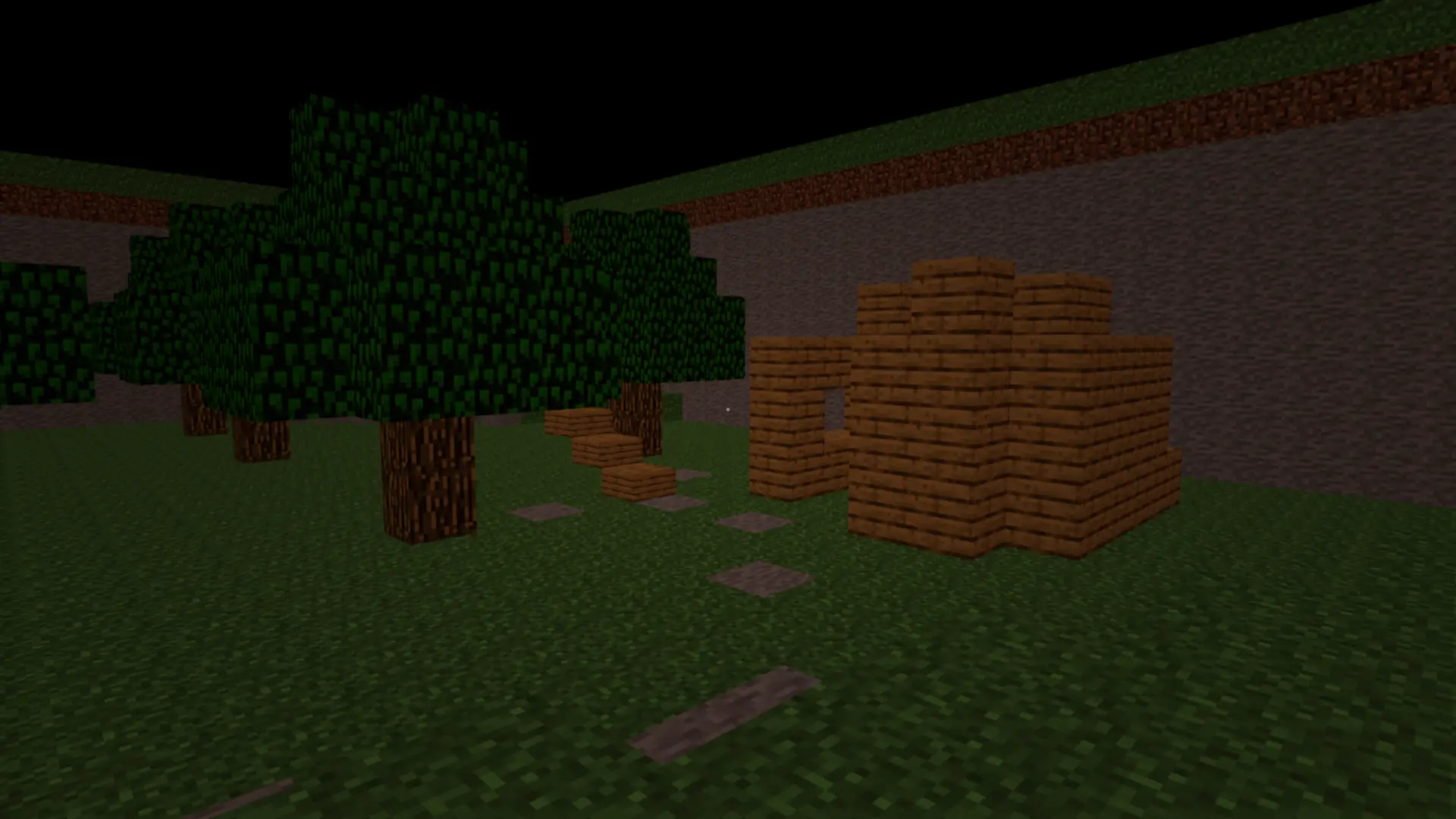
受遊戲 Minecraft 啟發的 8 個自訂級別
內容
8 個級別
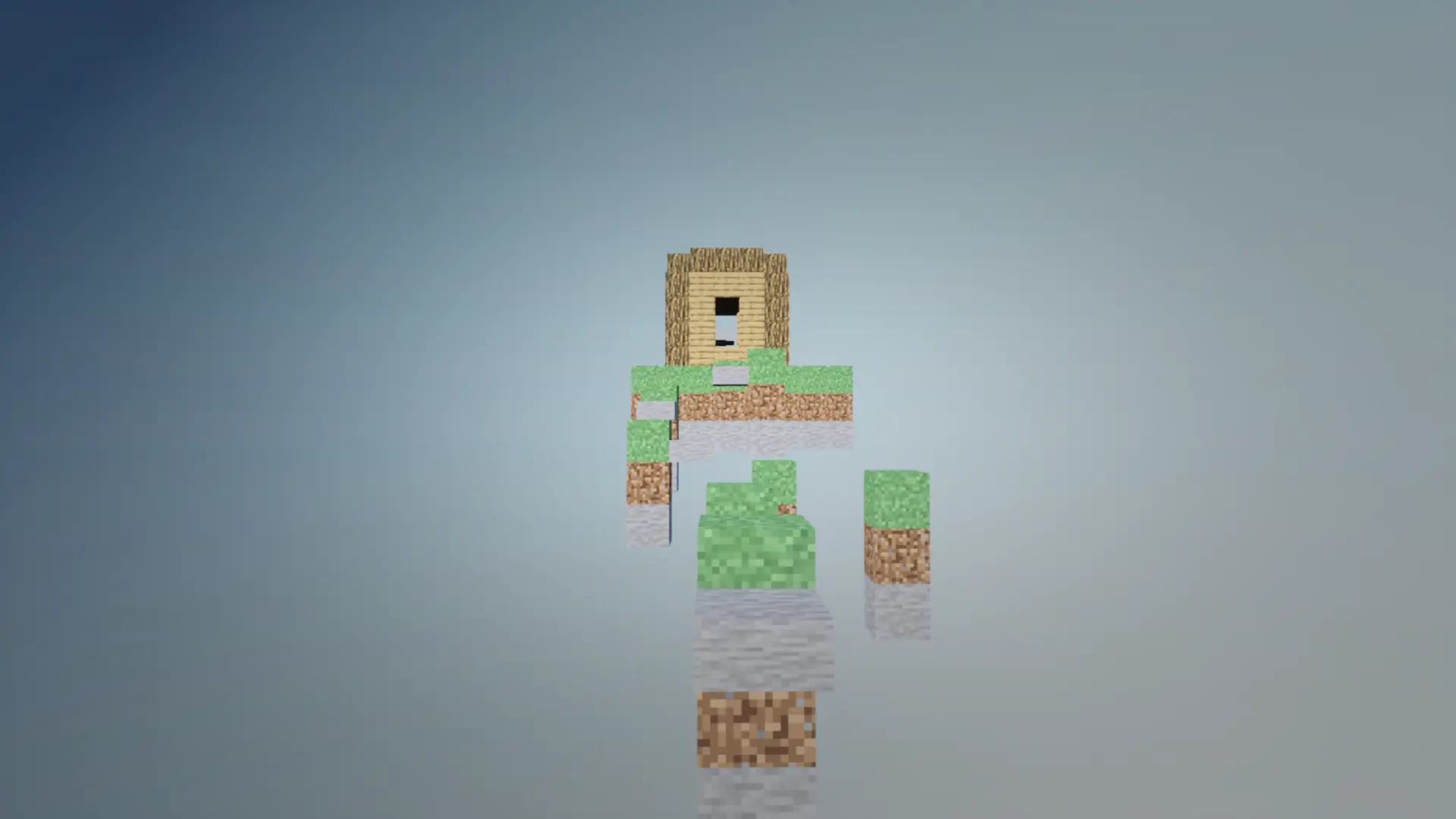
  • 主世界
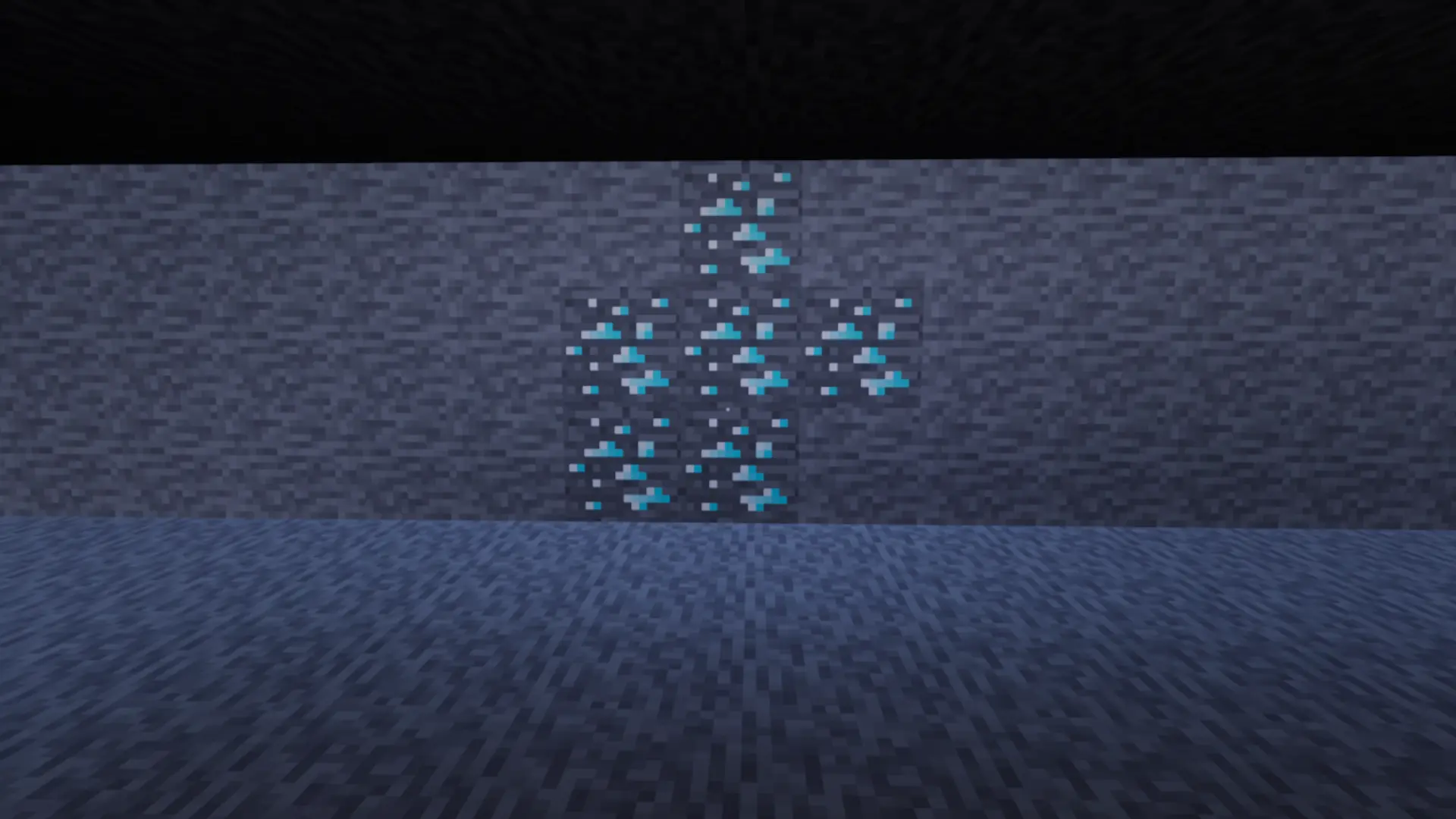
  • 洞穴
  • 下界
  • 礦車雲霄飛車
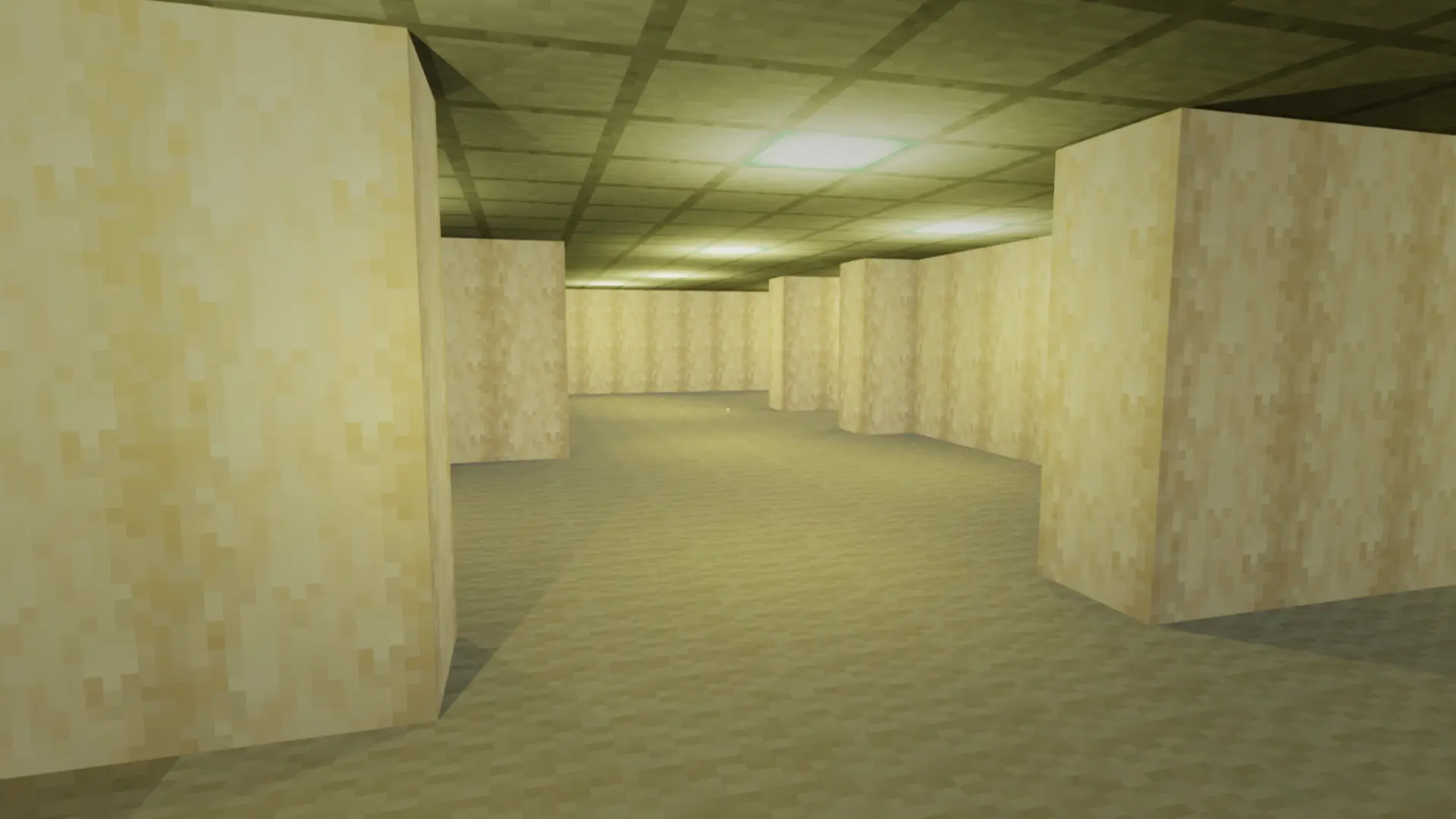
  • 密室
  • 生物群落迷宮
  • 空中跑酷
  • 結束
  • 【獎勵】關卡中心
致謝
提供協助的人員:
  • 雷奧金
  • 遊戲野獸
  • 神話
下載
請務必按照每個步驟操作。
  • 下載模組資料夾
  • 開啟 Steam > 庫 > 逃離後室 > 屬性 > 管理 > 瀏覽本機文件
  • 進入 EscapeTheBackrooms > Content > Paks 資料夾,並建立一個名為「~mods」的新資料夾(注意:~ 是必需的)。
  • 將 .pak 檔案加入到新建的 ~mods 資料夾中
  • 前往資料夾 %localappdata%\EscapeTheBackrooms\Saved\SaveGames
  • 將 .sav 檔案新增至該資料夾
  • 進入遊戲後,找到單人遊戲模式並點擊「Minecraft」存檔。
速通資訊
  • 由於某些原因,此模組與自動分割器不相容,因此,我會重新計時所有使用此模組提交到 speedrun.com 的速通影片。
本工具由三方[bufftool]提供注意圖標

立即下载模组

安裝 LagoFast,啟動 Escape the Backrooms 並暢玩你喜愛的模組。