Odin: Valhalla Rising Download Guide
04/28/2025
Getting ready to dive into the world of Odin: Valhalla Rising? Here’s a simple and reliable guide to help you download and install the game without any issues:
Step 1: Accelerate Odin: Valhalla Rising with LagoFast
Open the LagoFast client.
Search for Odin: Valhalla Rising and start game boosting before proceeding.
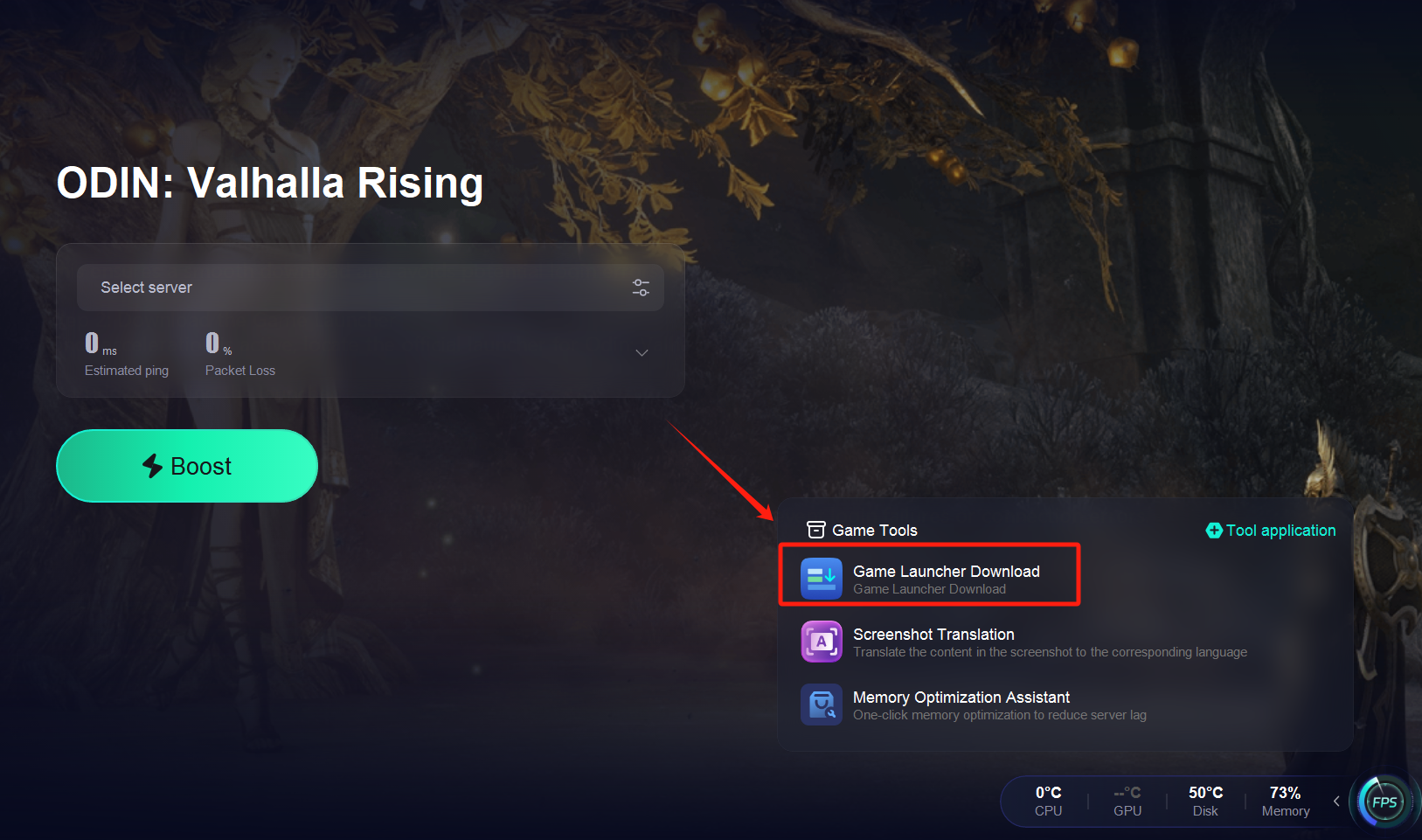
Step 2: Download the Game Launcher
Once acceleration is active, locate the official launcher for Odin: Valhalla Rising.
Start downloading the launcher.
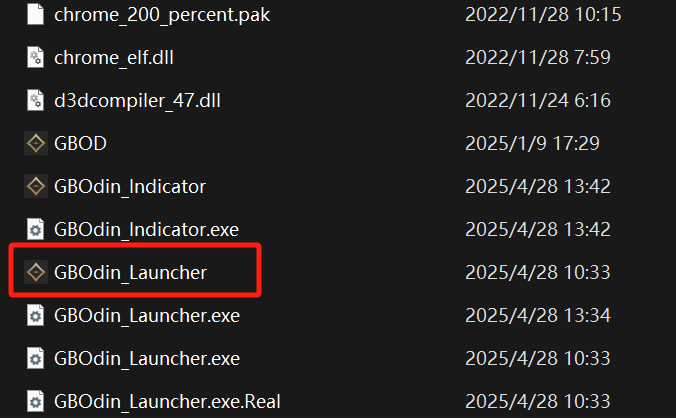
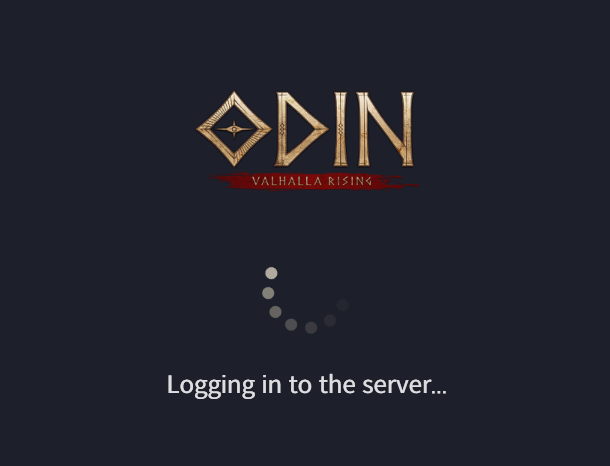
Step 3: Log In with Your Google Account
After installing the launcher, sign in using your Google account.
Important: Make sure you remain connected to LagoFast during this step to prevent login failures or connection errors.

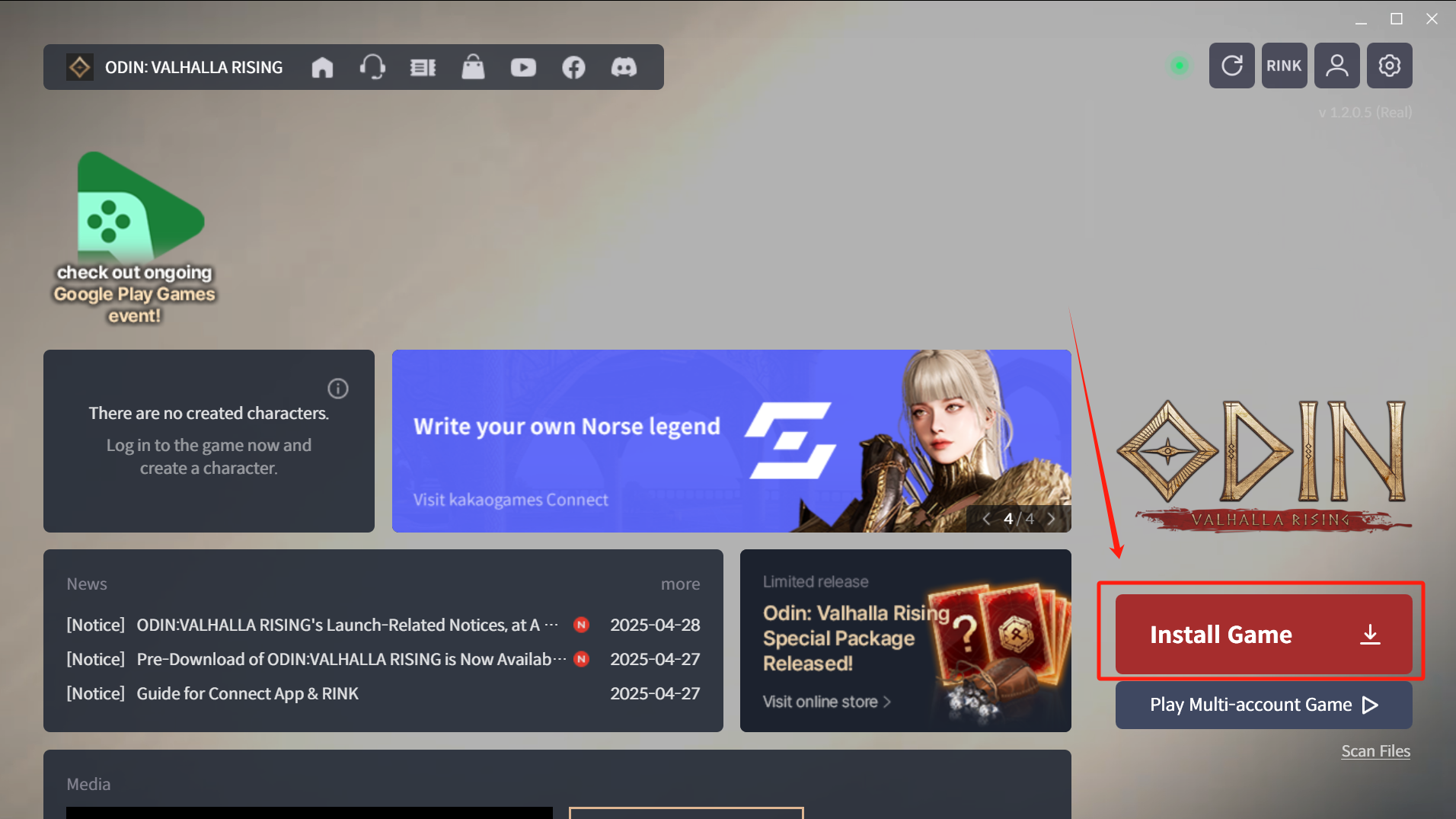
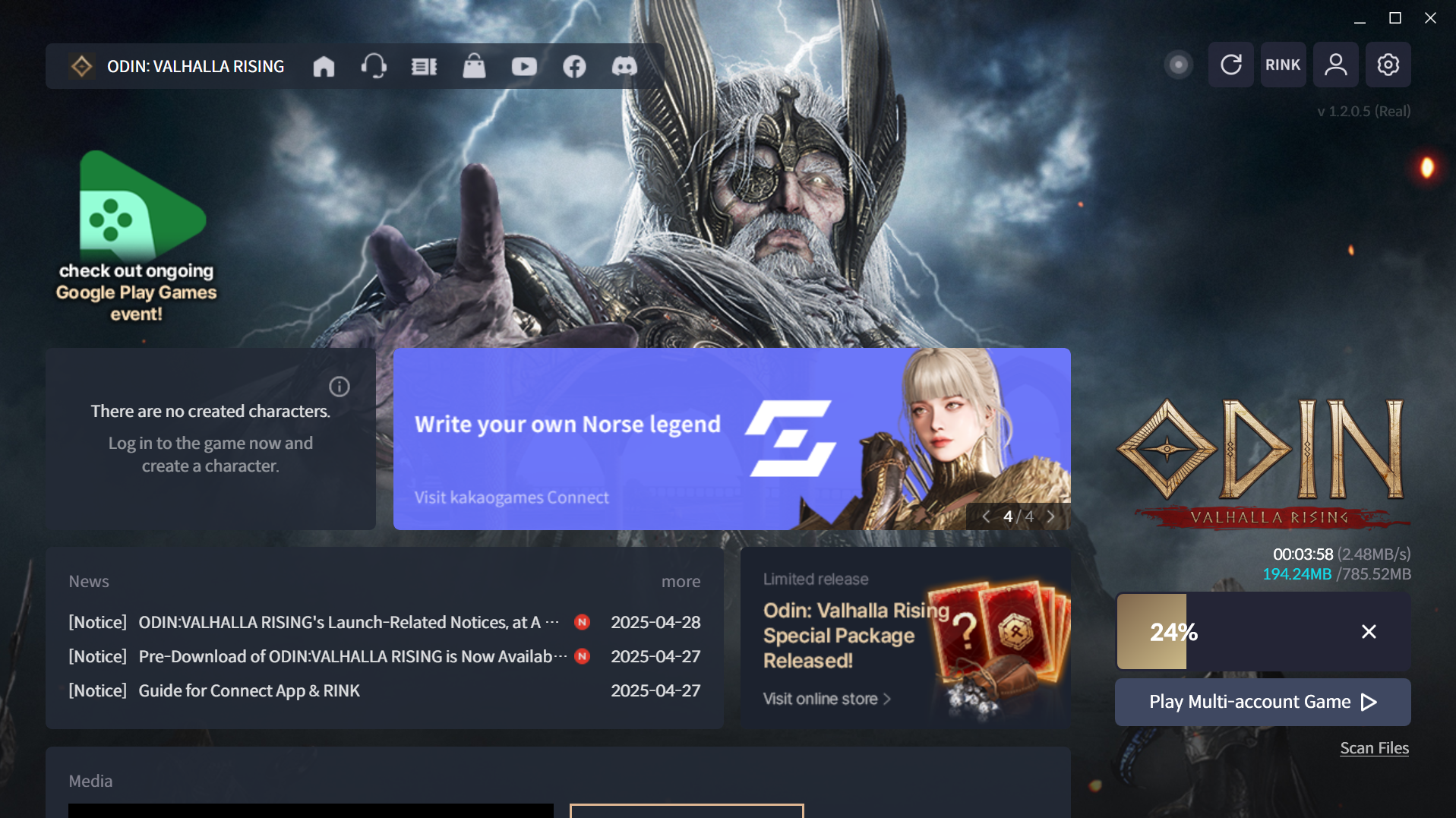
Step 4: Download and Install the Game
After a successful login, proceed to download and install the full game.
Điều này có hữu ích không?

Đúng

KHÔNG
Không tìm thấy câu trả lời bạn đang tìm kiếm?
Liên hệ với chúng tôiChúng tôi sử dụng cookie để tạo sự tương tác dễ dàng và có ý nghĩa với các trang web và dịch vụ của chúng tôi. Để biết thêm thông tin về cookie chúng tôi sử dụng hoặc để tìm hiểu cách bạn có thể tắt cookie, nhấp vào đây.