Menu Cấu hình Mod (MCM)
Tác giả:AragasCập nhật lần cuối:2025-11-28 02:15:504.2M1.1MB

Tiền phụ thuộc

Hòa hợp
4.8M1.1MB
Bartleeb
3.8M4.0MB
UIExtenderEx
3.7M238KB

Trình mở rộng phần mềm bannerlord (BLSE)
1.3M5.3MB
Giới thiệu về Mod
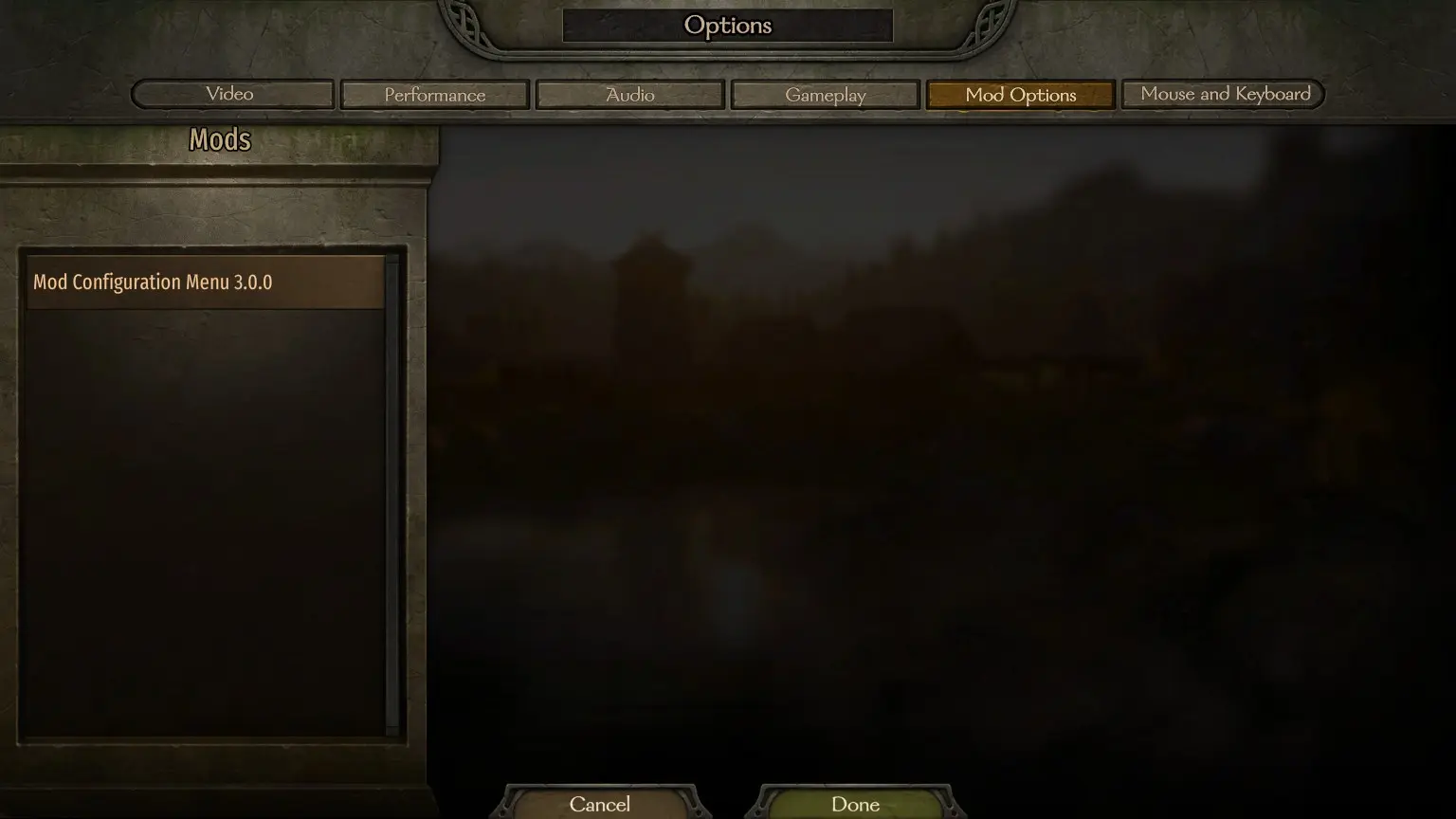
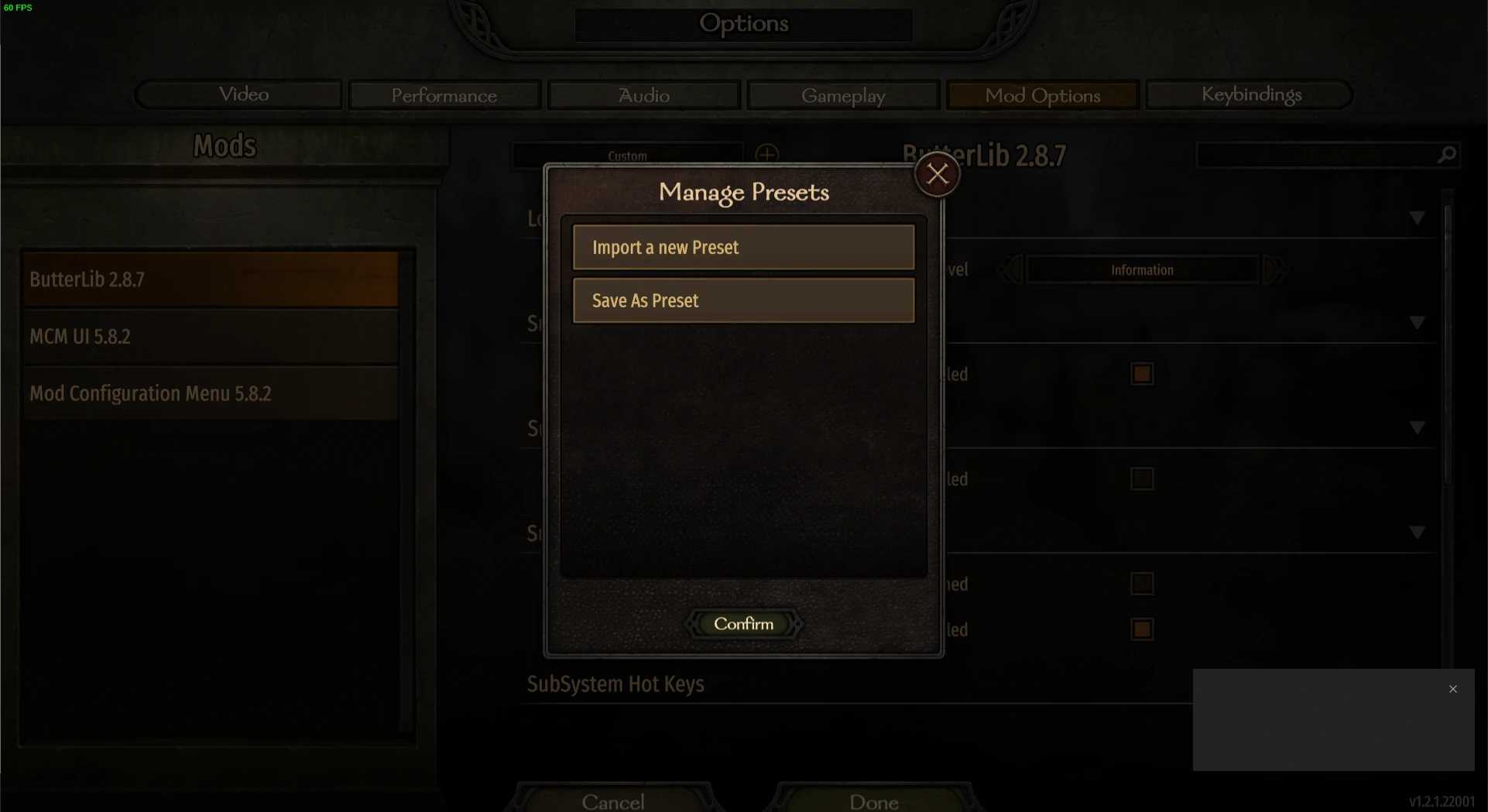
MCM là thư viện màn hình Tùy chọn Mod được thiết kế để cho phép người điều chỉnh sử dụng API của thư viện này để xác định các tùy chọn.<div class="container mod_description_container condensed"><div align="center"><br/><div class="img-wrapper"><img src="https://raw.githubusercontent.com/Aragas/Bannerlord.MBOptionScreen/refs/heads/dev/resources/mcm-transparent.png"/></div><br/><a href="https://crowdin.com/project/mod-configuration-menu" rel="nofollow"><div class="img-wrapper"><img src="https://badges.crowdin.net/mod-configuration-menu/localized.svg"/></div><br/><a href="https://www.nuget.org/packages/Bannerlord.MCM" rel="nofollow"><div class="img-wrapper"><img src="https://img.shields.io/nuget/v/Bannerlord.MCM.svg?label=NuGet%20Bannerlord.MCM&colorB=blue"/></div><br/><a href="https://steamcommunity.com/sharedfiles/filedetails/?id=2859238197" rel="nofollow"><div class="img-wrapper"><img src="https://img.shields.io/badge/Steam-Mod%20Configuration%20Menu-blue.svg"/></div><a href="https://steamcommunity.com/sharedfiles/filedetails/?id=2859238197" rel="nofollow"><div class="img-wrapper"><img src="https://img.shields.io/steam/downloads/2859238197?label=Downloads&color=blue"/></div><a href="https://steamcommunity.com/sharedfiles/filedetails/?id=2859238197" rel="nofollow"><div class="img-wrapper"><img src="https://img.shields.io/steam/views/2859238197?label=Views&color=blue"/></div><a href="https://steamcommunity.com/sharedfiles/filedetails/?id=2859238197" rel="nofollow"><div class="img-wrapper"><img src="https://img.shields.io/steam/subscriptions/2859238197?label=Subscriptions&color=blue"/></div><a href="https://steamcommunity.com/sharedfiles/filedetails/?id=2859238197" rel="nofollow"><div class="img-wrapper"><img src="https://img.shields.io/steam/favorites/2859238197?label=Favorites&color=blue"/></div></div><br/><br/> Còn được gọi là MBOptionScreen độc lập.<br/> Trước đây, một nhánh của <a href="https://github.com/mipen/ModLib" rel="nofollow">ModLib</a> đã được tách nhánh.<br/> Nguồn có sẵn tại <a href="https://github.com/Aragas/Bannerlord.MBOptionScreen" rel="nofollow">GitHub</a> !<br/> Cảm ơn <a href="https://www.nexusmods.com/users/79933" rel="nofollow">Drogean</a> đã thiết kế Logo MCM!<br/><br/> MCM là thư viện màn hình Tùy chọn Mod được thiết kế để cho phép người điều chỉnh sử dụng API của thư viện này để xác định các tùy chọn.<br/><br/> MCM hỗ trợ ba loại thiết lập - Toàn cầu, Mỗi Chiến dịch và Mỗi Lưu. Toàn cầu được chia sẻ giữa các nhân vật và lần lưu, Mỗi Chiến dịch được duy trì trong một chiến dịch duy nhất, và Mỗi Lưu được lưu trong tệp lưu!<br/><br/> Nó cung cấp 5 loại tùy chọn:<br/><ul class="disc"><li> Bool</li><li> Int Slider / Textbox</li><li> Thanh trượt nổi / Hộp văn bản</li><li> Hộp văn bản</li><li> thả xuống</li><li> Cái nút<br/></li></ul><br/> Có thể xác định các thiết lập tại thời điểm biên dịch bằng cách sử dụng API thuộc tính và tại thời điểm chạy bằng cách sử dụng Fluent Builder.<br/><br/> MCM sử dụng 3 thư viện cấp khung sau:<br/><ul class="disc"><li> <strong>Harmony</strong> được sử dụng để có một 0Harmony.dll duy nhất trong toàn bộ trò chơi.</li><li> <strong>ButterLib</strong> là một thư viện mod chung giúp việc phát triển mod trở nên dễ dàng hơn.</li><li> <strong>UIExtenderEx</strong> là một thư viện thao tác UI chung.<br/></li></ul><br/> Xem <a href="https://mcm.bannerlord.aragas.org/articles/index.html" rel="nofollow">Tài liệu</a> để biết thêm chi tiết!<br/><br/> <font size="5">Cài đặt</font><br/> <font size="4">Người chơi</font><br/> Yêu cầu <strong>Bannerlord.Harmony</strong> , <strong>Bannerlord.UIExtenderEx</strong> , <strong>Bannerlord.ButterLib</strong> .<br/> <font size="4">Các nhà phát triển</font><br/> Thêm đoạn mã này vào <strong>.csproj</strong> của bạn. Xin lưu ý rằng <strong>IncludeAssets="compile"</strong> rất quan trọng!<br/> <code><br/><ItemGroup><br/><span class="wbbtab"></span> <PackageReference Include="Bannerlord.MCM" Version="4.3.16" IncludeAssets="compile" /><br/> </ItemGroup><br/></code><br/><br/> <font size="5">Câu hỏi thường gặp</font><br/> <font size="4">Làm thế nào để cài đặt nó?</font><br/><ul class="content_list content_list_ordered"><li> Tìm thư mục Modules trong thư mục cài đặt Bannerlord của bạn. Đối với người dùng Steam, thư mục này thường nằm ở đây: <strong>C:\Program Files (x86)\Steam\steamapps\common\Mount & Blade II Bannerlord\Modules</strong></li><li> Tải xuống phiên bản mới nhất của bản mod này và thả thư mục bên trong Modules từ kho lưu trữ vào thư mục <strong>Modules</strong> của trò chơi.</li><li> Khởi động trình khởi chạy Mount & Blade II: Bannerlord và chọn tất cả các mod trong Menu cấu hình Mod cần tải.<br/></li></ul><div class="bbc_spoiler"> Tiết lộ:<div class="bbc_spoiler_show"> Trình diễn</div><div class="bbc_spoiler_content"><br/> <strong>Cấu trúc thư mục Modules của bạn sẽ trông giống như thế này:</strong> <br/><br/><div class="img-wrapper"><img src="https://cdn.discordapp.com/attachments/753640646253740073/858635739528429568/unknown.png"/></div><br/><br/></div></div><div class="bbc_spoiler"> Tiết lộ:<div class="bbc_spoiler_show"> Trình diễn</div><div class="bbc_spoiler_content"><br/> <strong>Thứ tự mod trong trình khởi chạy của bạn sẽ trông giống như thế này:</strong> <br/><br/><div class="img-wrapper"><img src="https://cdn.discordapp.com/attachments/753640646253740073/858636433450729492/unknown.png"/></div><br/><br/></div></div><br/> <font size="4">Bỏ chặn DLL</font><br/> Bạn có thể cần phải nhấp chuột phải vào mọi tệp *.dll, nhấp vào Thuộc tính và nhấp vào Bỏ chặn nếu bạn giải nén tệp zip bằng Windows Explorer hoặc các chương trình khác cố gắng bảo mật các tệp đã giải nén.<br/> <font size="4">Các vấn đề cài đặt Harmony:</font><br/> Kiểm tra mục Khắc phục sự cố của Harmony để biết thêm thông tin về cách khắc phục.<br/> <font size="4">Sự cố xảy ra trên v1.0.0-v1.0.3 khi sử dụng Vortex</font><br/> Kiểm tra <a href="https://forum.nexusmods.com/index.php?showtopic=8605808/#entry118785353" rel="nofollow">bình luận này</a></div>
Công cụ này được cung cấp bởi bên thứ ba [bufftool]

Tải xuống bản mod ngay
Cài đặt LagoFast, khởi động Mount&BladeII:Bannerlord và chơi các bản mod bạn yêu thích.
Chúng tôi sử dụng cookie để tạo sự tương tác dễ dàng và có ý nghĩa với các trang web và dịch vụ của chúng tôi. Để biết thêm thông tin về cookie chúng tôi sử dụng hoặc để tìm hiểu cách bạn có thể tắt cookie, nhấp vào đây.