Steam Deck Boost Tutorial
04/14/2023
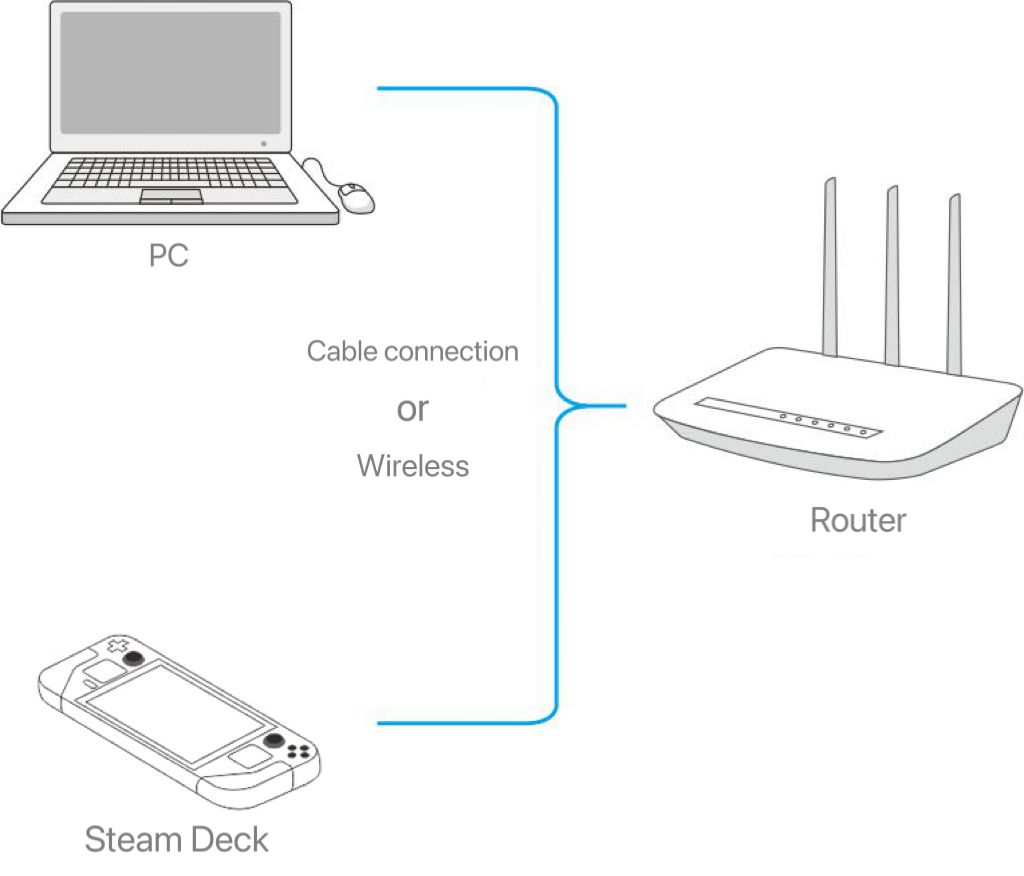
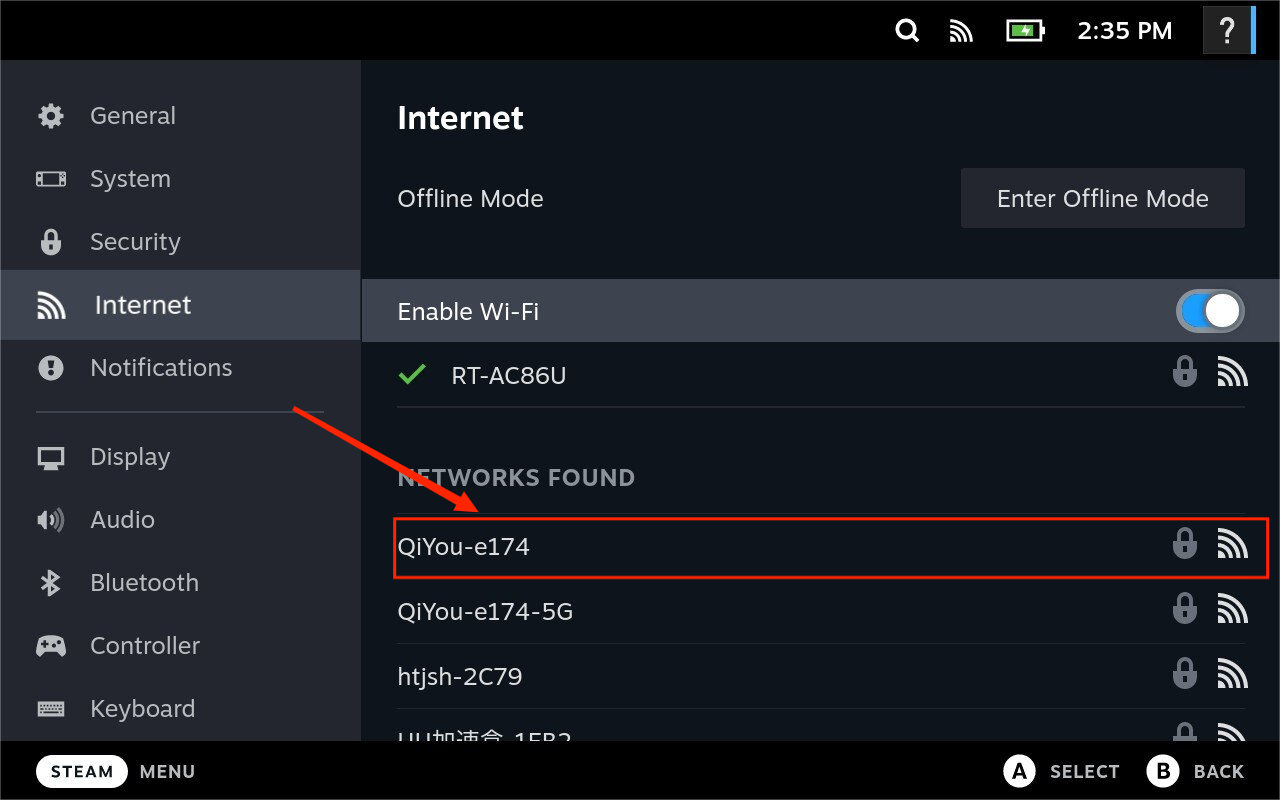
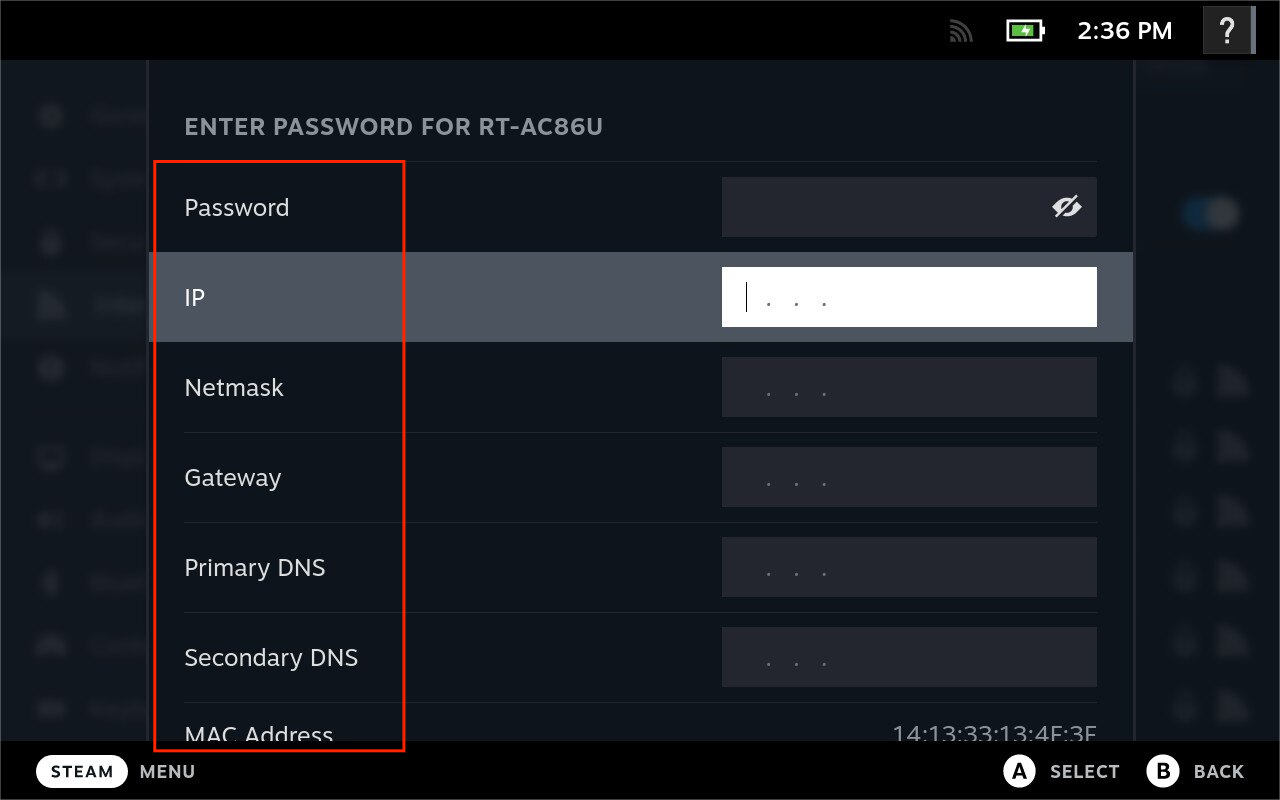
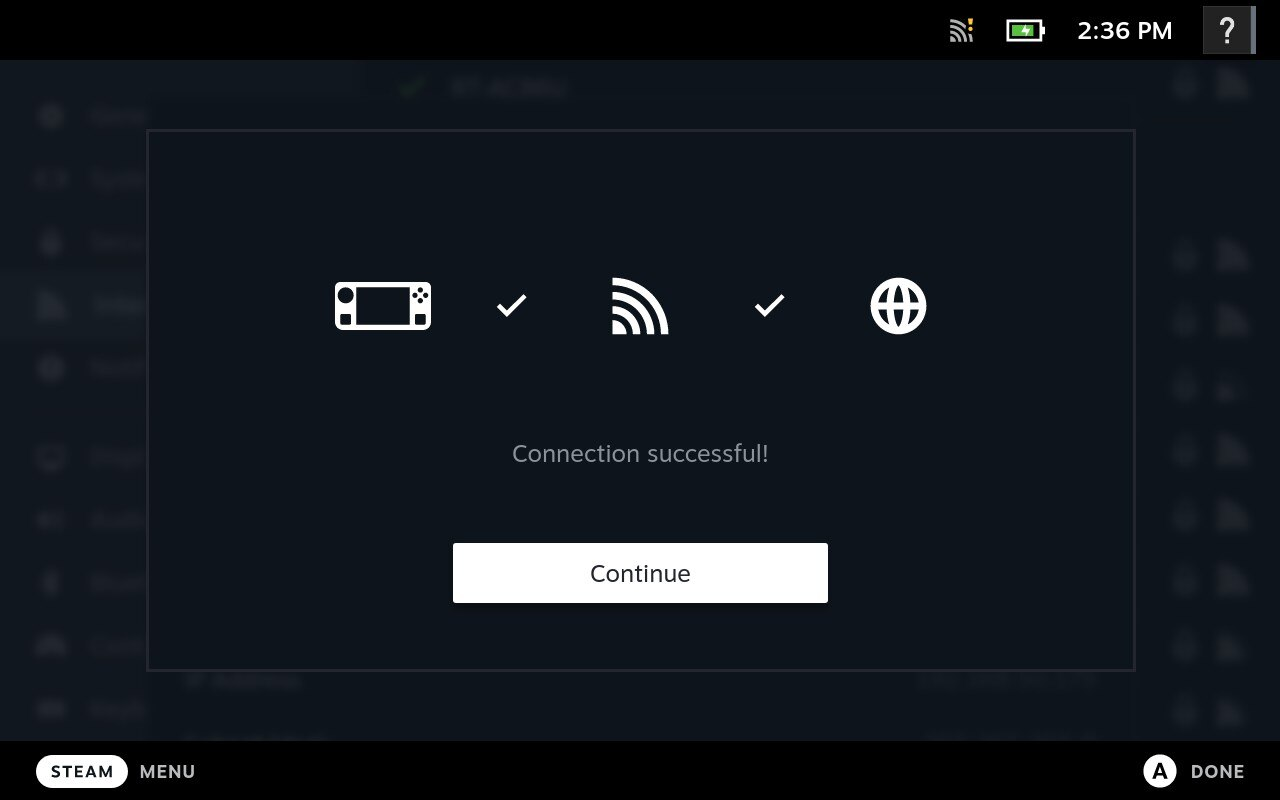
3. Do not enter the password first
Isso foi útil?

Sim

Não
Não consegue encontrar a resposta que procura?
Contate-nosUsamos cookies para tornar as interações com nossos sites e serviços fáceis e significativas. Para obter mais informações sobre os cookies que usamos ou para descobrir como você pode desabilitar os cookies, clique aqui.