모드 구성 메뉴(MCM)
저자:Aragas마지막 업데이트:2025-11-28 02:15:504.2M1.1MB

사전 종속성


모드 소개
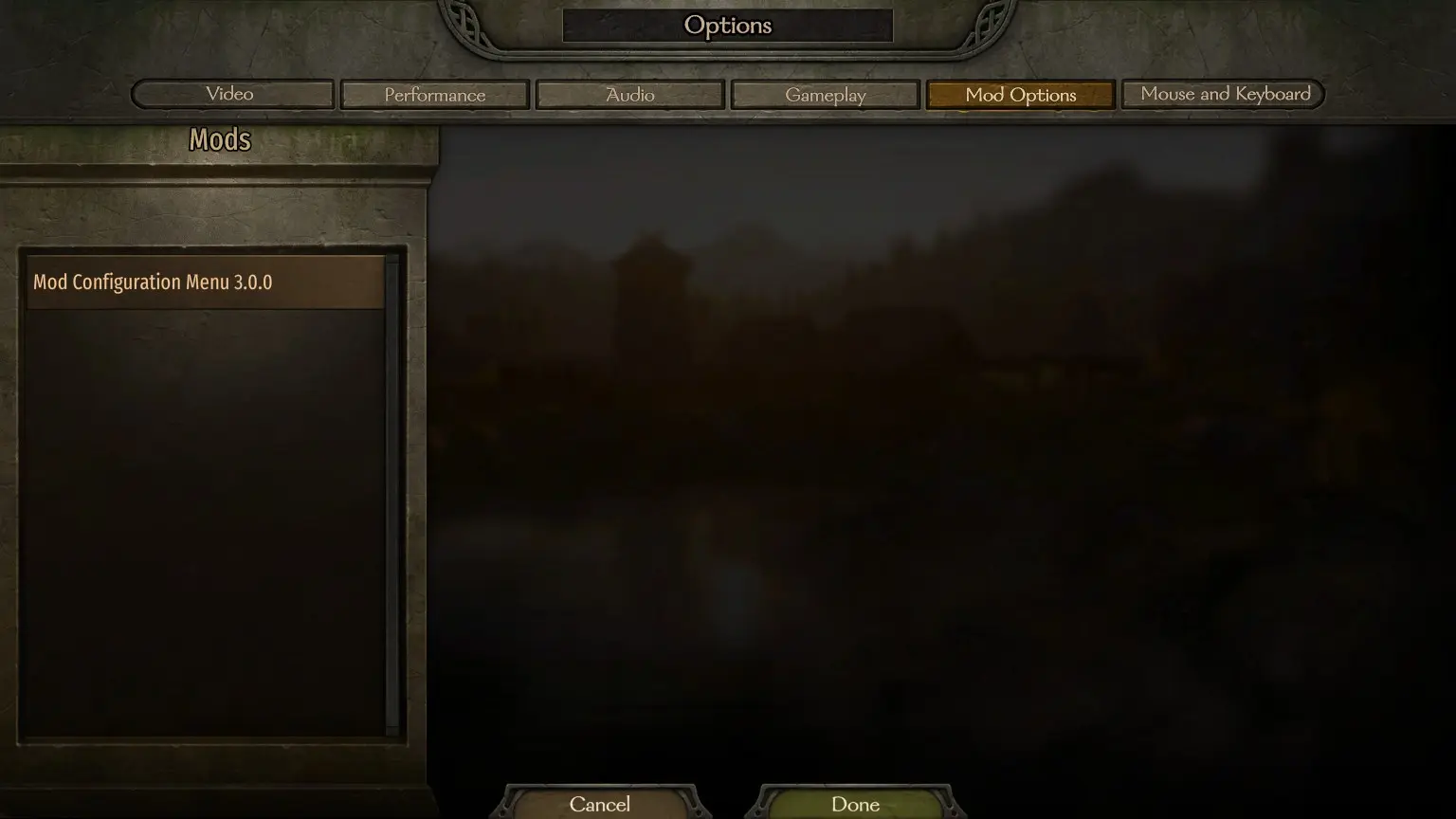
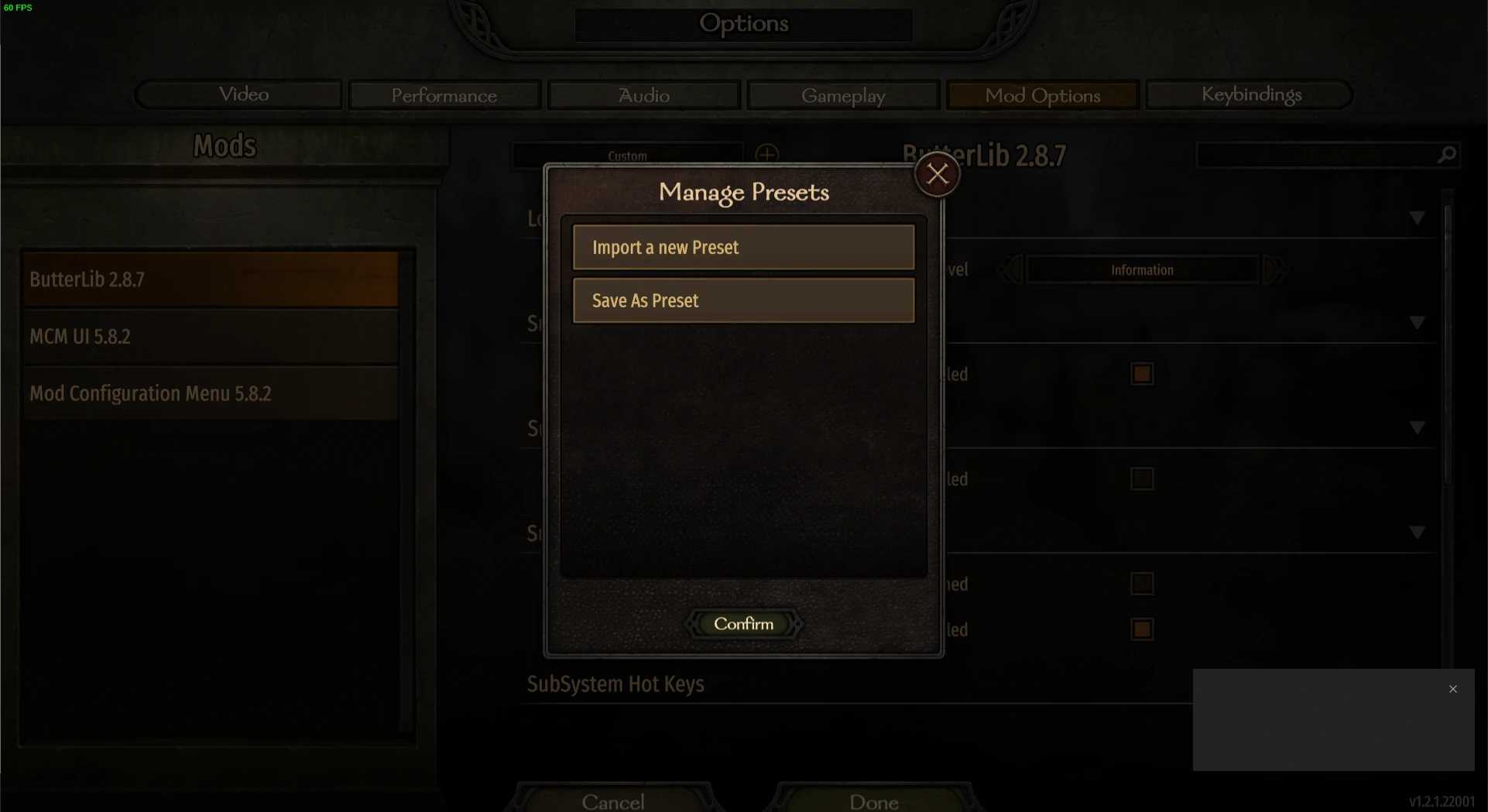
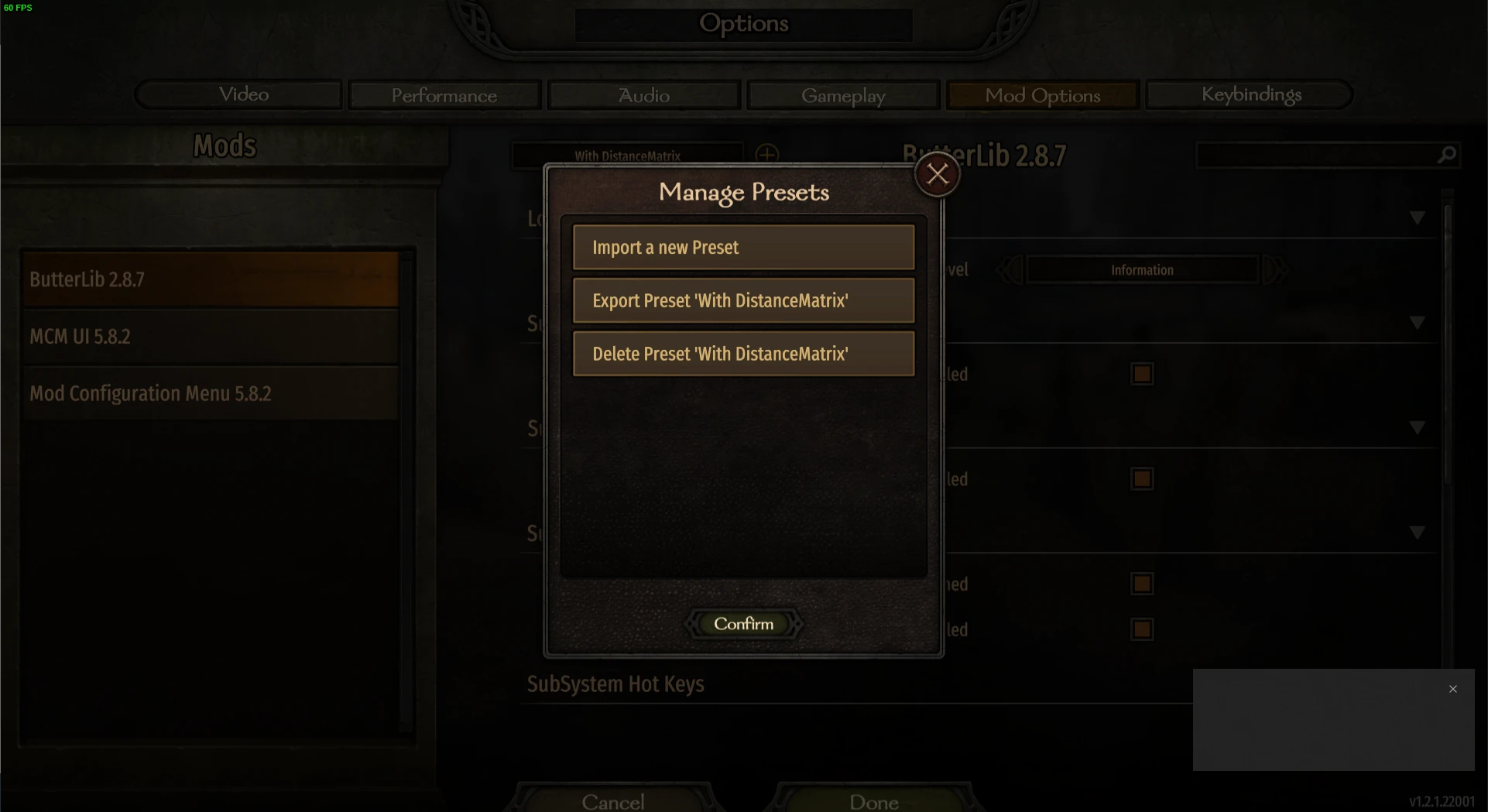
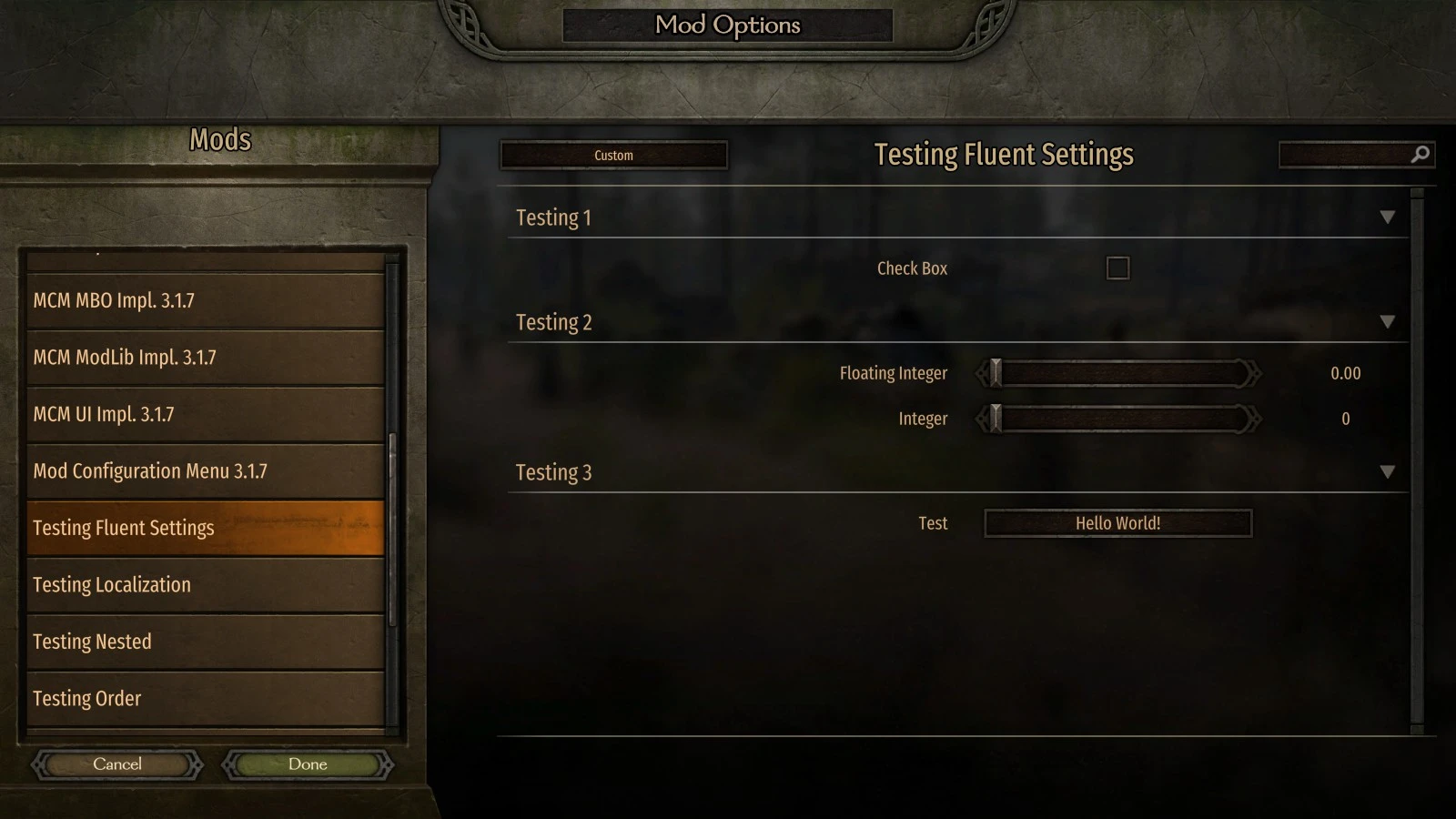
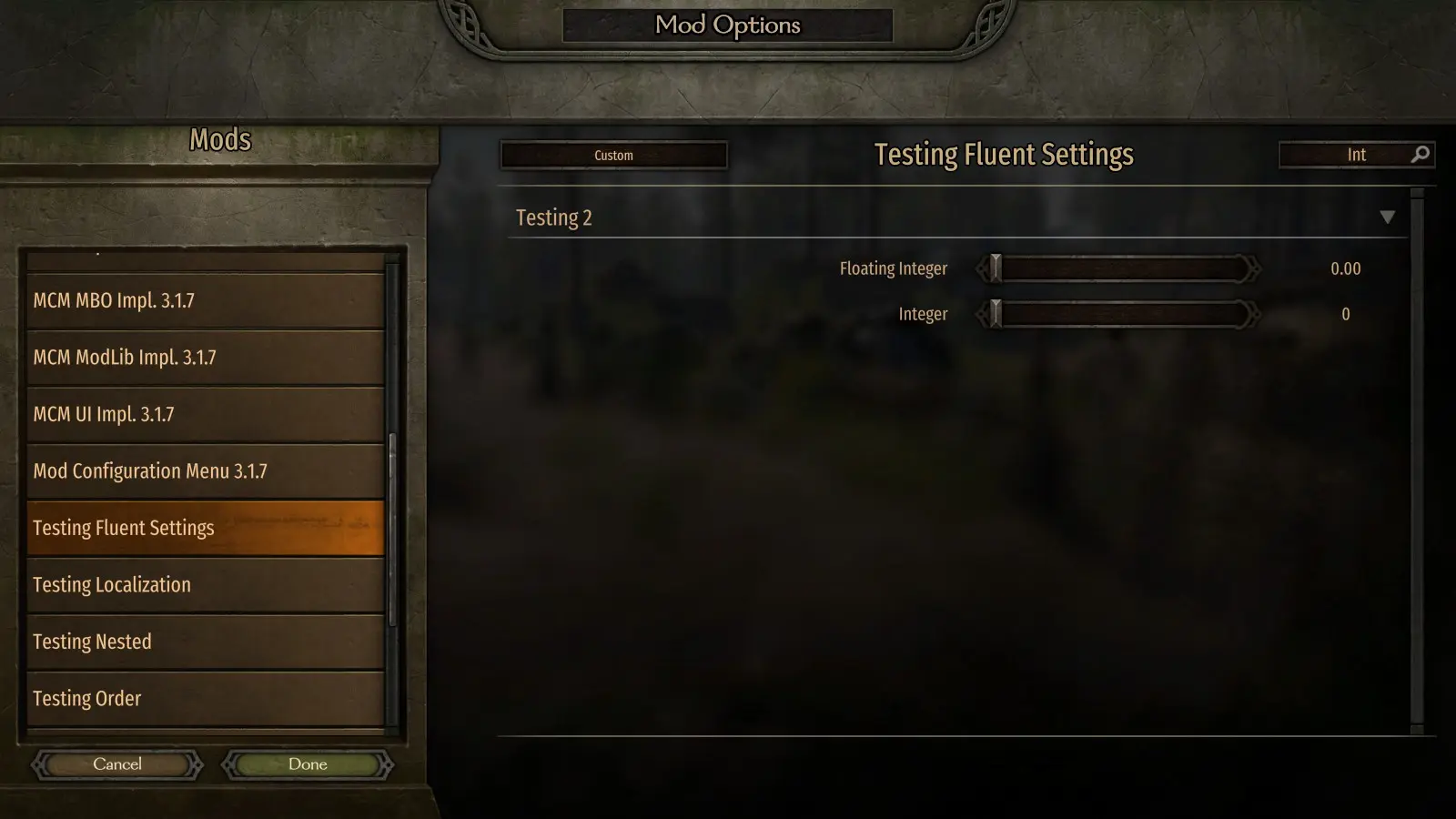
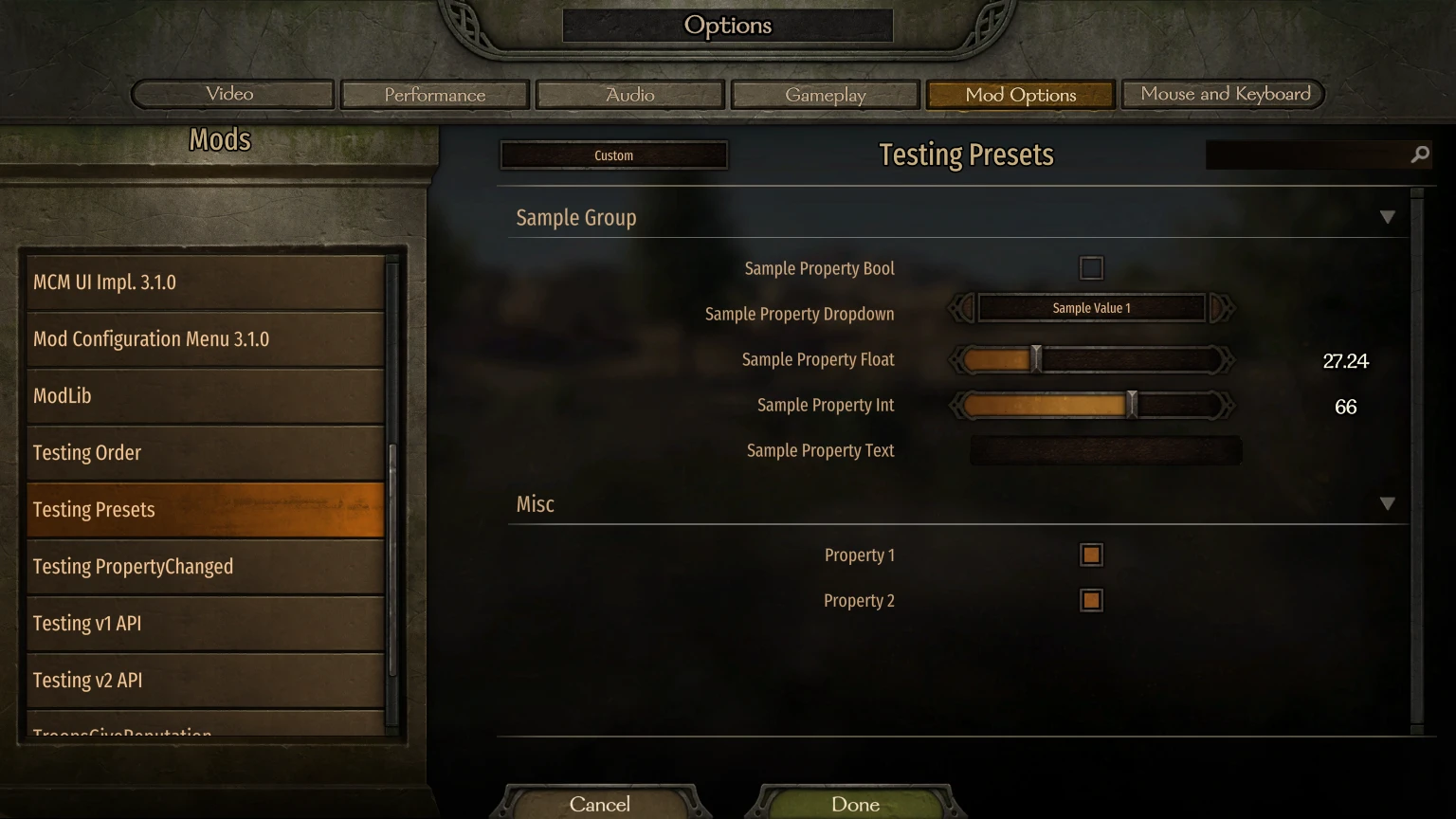
MCM은 모더가 API를 사용하여 옵션을 정의할 수 있도록 설계된 모드 옵션 화면 라이브러리입니다.<div class="container mod_description_container condensed"><div align="center"><br/><div class="img-wrapper"><img src="https://raw.githubusercontent.com/Aragas/Bannerlord.MBOptionScreen/refs/heads/dev/resources/mcm-transparent.png"/></div><br/><a href="https://crowdin.com/project/mod-configuration-menu" rel="nofollow"><div class="img-wrapper"><img src="https://badges.crowdin.net/mod-configuration-menu/localized.svg"/></div><br/><a href="https://www.nuget.org/packages/Bannerlord.MCM" rel="nofollow"><div class="img-wrapper"><img src="https://img.shields.io/nuget/v/Bannerlord.MCM.svg?label=NuGet%20Bannerlord.MCM&colorB=blue"/></div><br/><a href="https://steamcommunity.com/sharedfiles/filedetails/?id=2859238197" rel="nofollow"><div class="img-wrapper"><img src="https://img.shields.io/badge/Steam-Mod%20Configuration%20Menu-blue.svg"/></div><a href="https://steamcommunity.com/sharedfiles/filedetails/?id=2859238197" rel="nofollow"><div class="img-wrapper"><img src="https://img.shields.io/steam/downloads/2859238197?label=Downloads&color=blue"/></div><a href="https://steamcommunity.com/sharedfiles/filedetails/?id=2859238197" rel="nofollow"><div class="img-wrapper"><img src="https://img.shields.io/steam/views/2859238197?label=Views&color=blue"/></div><a href="https://steamcommunity.com/sharedfiles/filedetails/?id=2859238197" rel="nofollow"><div class="img-wrapper"><img src="https://img.shields.io/steam/subscriptions/2859238197?label=Subscriptions&color=blue"/></div><a href="https://steamcommunity.com/sharedfiles/filedetails/?id=2859238197" rel="nofollow"><div class="img-wrapper"><img src="https://img.shields.io/steam/favorites/2859238197?label=Favorites&color=blue"/></div></div><br/><br/> 일명 MBOptionScreen 독립형.<br/> 이전에는 <a href="https://github.com/mipen/ModLib" rel="nofollow">ModLib</a> 의 포크가 디포크되었습니다.<br/> <a href="https://github.com/Aragas/Bannerlord.MBOptionScreen" rel="nofollow">GitHub</a> 에서 소스를 확인하세요!<br/> MCM 로고는 <a href="https://www.nexusmods.com/users/79933" rel="nofollow">Drogean</a> 의 작품입니다!<br/><br/> MCM은 모더가 API를 사용하여 옵션을 정의할 수 있도록 설계된 모드 옵션 화면 라이브러리입니다.<br/><br/> MCM은 글로벌, 캠페인별, 저장별 설정의 세 가지 설정 유형을 지원합니다. 글로벌 설정은 캐릭터와 저장 파일에서 공유되고, 캠페인별 설정은 단일 캠페인 내에서 유지되며, 저장별 설정은 저장 파일 내에 저장됩니다!<br/><br/> 5가지 유형의 옵션이 제공됩니다.<br/><ul class="disc"><li> 불</li><li> Int 슬라이더 / 텍스트 상자</li><li> 플로트 슬라이더 / 텍스트 상자</li><li> 텍스트 상자</li><li> 드롭다운</li><li> 단추<br/></li></ul><br/> 설정은 Attribute API를 사용하여 컴파일 시점에 정의할 수 있으며, Fluent Builder를 사용하여 런타임에 정의할 수 있습니다.<br/><br/> MCM은 다음의 3가지 프레임워크 수준 라이브러리를 사용합니다.<br/><ul class="disc"><li> <strong>Harmony</strong> 는 게임 전체에서 단일 0Harmony.dll을 사용하는 데 사용됩니다.</li><li> <strong>ButterLib은</strong> 모드 개발을 용이하게 해주는 일반적인 모딩 라이브러리입니다.</li><li> <strong>UIExtenderEx</strong> 는 일반적인 UI 조작 라이브러리입니다.<br/></li></ul><br/> 자세한 내용은 <a href="https://mcm.bannerlord.aragas.org/articles/index.html" rel="nofollow">문서를</a> 참조하세요!<br/><br/> <font size="5">설치</font><br/> <font size="4">플레이어</font><br/> <strong>Bannerlord.Harmony</strong> , <strong>Bannerlord.UIExtenderEx</strong> , <strong>Bannerlord.ButterLib</strong> 가 필요합니다.<br/> <font size="4">개발자</font><br/> <strong>.csproj</strong> 파일에 이 내용을 추가하세요. <strong>IncludeAssets="compile"</strong> 은 매우 중요합니다!<br/> <code><br/><ItemGroup><br/><span class="wbbtab"></span> <PackageReference Include="Bannerlord.MCM" Version="4.3.16" IncludeAssets="compile" /><br/> </ItemGroup><br/></code><br/><br/> <font size="5">자주 묻는 질문</font><br/> <font size="4">어떻게 설치하나요?</font><br/><ul class="content_list content_list_ordered"><li> Bannerlord 설치 위치에서 Modules 폴더를 찾으세요. Steam 사용자의 경우 일반적으로 다음 경로에 있습니다. <strong>C:\Program Files (x86)\Steam\steamapps\common\Mount & Blade II Bannerlord\Modules</strong></li><li> 이 모드의 최신 버전을 다운로드하고 보관소의 Modules 폴더에 있는 폴더를 게임의 <strong>Modules</strong> 폴더로 옮겨 넣으세요.</li><li> Mount & Blade II: Bannerlord 런처를 시작하고 로드할 모든 모드 구성 메뉴 모드를 선택합니다.<br/></li></ul><div class="bbc_spoiler"> 스포일러:<div class="bbc_spoiler_show"> 보여주다</div><div class="bbc_spoiler_content"><br/> <strong>모듈 폴더 구조는 다음과 같습니다.</strong> <br/><br/><div class="img-wrapper"><img src="https://cdn.discordapp.com/attachments/753640646253740073/858635739528429568/unknown.png"/></div><br/><br/></div></div><div class="bbc_spoiler"> 스포일러:<div class="bbc_spoiler_show"> 보여주다</div><div class="bbc_spoiler_content"><br/> <strong>런처에서 모드 순서는 다음과 같습니다.</strong> <br/><br/><div class="img-wrapper"><img src="https://cdn.discordapp.com/attachments/753640646253740073/858636433450729492/unknown.png"/></div><br/><br/></div></div><br/> <font size="4">DLL 차단 해제</font><br/> Windows 탐색기나 추출된 파일을 보호하려는 다른 프로그램을 사용하여 zip 파일을 추출한 경우 모든 *.dll 파일을 마우스 오른쪽 버튼으로 클릭하고 속성을 클릭한 다음 차단 해제를 클릭해야 할 수도 있습니다.<br/> <font size="4">Harmony 설치 문제:</font><br/> 자세한 해결 방법은 Harmony's Troubleshooting에서 확인하세요.<br/> <font size="4">Vortex를 사용하여 v1.0.0-v1.0.3에서 충돌이 발생합니다.</font><br/> <a href="https://forum.nexusmods.com/index.php?showtopic=8605808/#entry118785353" rel="nofollow">이 댓글을</a> 확인하세요</div>
본 도구는 타사 [bufftool]에서 제공합니다.

지금 모드를 다운로드하세요
LagoFast를 설치하고 Mount&BladeII:Bannerlord을(를) 시작한 후 좋아하는 모드로 플레이해 보세요.