Odin: Valhalla Rising Download Guide
04/28/2025
Getting ready to dive into the world of Odin: Valhalla Rising? Here’s a simple and reliable guide to help you download and install the game without any issues:
Step 1: Accelerate Odin: Valhalla Rising with LagoFast
Open the LagoFast client.
Search for Odin: Valhalla Rising and start game boosting before proceeding.
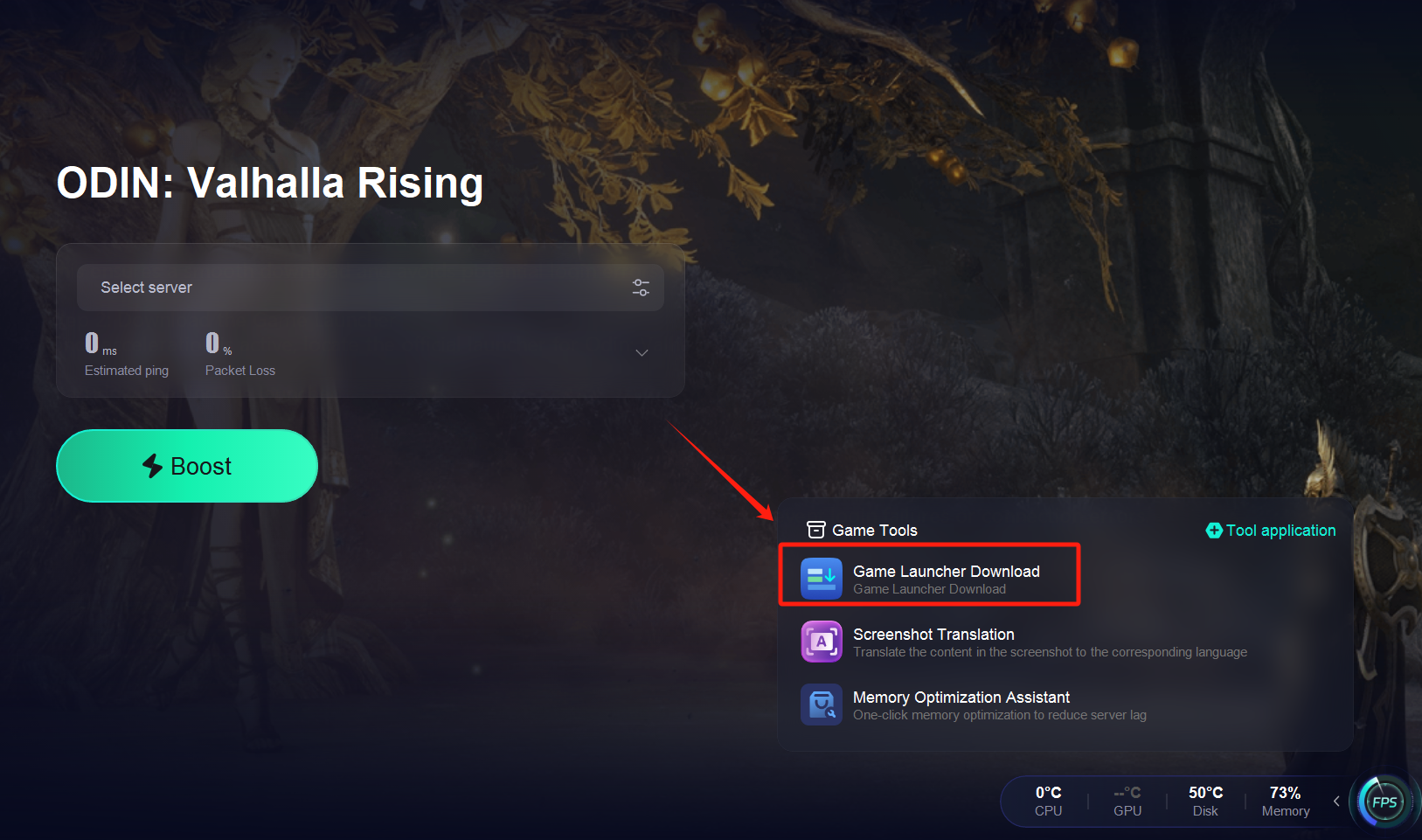
Step 2: Download the Game Launcher
Once acceleration is active, locate the official launcher for Odin: Valhalla Rising.
Start downloading the launcher.
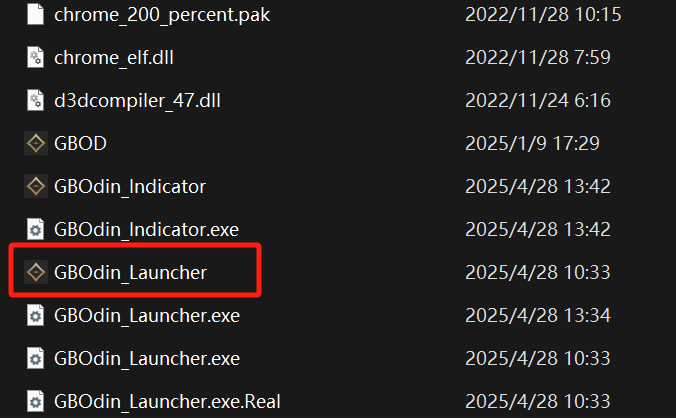
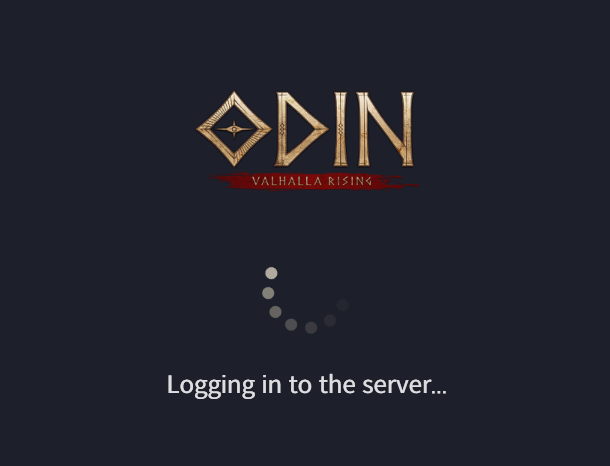
Step 3: Log In with Your Google Account
After installing the launcher, sign in using your Google account.
Important: Make sure you remain connected to LagoFast during this step to prevent login failures or connection errors.

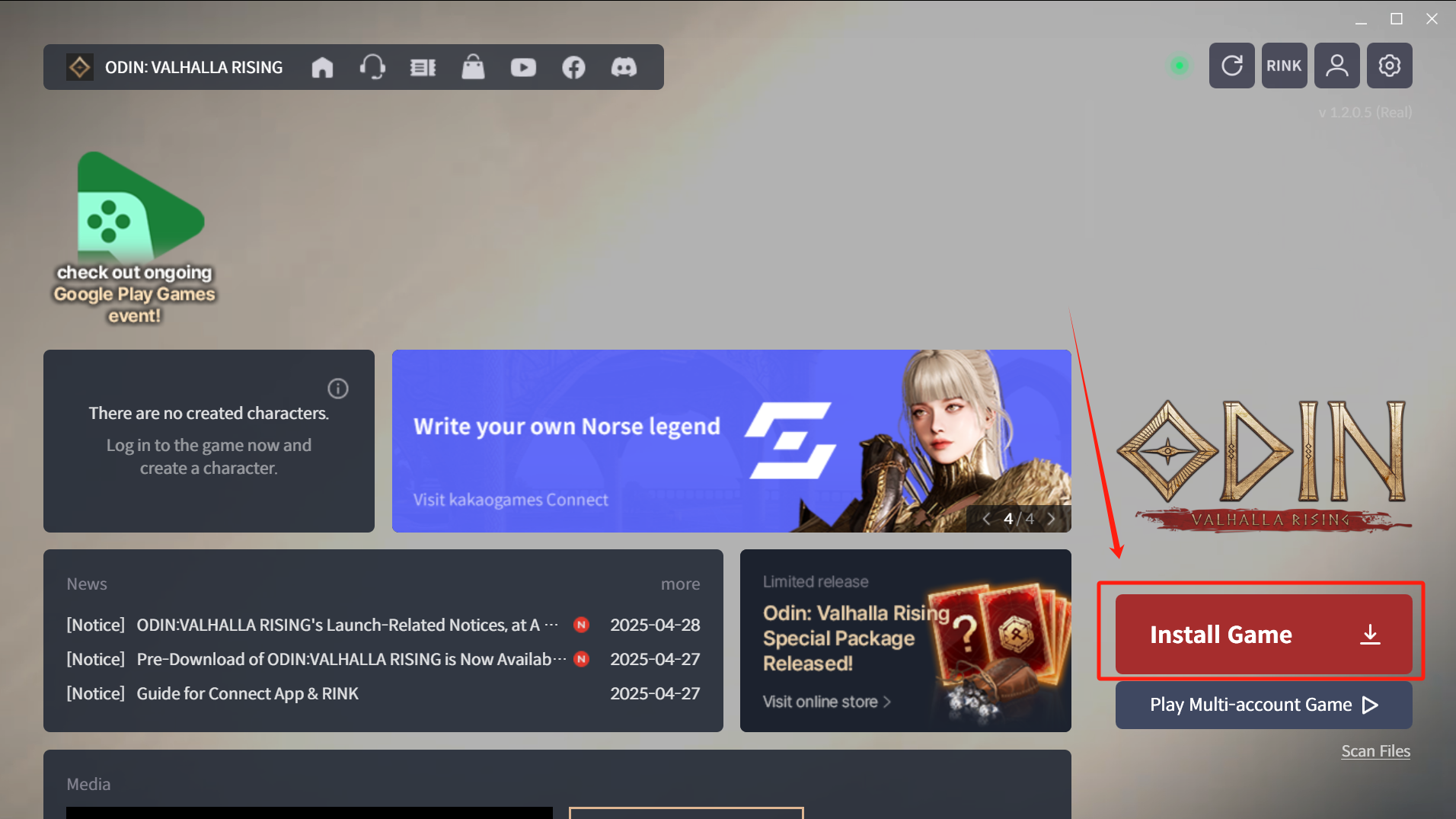
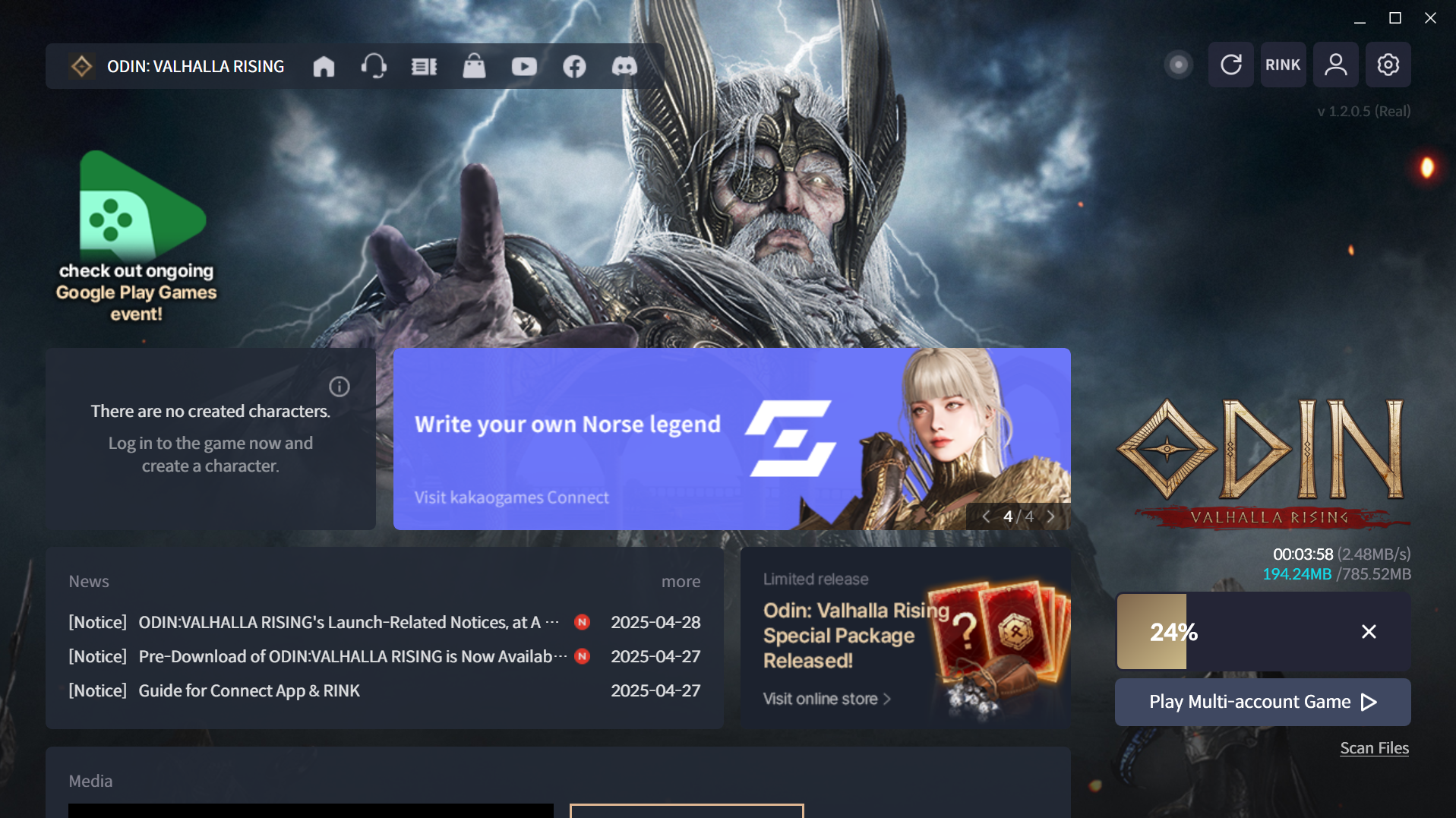
Step 4: Download and Install the Game
After a successful login, proceed to download and install the full game.
Was this helpful?

Yes

No
Can't find the answer you're looking for?
Contact usNous utilisons des cookies pour rendre les interactions avec nos sites Web et nos services faciles et significatives. Pour plus d'informations sur les cookies que nous utilisons ou pour savoir comment désactiver les cookies, cliquez ici.