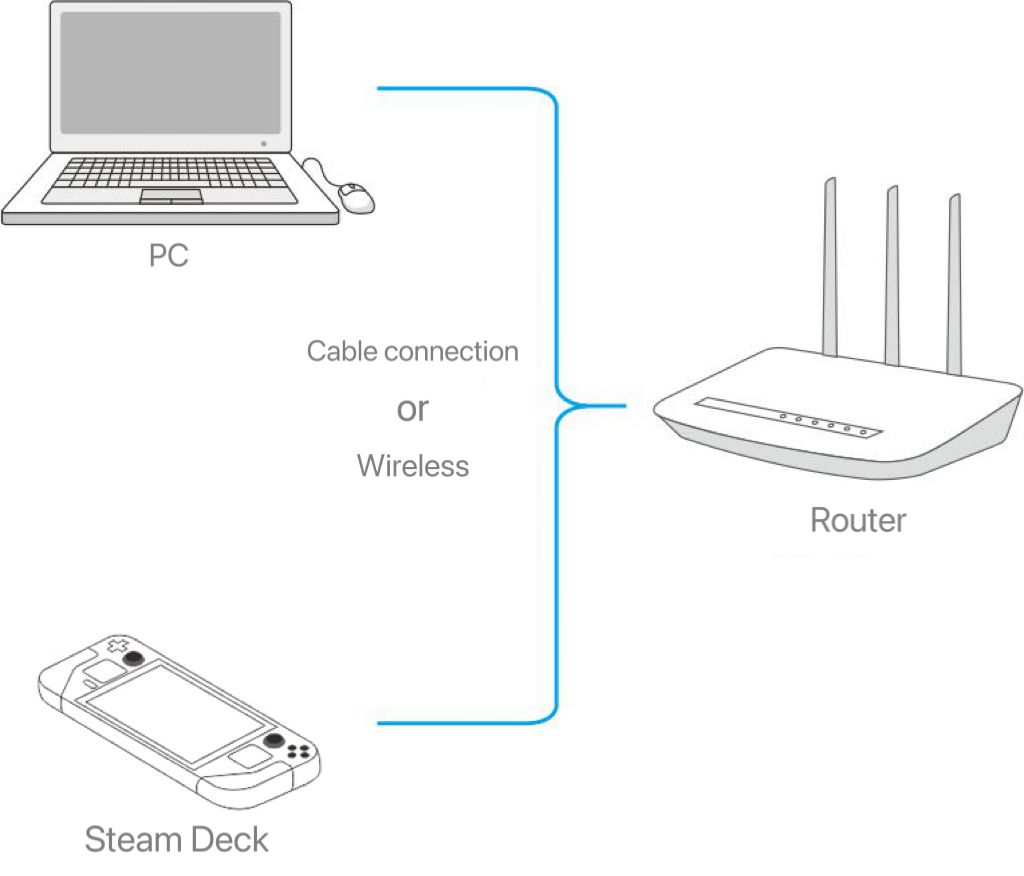
Steam Deck Boost Tutorial
04/14/2023
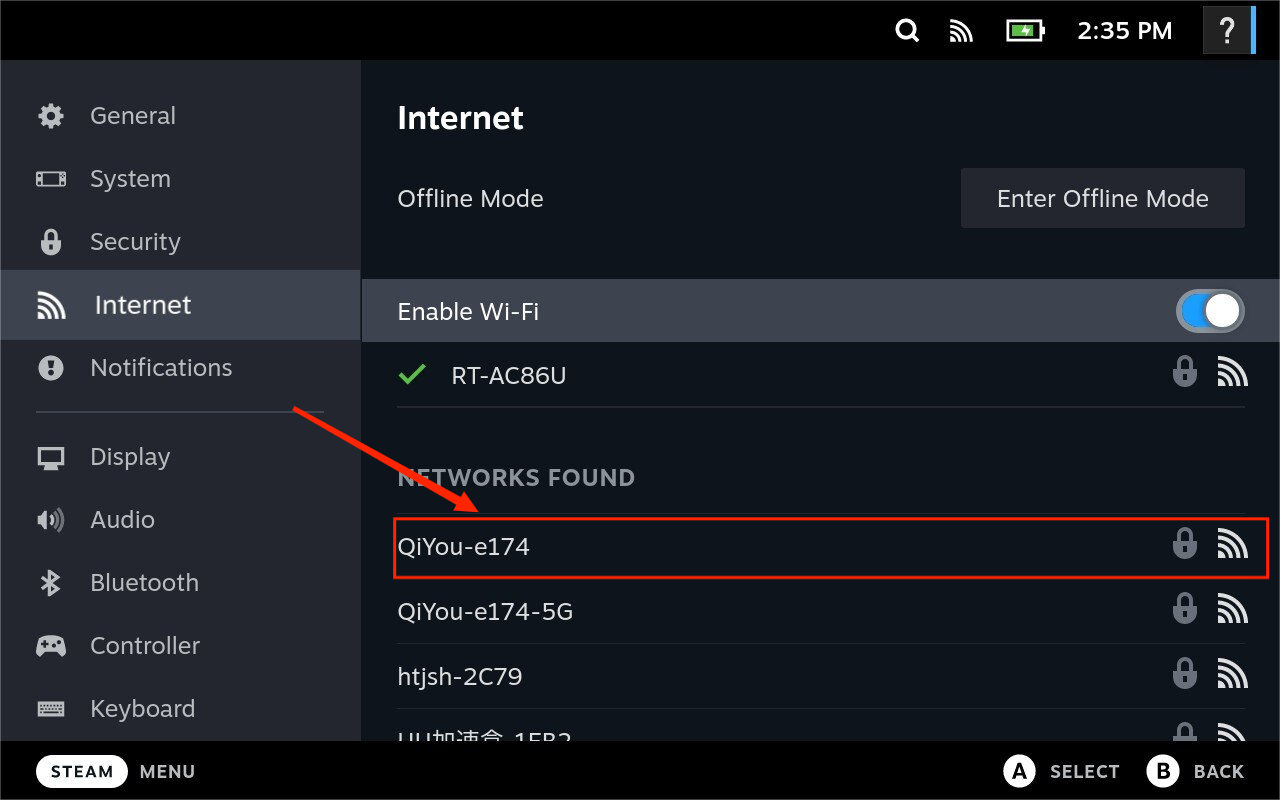
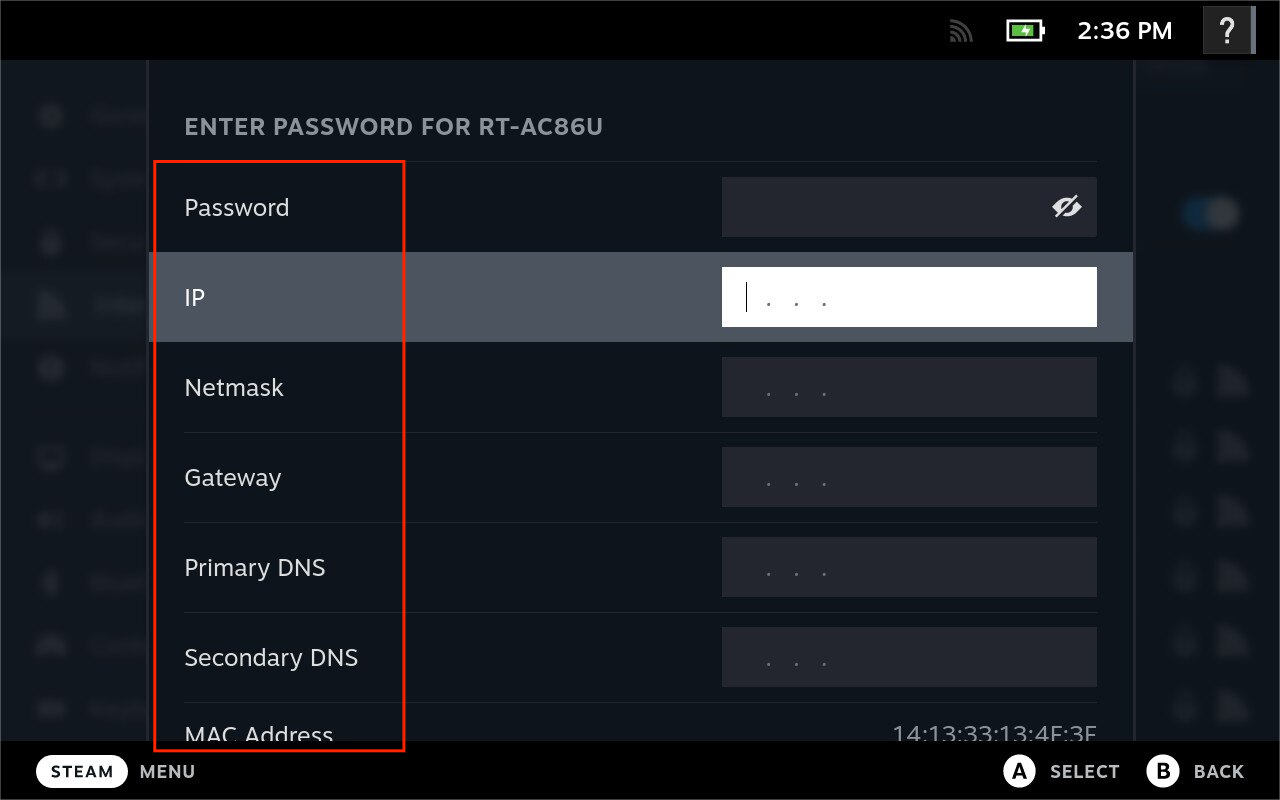
3. Do not enter the password first
آیا این مفید بود؟

بله

خیر
نمی توانید پاسخی را که به دنبالش هستید پیدا کنید؟
با ما تماس بگیریدما از کوکی ها استفاده می کنیم تا تعامل با وب سایت ها و خدمات خود را آسان و معنادار کنیم. برای اطلاعات بیشتر در مورد کوکی هایی که استفاده می کنیم یا اینکه چگونه می توانید کوکی ها را غیرفعال کنید، اینجا را کلیک کنید.