If your payment fails in the LagoFast APK version, don’t worry — this issue happens because in some regions, Google enforces a monopoly policy on Android mobile app payments. APK apps downloaded outside of Google Play may not always trigger the payment window correctly.
How to Fix It
Option 1: Reinstall via Google Play
1. Uninstall the APK version.
2. Go to Google Play Store and search for LagoFast.
3. Install and launch LagoFast from Google Play.
4. Trigger the payment window once successfully.
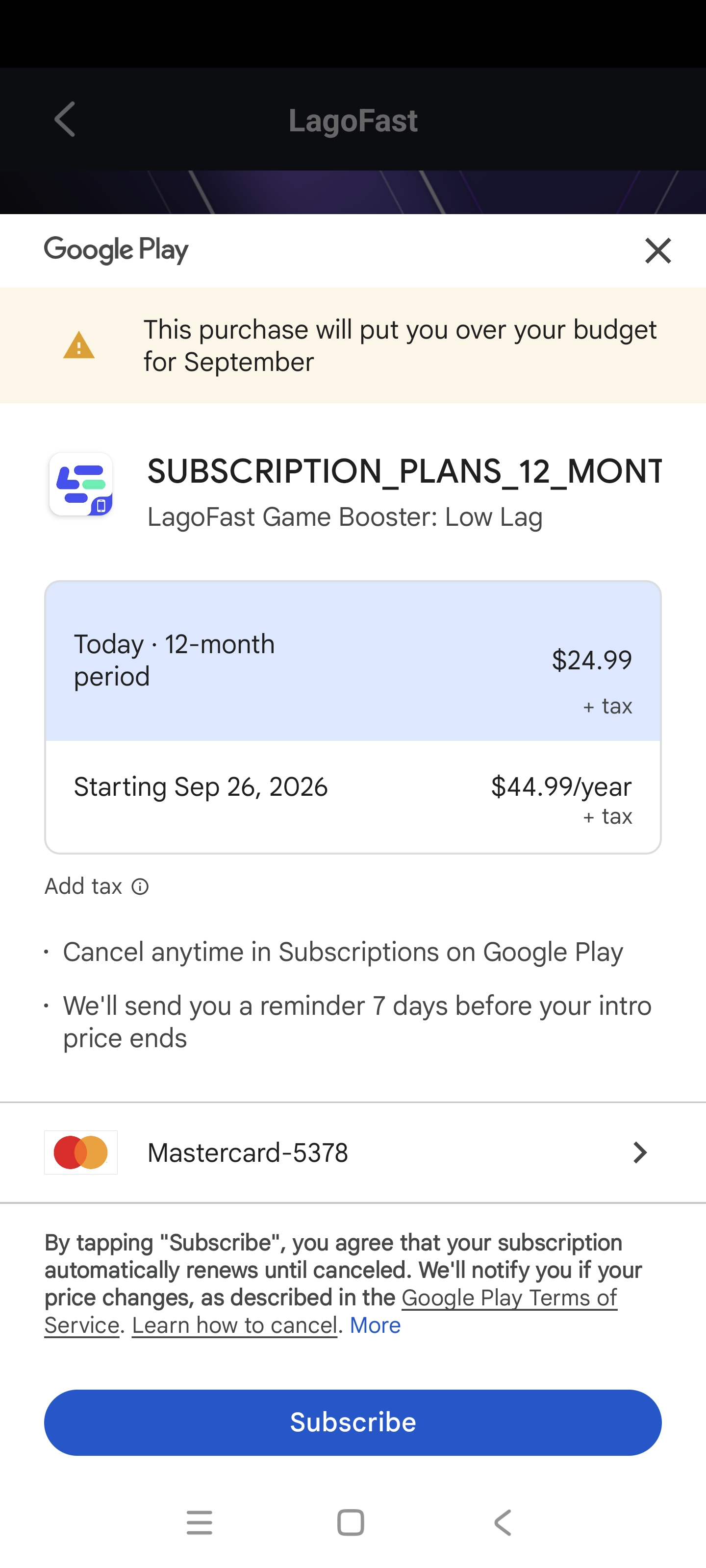
5. Reinstall the APK version, and your payments will now work.
Option 2: Pay on Google Play, Use APK Later
1. Install LagoFast from Google Play.
2. Complete your payment there.
3. Reinstall to the APK version and log in with the same account and login method.
4. Your subscription will be recognized.
⚠️ Important: Always log in with the same account and login method if you choose option 2. If you use the wrong account to log in, your subscription will not carry over.

