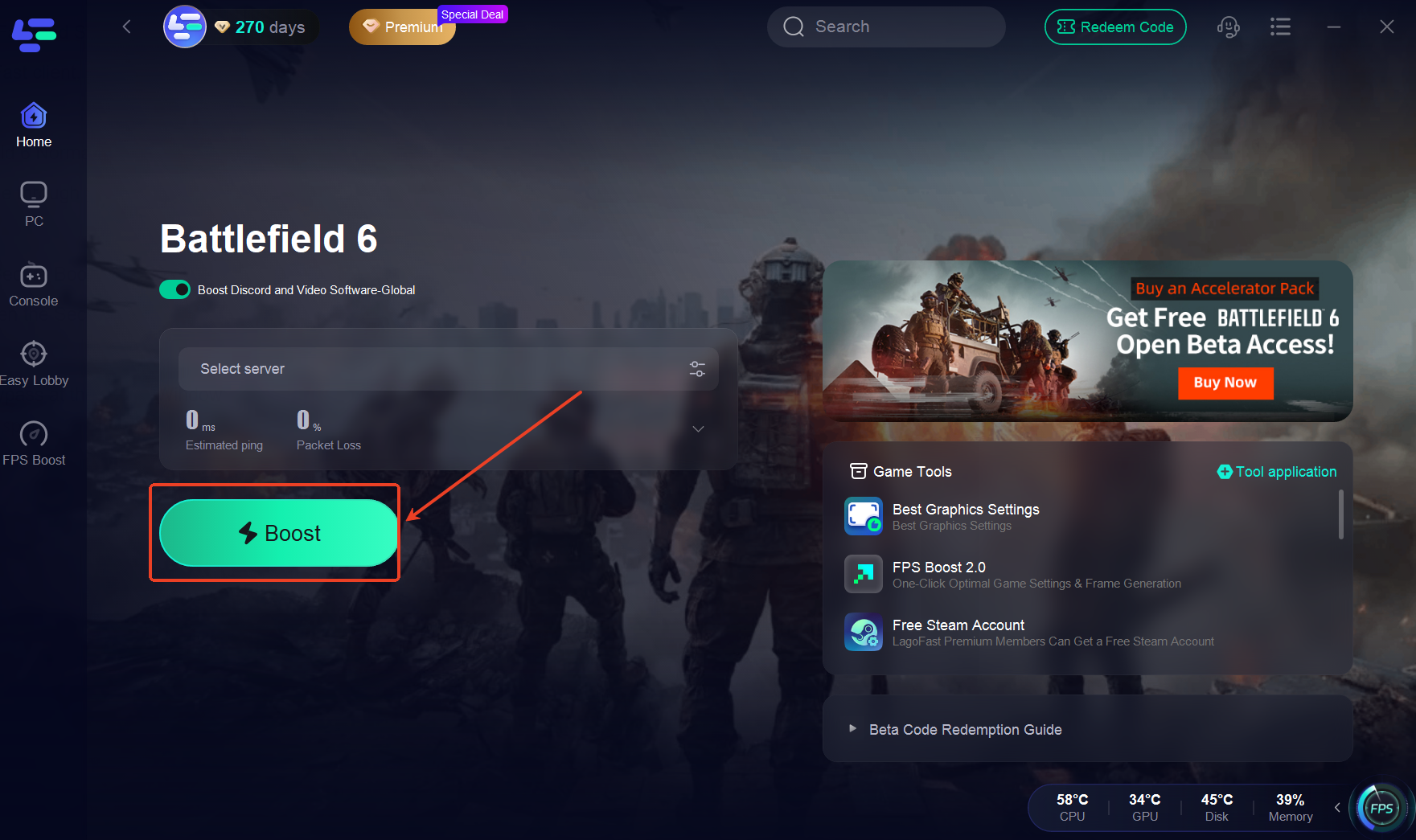
2. Start Battlefield 6 Normally
Launch the game through Steam or the EA Desktop app as you normally would.
3. Activate the Skip Secure Boot Tool
In LagoFast, open the Secure Boot Bypass tool. When the lower loading screen appears, press [One-Click Skip] button.
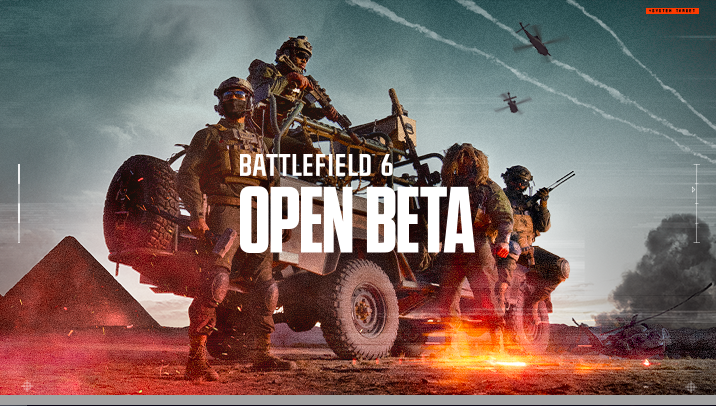
4. Trigger the Bypass at the Game Window
As soon as the Battlefield 6 window pops up on your screen, press [One-Click Skip] button again to engage the bypass.
5. Enjoy the Game
Once activated, Secure Boot will be bypassed, and you can proceed to play Battlefield 6 without interruption.

