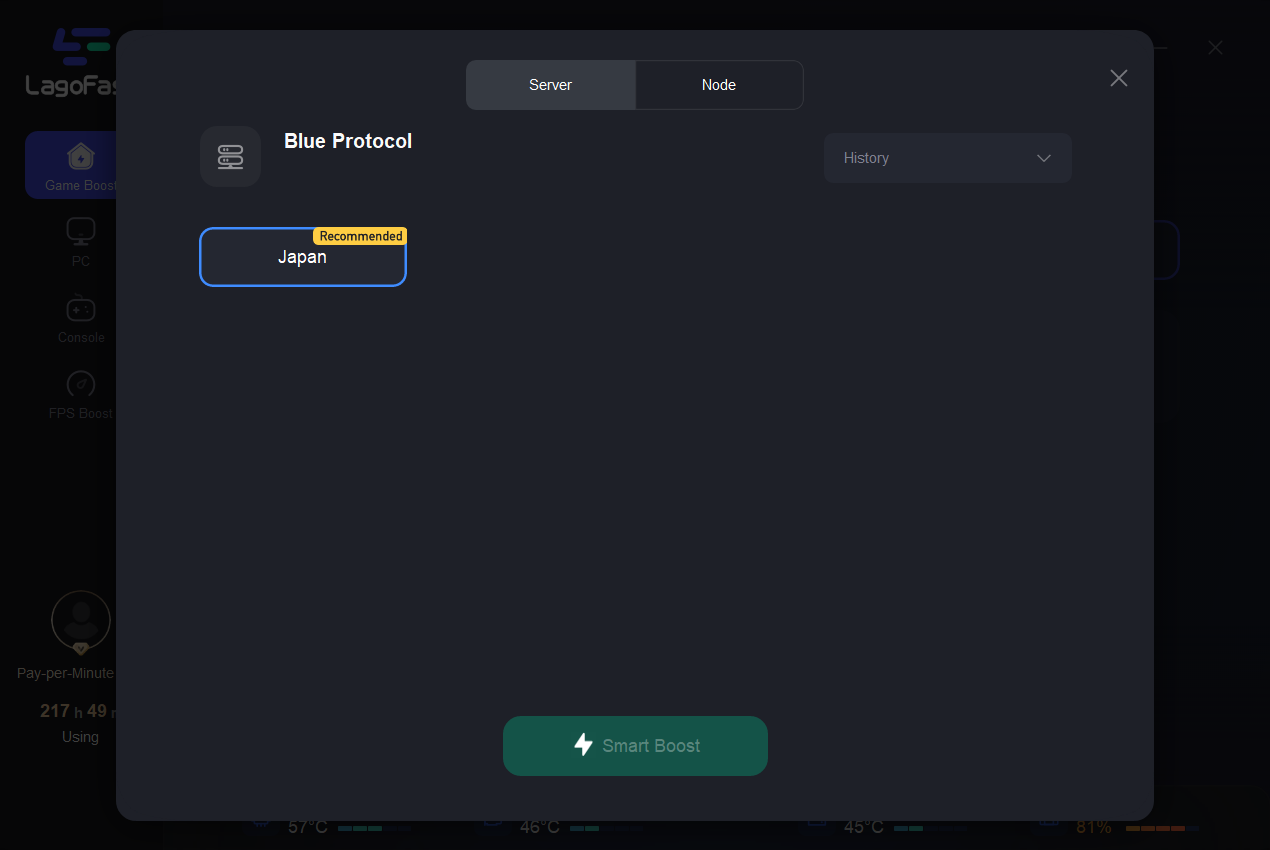
1. Start LagoFast and select Japan server
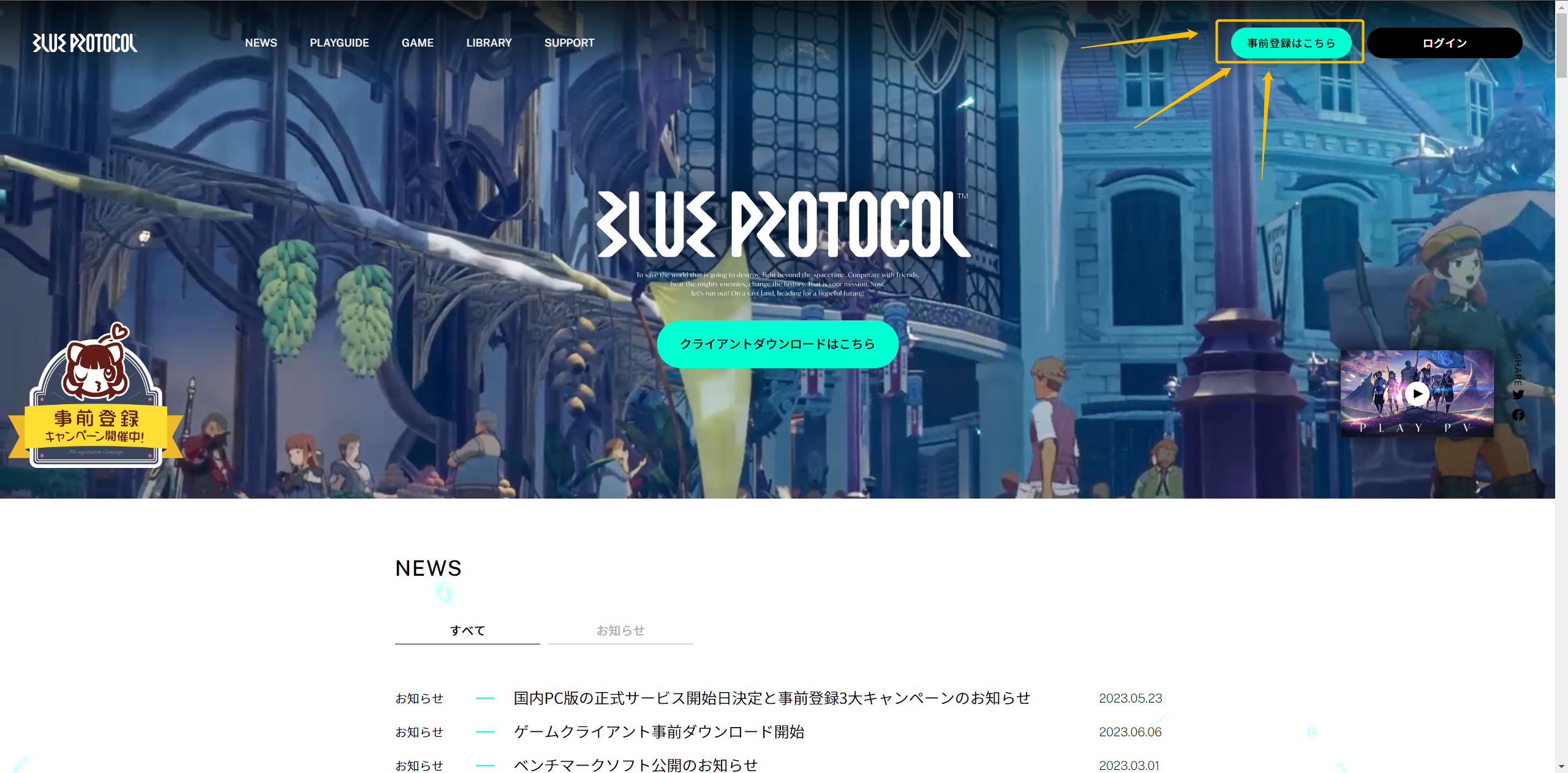
2. Go to the Blue Protocol site, switch the language to Japanese, and click Pre-register in the upper right corner.
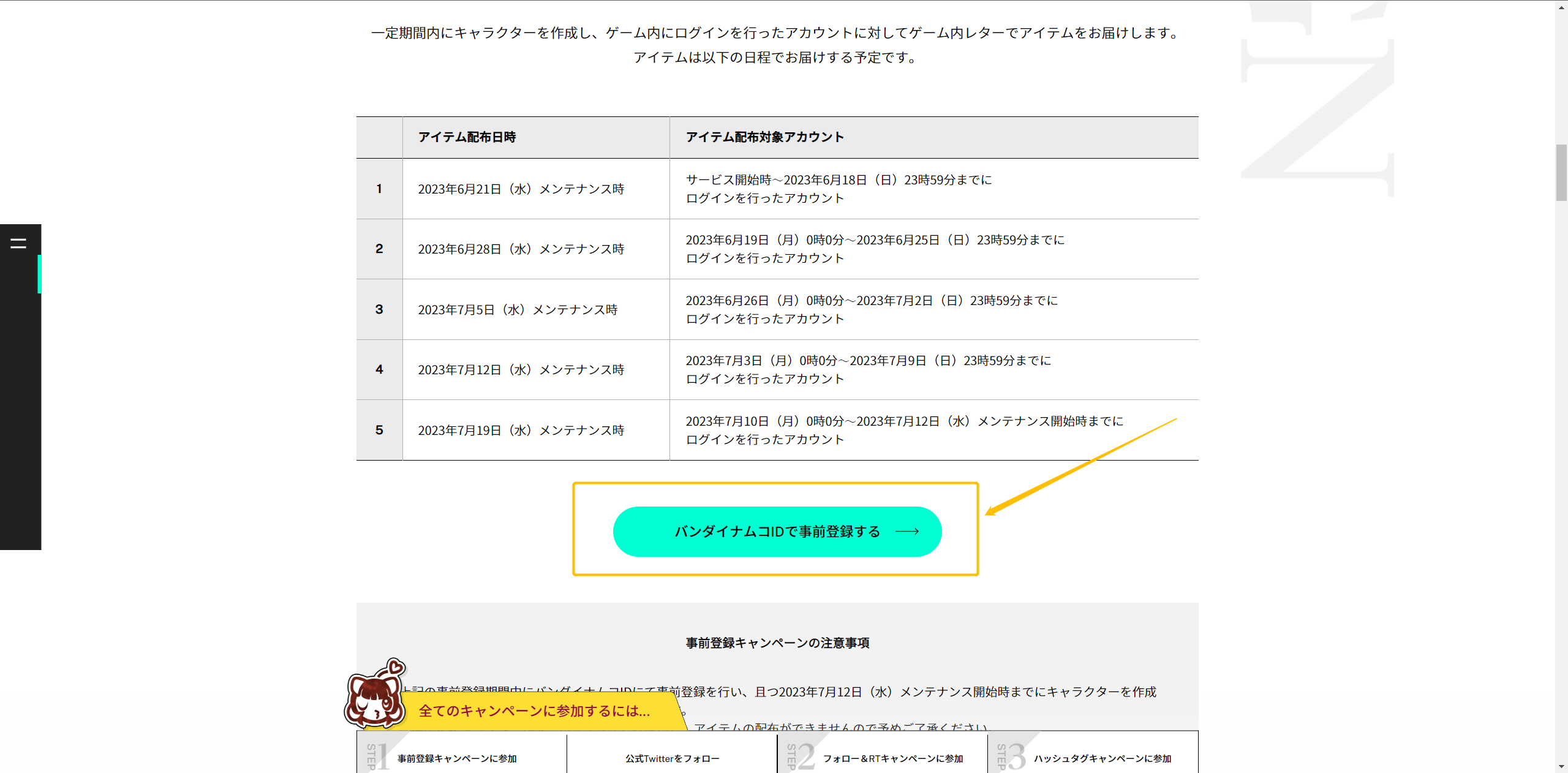
3. After entering the pre-registration page, slide down and click [Pre-register].
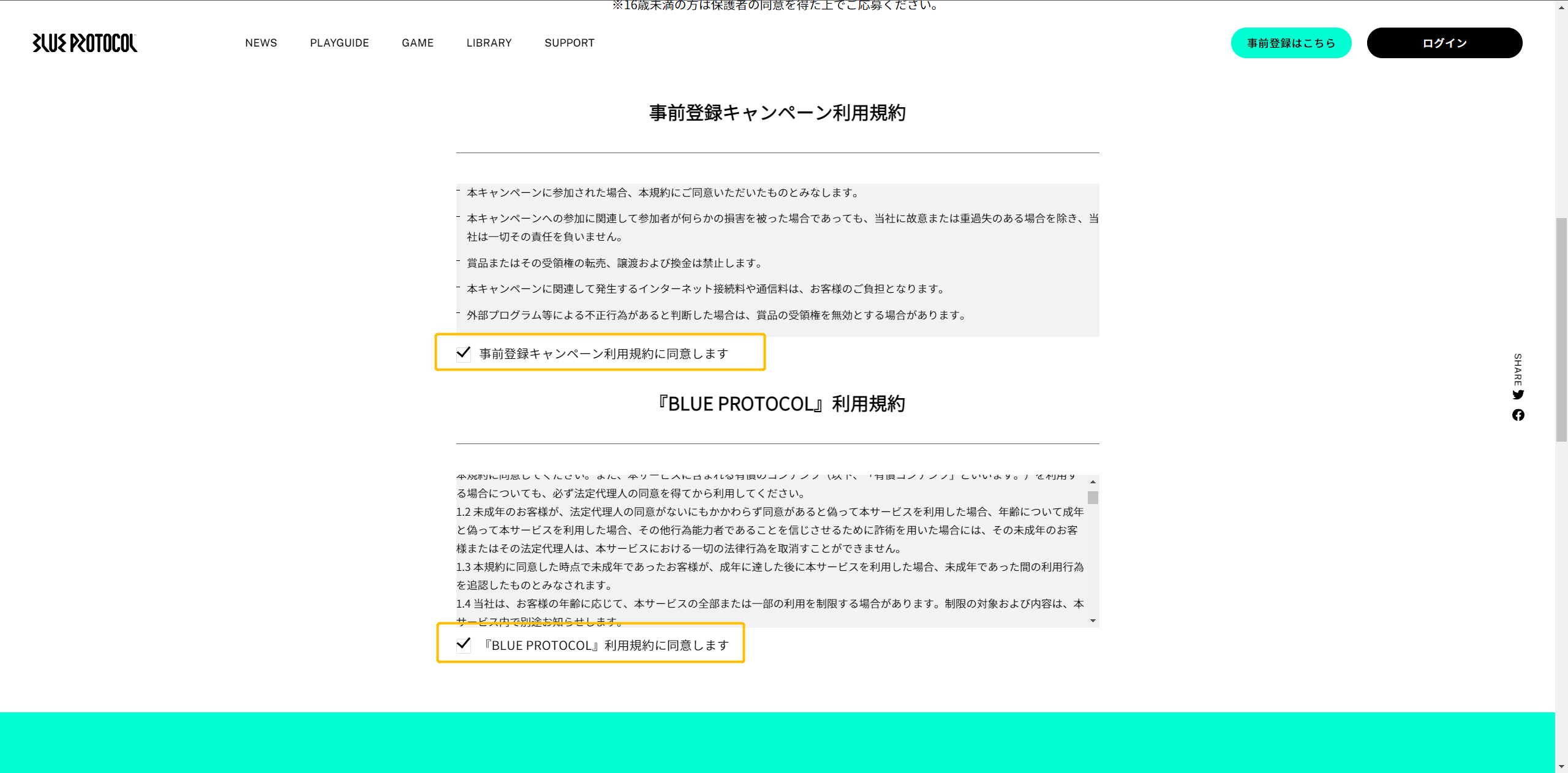
4. Check the box to agree to the relevant terms and conditions information.
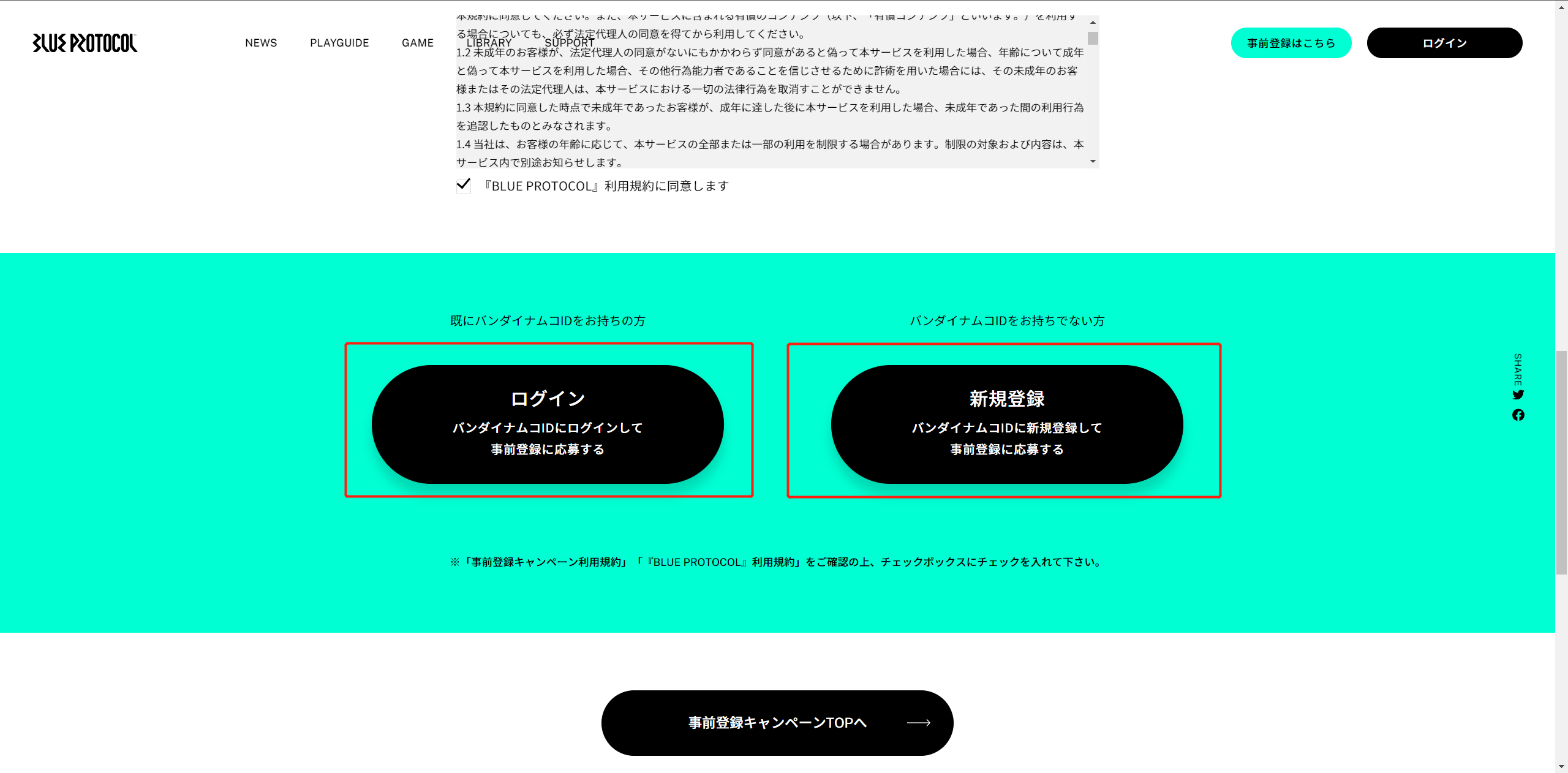
5. Register for a Bandai account.
If you already have an account, please click the button on the left.
If you do not have an account, please click the button on the right.
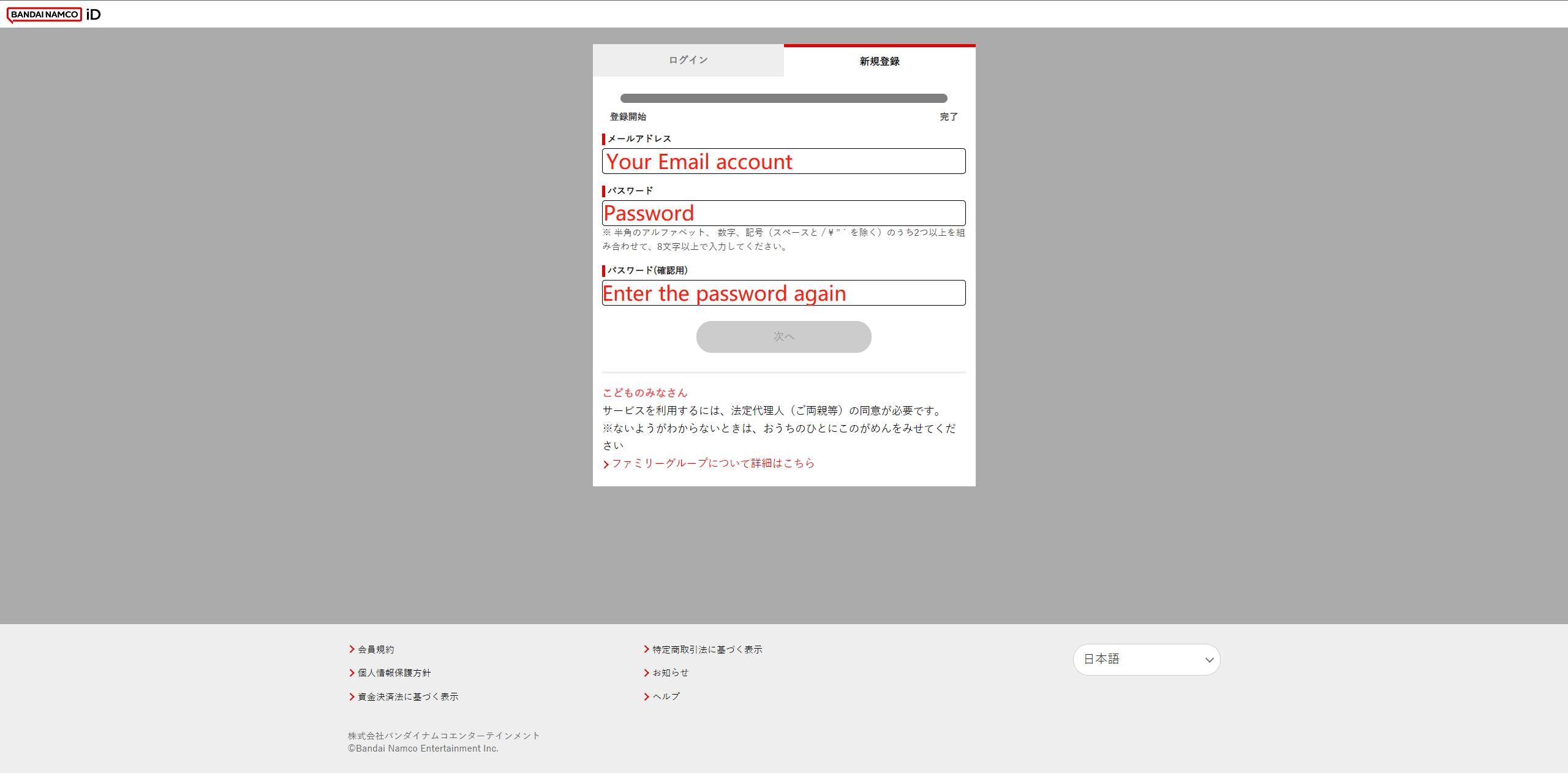
6. Fill in the registration information.
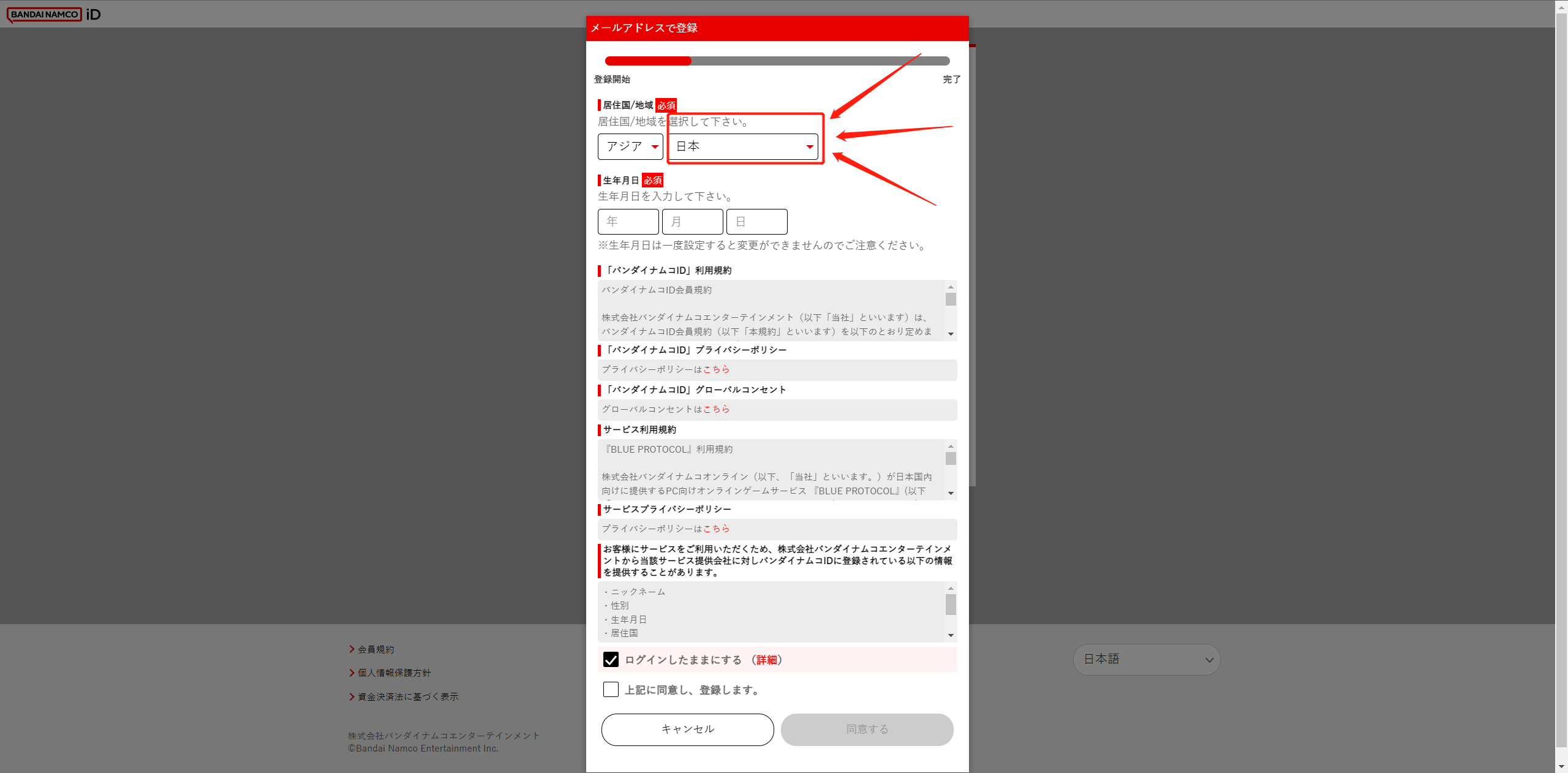
[IMPORTANT]: When filling in your place of residence, you must select Asia-Japan, regardless of where you actually live.
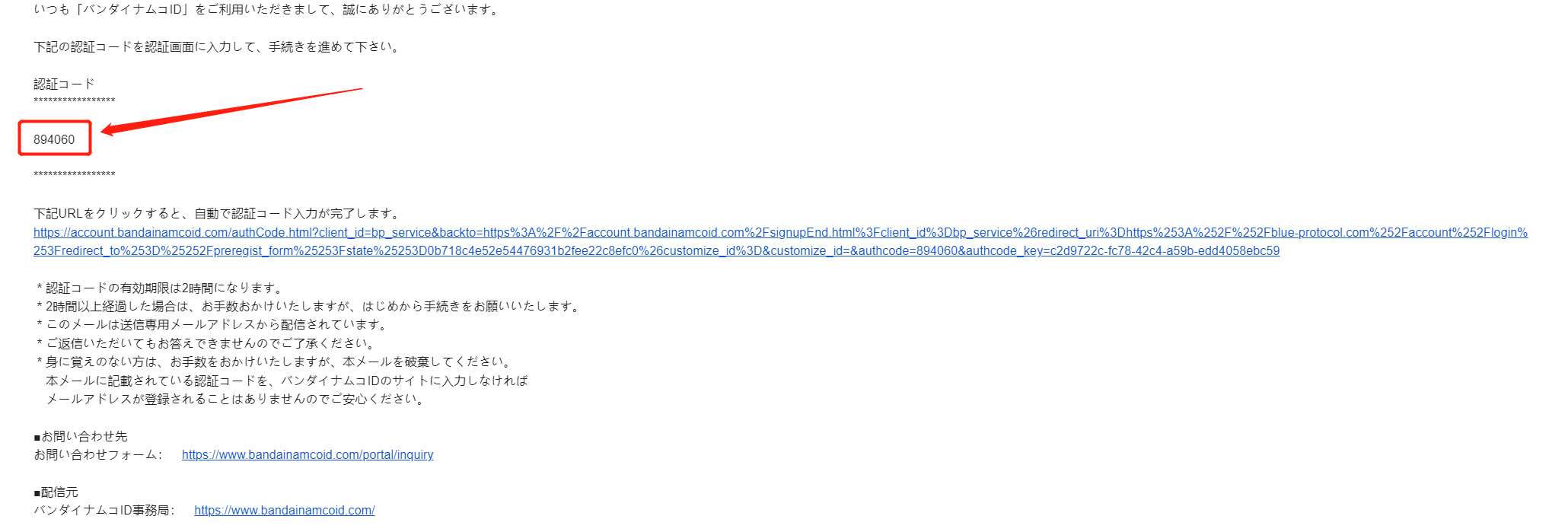
7. Fill in the verification code.
Go to the email address you just filled in, find the verification code and fill it in.

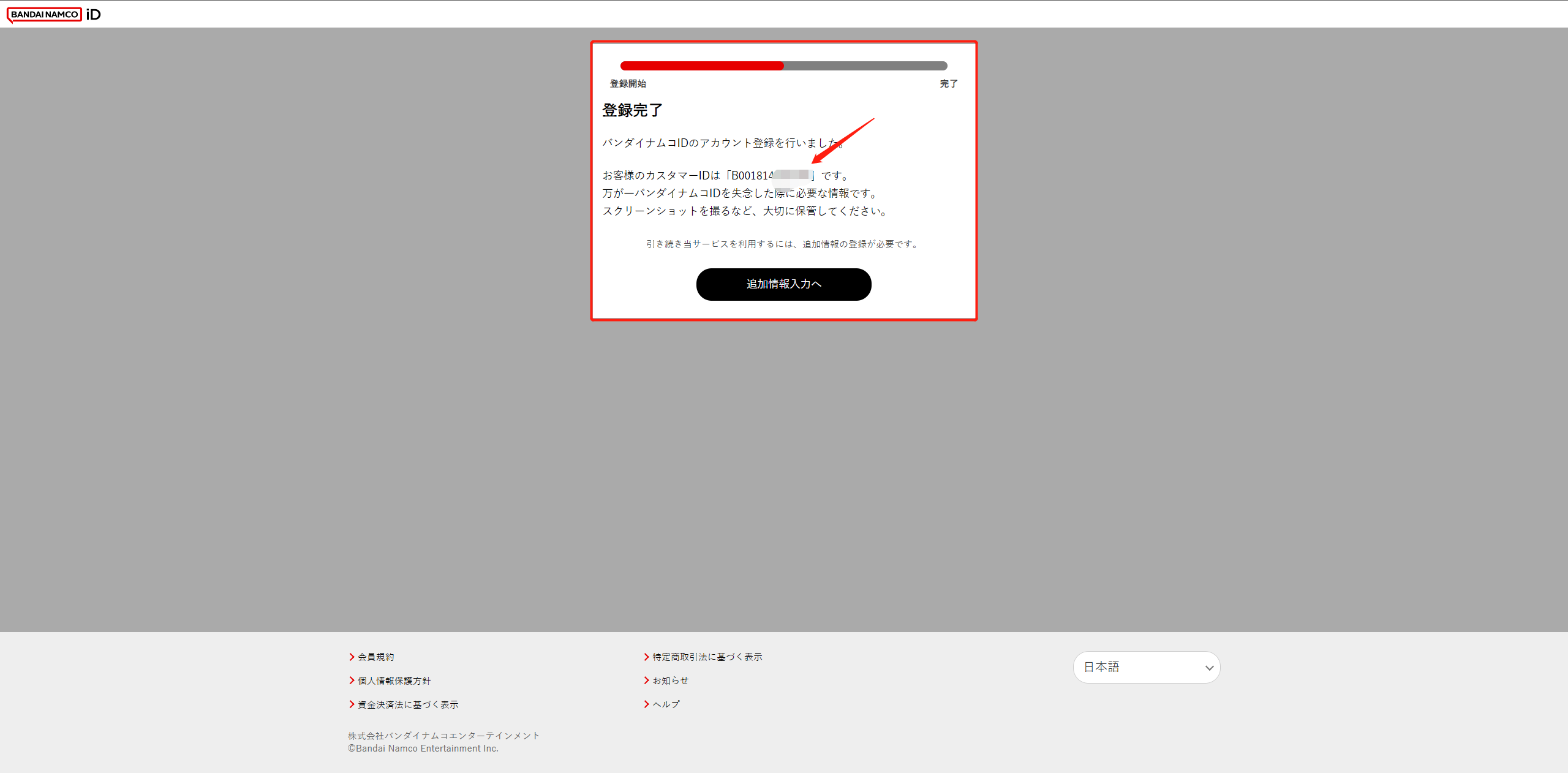
8. Complete registration.
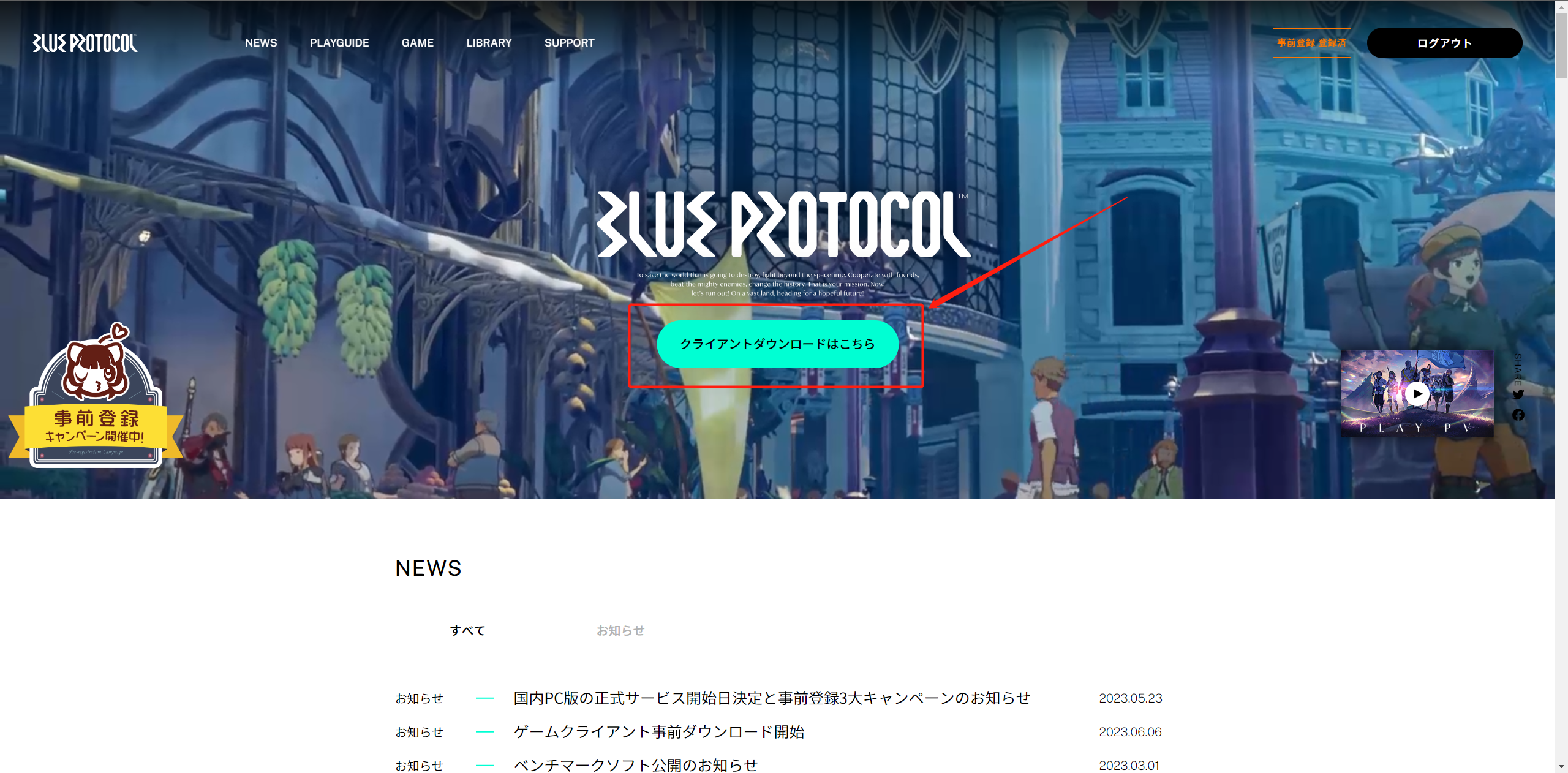
9. Go back to the home page of the official website and download the Blue Protocol client.
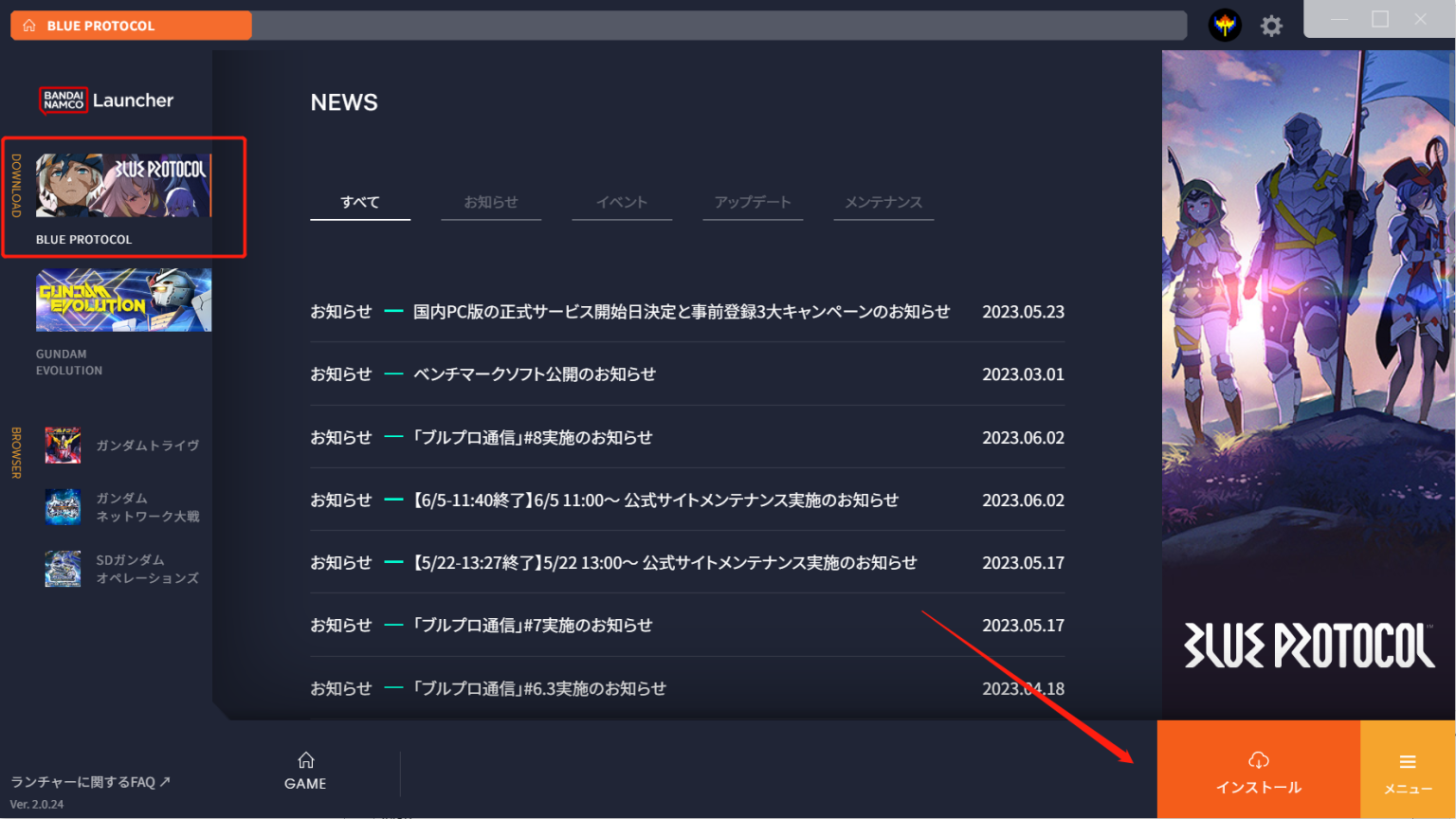
10. Launch the client and log in to your registered Bandai account; click Start Download.