MapleStory Universe Wallet Binding Tutorial
05/15/2025
1. Install the MetaMask Browser Extension
Visit the official MetaMask website and click "Download" to navigate to the extension listings:
On your browser's extension store (Chrome/Edge/Firefox), click "Add to [Your Browser]".

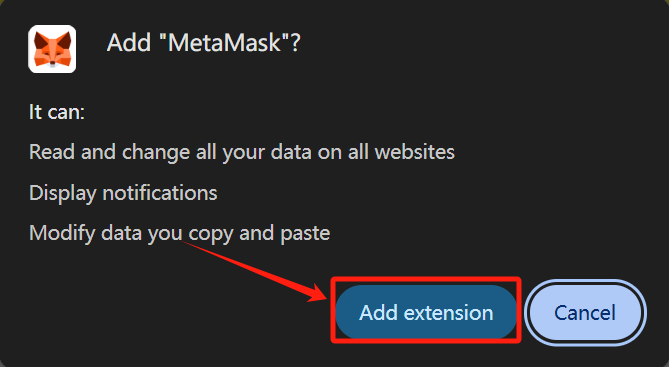
Confirm by selecting "Add extension" in the popup.
2. Set Up Your Wallet
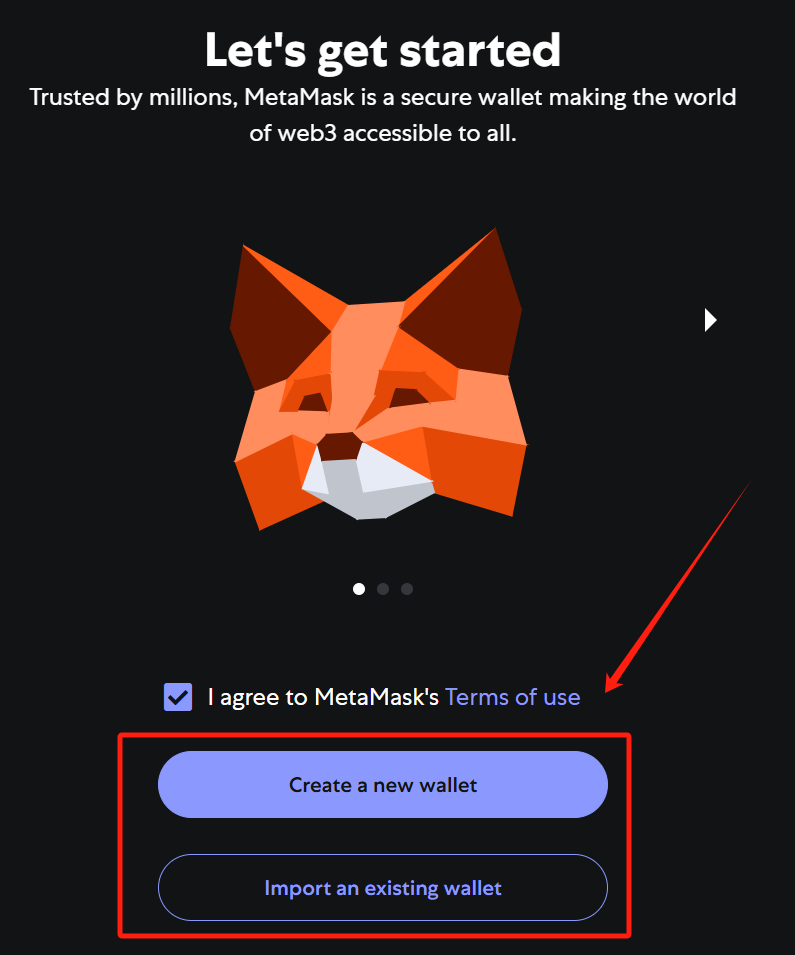
Choose "Create a Wallet" (or "Import Wallet" if you already have one).
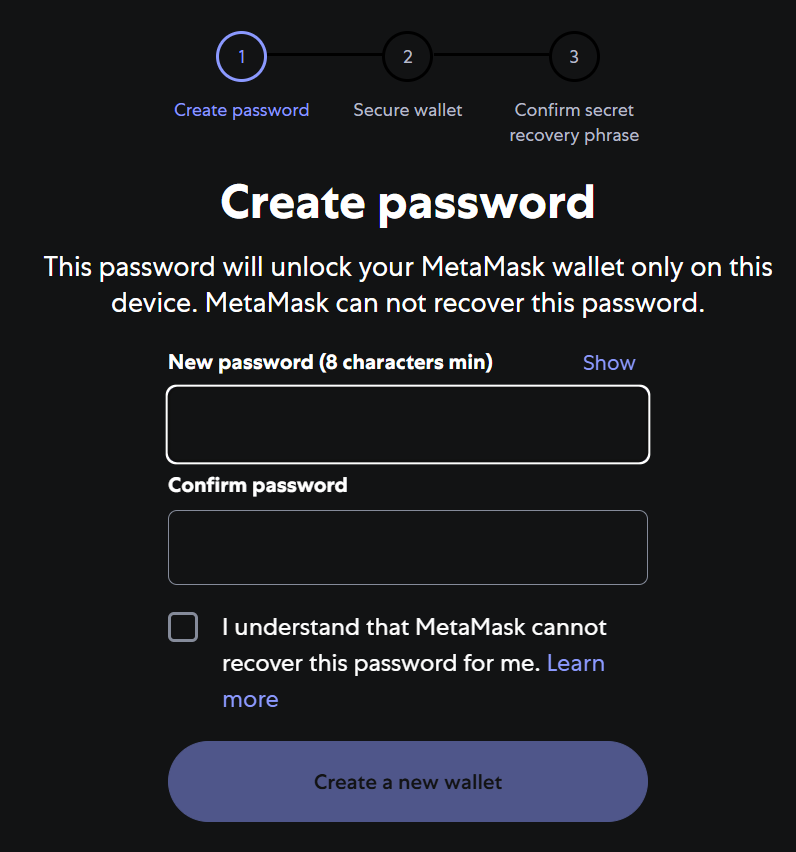
Follow the prompts to set a secure password.
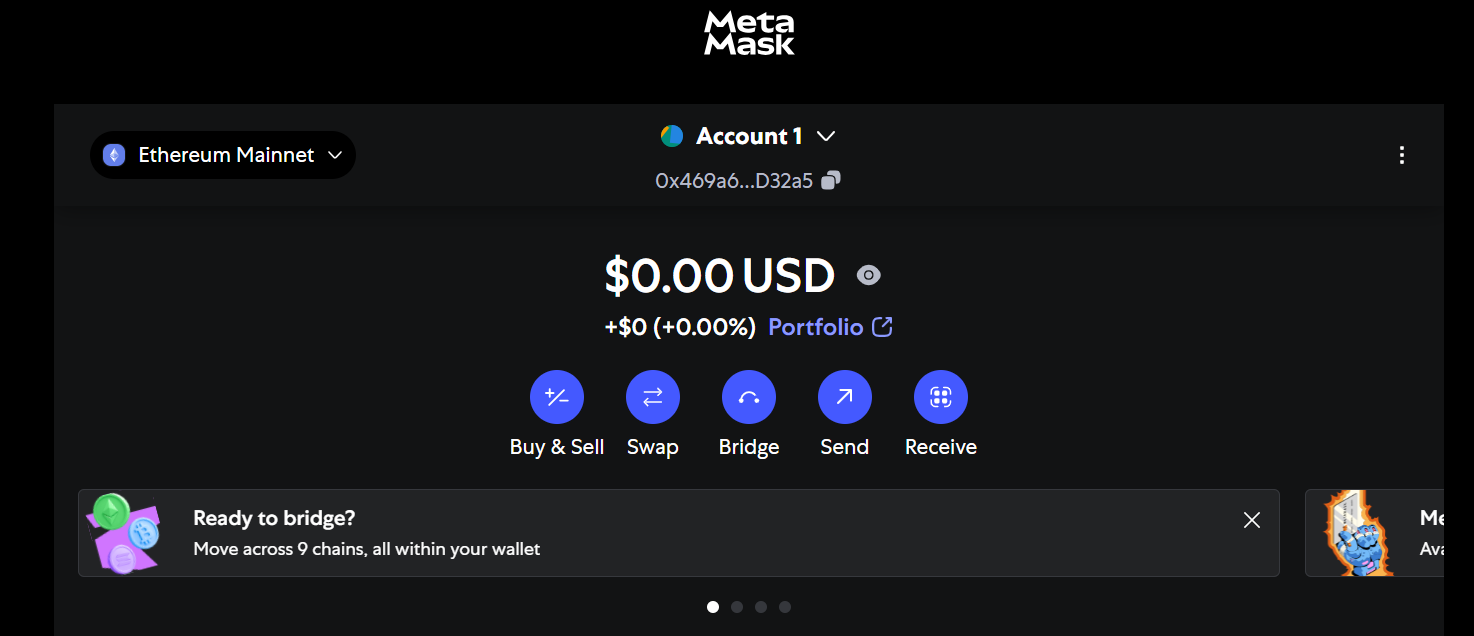
Securely back up your Secret Recovery Phrase when prompted. Complete the setup and return to your browser.
3. Download MapleStory Universe
Navigate to the officia MapleStory Universe download page
After binding your wallet, you can start downloading games.
¿Fue útil esto?

Sí

No
¿No encuentras la respuesta que buscas?
Contáctanos