
Quick Answer: Will 007 First Light Have Mod Support?
Probably yes on PC. While official mod support hasn’t been confirmed yet, these are already some of the most wanted 007 First Light mods among players:
- UE5 Stutter Fix & Optimizer
- Minimalist Agent HUD
- Unbreakable Suppressors
- Cinematic Ray-Tracing Overhaul
- Safehouse Fast Travel Unlocked
007 First Light is already attracting a lot of attention from stealth-action fans thanks to its cinematic missions, spy gameplay, and IO Interactive’s sandbox design style. As more PC players jump into the game, many are already looking for mods that can improve visuals, smooth out performance, and make the overall Bond experience feel more immersive. This guide covers the current mod support situation, the best mods players want most, and how to install them safely.

- ✅ Reduce Lag and High Ping.
- ✅ Boost FPS at the Same Time.
- ✅ Support 2000+ Popular Online Games.
- ✅ Fix Game Black Screen Issues.
Part 1: Will 007 First Light have mod support?
Part 2: Best Expected 007 First Light Mods?
Part 3: How to Install Mods for 007 First Light Safely
Part 4: How to Use LagoFast Improve Your Gaming Experience
Part 5: Bonus Tips: Mods Crashing on Startup
Part 1: Will 007 First Light have mod support?
IO Interactive hasn’t officially confirmed mod support for 007 First Light yet, but many PC players still expect a strong modding scene after launch. A big reason is IOI’s Hitman series, which built a huge community around custom skins, reshades, gameplay tweaks, and challenge mods over the years.
Since 007 First Light also uses the Glacier Engine, players are already hoping for similar mods, especially things like:
- classic Bond movie outfits
- stealth gameplay tweaks
- cinematic reshades
- cleaner HUD mods
- FPS and performance improvements
That said, early mods will probably stay fairly simple at first. Most launch-period mods are usually visual edits, reshades, or small quality-of-life improvements before larger gameplay mods start appearing later on.
Part 2: Best Expected 007 First Light Mods?
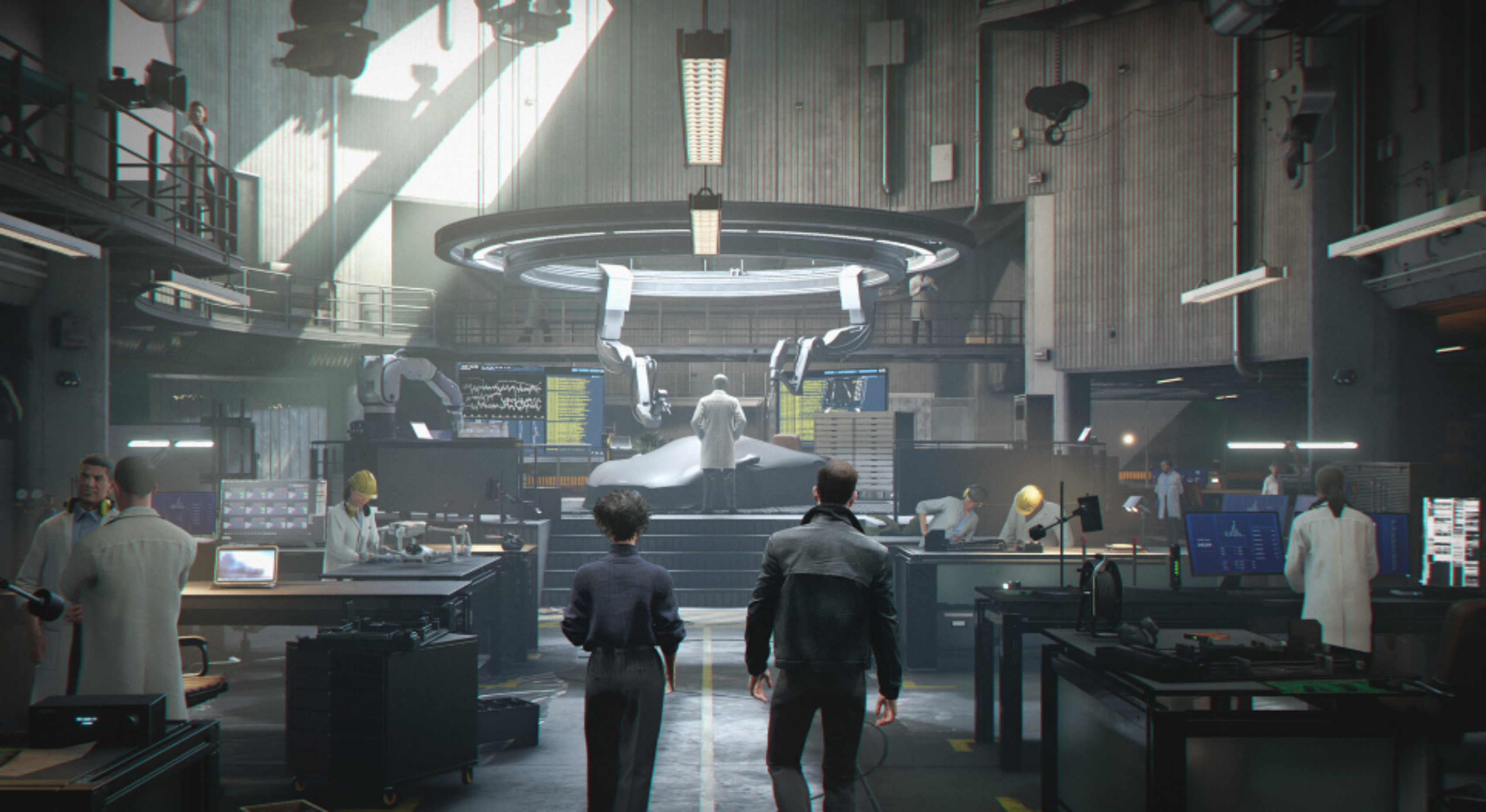
Most early 007 First Light mods will probably focus on smoother gameplay, visual upgrades, and quality-of-life improvements. Here are some of the most wanted mods players are already hoping for.
Quality-of-Life Mods
These mods are mainly designed to make gameplay smoother and less frustrating.
- Advanced Gadget Wheel – Faster gadget selection without scrolling through menus constantly.
- Faster Takedown Animations – Speeds up stealth takedowns and removes overly long animations.
- Persistent Intel Markers—Makes important terminals, blueprints, and objectives easier to track.
Visual and Graphics Mods
Spy games rely heavily on atmosphere, so graphics mods will probably become very popular on PC.
- Noir Reshade Preset – Darker lighting, stronger contrast, and more cinematic visuals.
- 4K Agent Suit Textures – Sharper Bond outfits, weapons, and environmental textures.
- Enhanced Weather FX—Improves rain, fog, reflections, and overall environmental effects.
Gameplay and Overhaul Mods
Some players will also want mods that make the game feel harder or more tactical.
- Hardcore Syndicate AI—Smarter enemy behavior and more aggressive stealth detection.
- Classic Arsenal Mod – Adds retro-inspired spy weapons and gadgets.
- Realistic Economy Overhaul – Makes ammo, credits, and resources more limited for a tougher experience.
Part 3: How to Install Mods for 007 First Light Safely
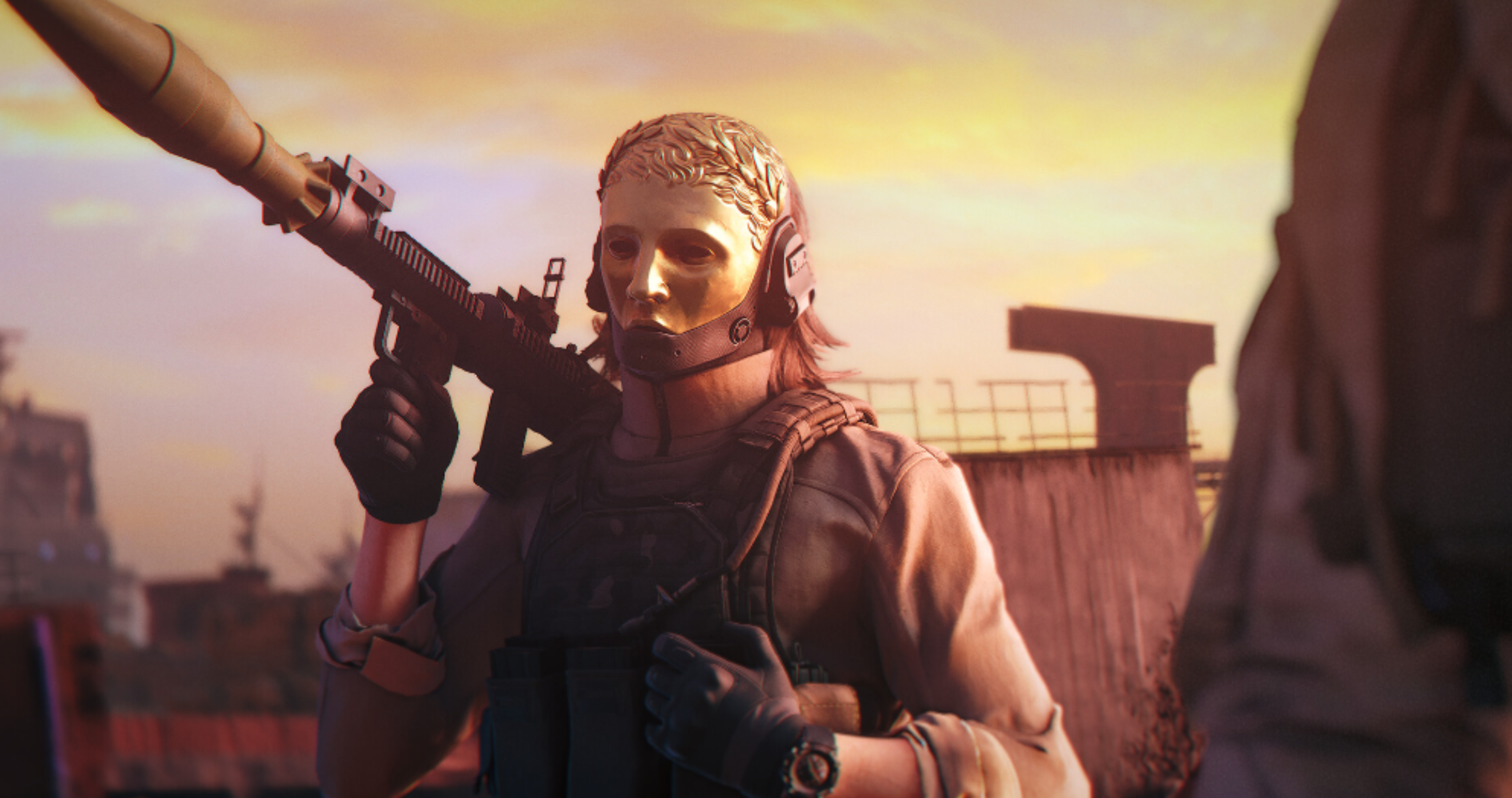
Installing mods for 007 First Light is usually simple, but skipping basic steps can easily cause crashes or broken files. Here’s the safest way to start.
Step 1: Back Up Your Game Files
Before installing mods, back up your original game folder first.
You can usually find it here:
Steam\steamapps\common\007 First Light
Copy the folder to another location so you can restore the game easily if something goes wrong.
Step 2: Use a Trusted Mod Manager
Most players will likely use tools like:
- Vortex Mod Manager
- ZHM Mod Manager
These tools help manage mods safely and reduce file conflicts. It’s also best to download mods from trusted sites like Nexus Mods.
Step 3: Install Mods Manually
Some mods may require manual installation.
Usually, you just need to:
- Download the mod files
- Extract the .zip or .rar folder
- Move the files into the game directory or “Mods” folder
Always check the mod instructions before replacing files.
Step 4: Keep Mods Updated
Game patches can break older mods. If the game crashes after an update, disable outdated mods first and wait for updated versions.
Part 4: How to Use LagoFast Improve Your Gaming Experience
LagoFast Mod Master provides mod-related tools and optimization features that can help players get a smoother and more stable gaming experience. If 007 First Light supports mods after launch, LagoFast will also provide related mod tools and support as soon as possible.
Besides mod support, LagoFast can also help reduce ping, stabilize connections, and minimize lag spikes or packet loss during gameplay. It also includes several useful optimization tools that can help make gameplay smoother and more stable overall.
Tutorial to Use LagoFast to Enhance Your 007 First Light Experience
Step 1: Click the Free Trial button to download and install LagoFast.
Step 2: After installation, search for "007 First Light" in the search bar and select the game.
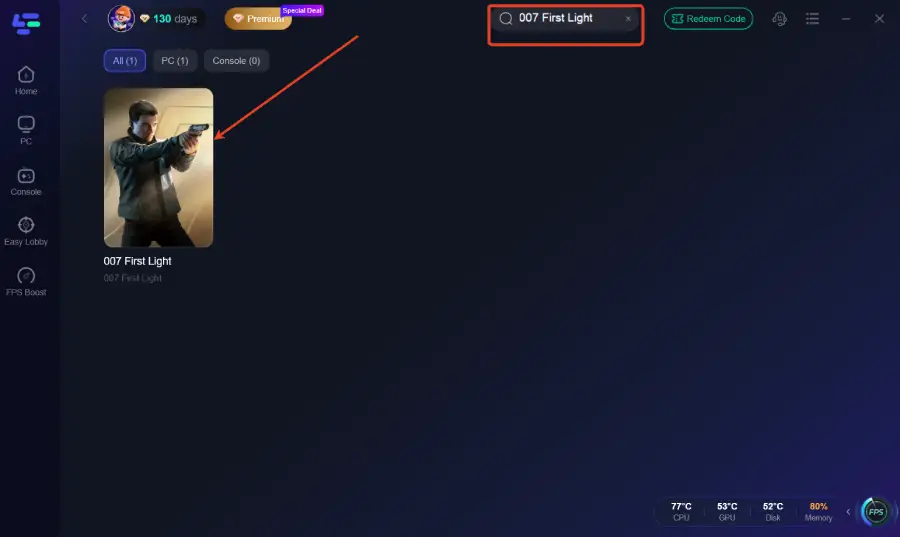
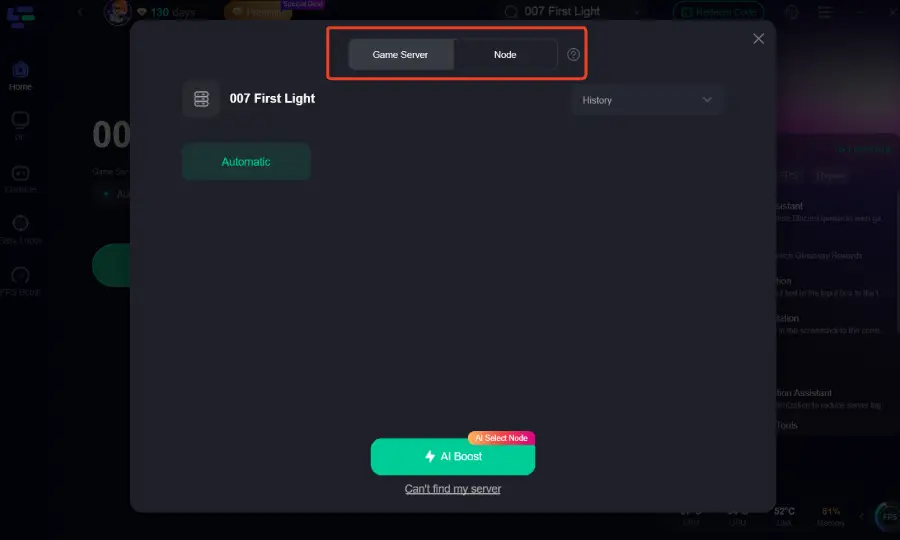
Step 3: Choose your preferred server node and click "Smart Boost" to start optimizing.
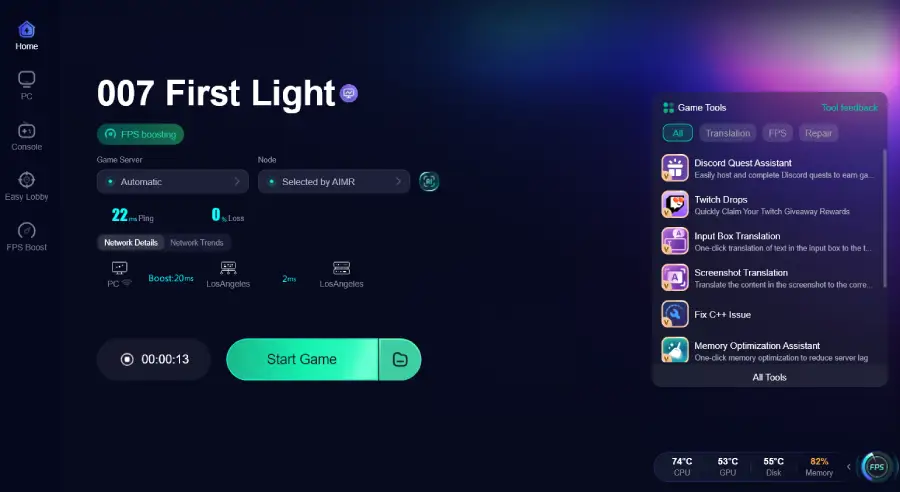
Step 4: Launch your game and enjoy smooth, optimized gameplay with lower ping and no stutter.
Part 5: Bonus Tips: Mods Crashing on Startup
If 007 First Light starts crashing after installing mods, the issue is usually caused by conflicting or outdated files. Here are a few common fixes players should check first.
- Missing Required Files – Some mods may need extra framework or dependency files to work properly. Missing them can cause startup crashes or black screens.
- Outdated Mods – After official game updates, older mods may stop working. If a mod hasn’t been updated for the latest patch, disable or remove it first.
- Verify Game Files—On Steam, go to: 007 First Light > Properties > Installed Files > Verify integrity of game files
This can help repair corrupted or missing files and restore the game to a stable state.
Part 6: FAQs
Does 007 First Light officially support mods?
No official mod support has been announced so far, but many PC players still expect community mods after launch.
Can You Get Banned for Using Mods in 007 First Light?
No. Since 007 First Light is mainly a single-player game, most cosmetic or gameplay mods are generally considered low risk.
Can mods improve FPS in 007 First Light?
Yes. Performance fixes, shader optimizations, and FPS tweaks are usually some of the first mods released for PC games.
Do Mods Disable Steam Achievements?
Some larger gameplay mods or modified game files may affect achievement tracking depending on how they are installed.
Is there a mod limit in 007 First Light?
Installing too many mods at once can sometimes cause crashes, loading problems, or general stability issues, especially with larger .pak files.
Conclusion
While official mod support for 007 First Light has not been confirmed yet, many PC players are already expecting a strong modding scene after launch. From Bond skins and cinematic reshades to gameplay tweaks and performance fixes, mods could become a big part of the overall experience. As the modding community grows, using trusted platforms and stable optimization tools like LagoFast can help you avoid crashes, reduce lag, and get a smoother overall experience.
Boost Your Game with LagoFast for Epic Speed
Play harder, faster. LagoFast game booster eliminates stutter and lags on PC, mobile, or Mac—win every match!
Quickly Reduce Game Lag and Ping!
Boost FPS for Smoother Gameplay!